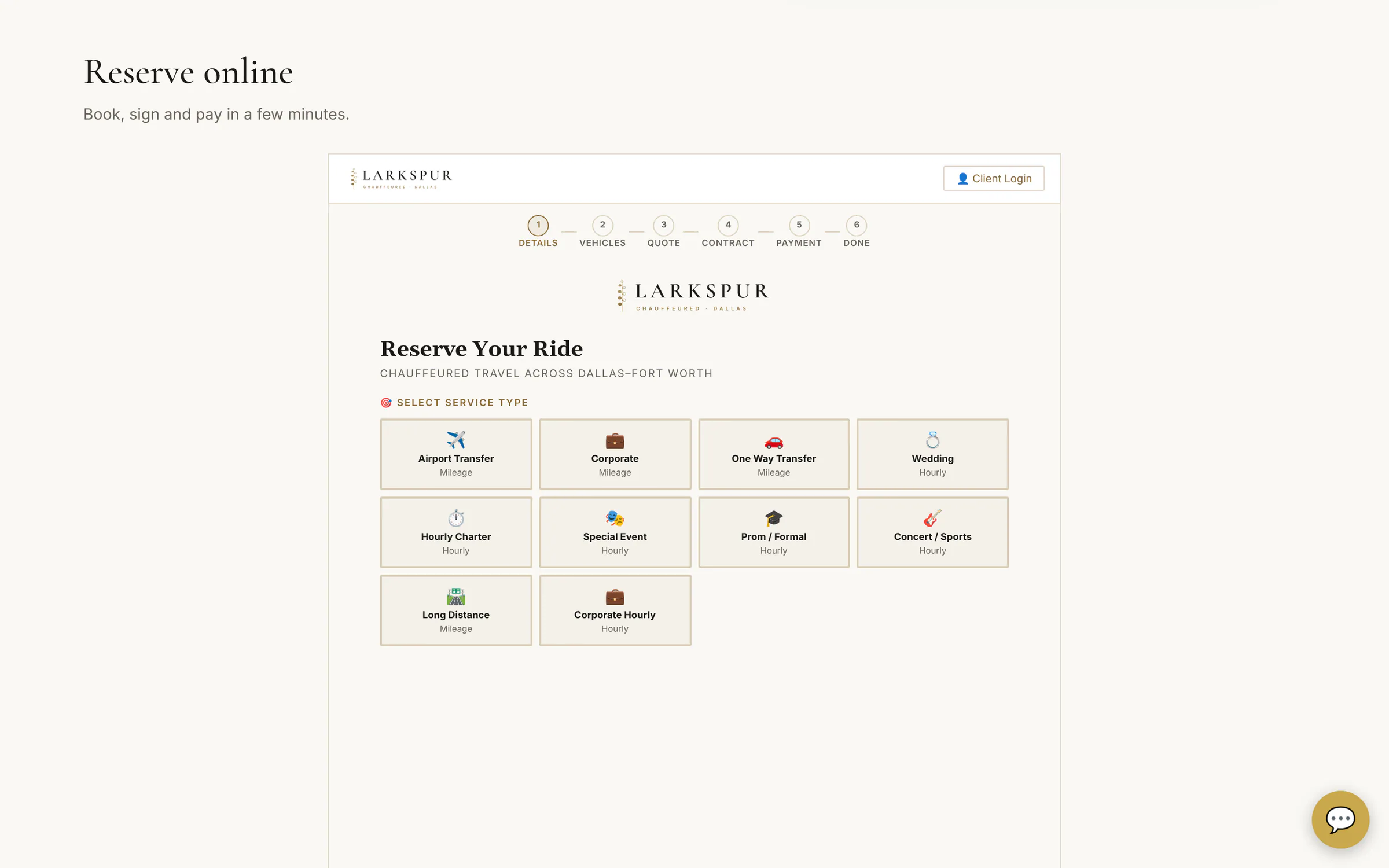
Every screen below is the real software, running a fictional company called Larkspur Chauffeured. Click any screenshot to zoom in.
1 · Choose and describe the trip
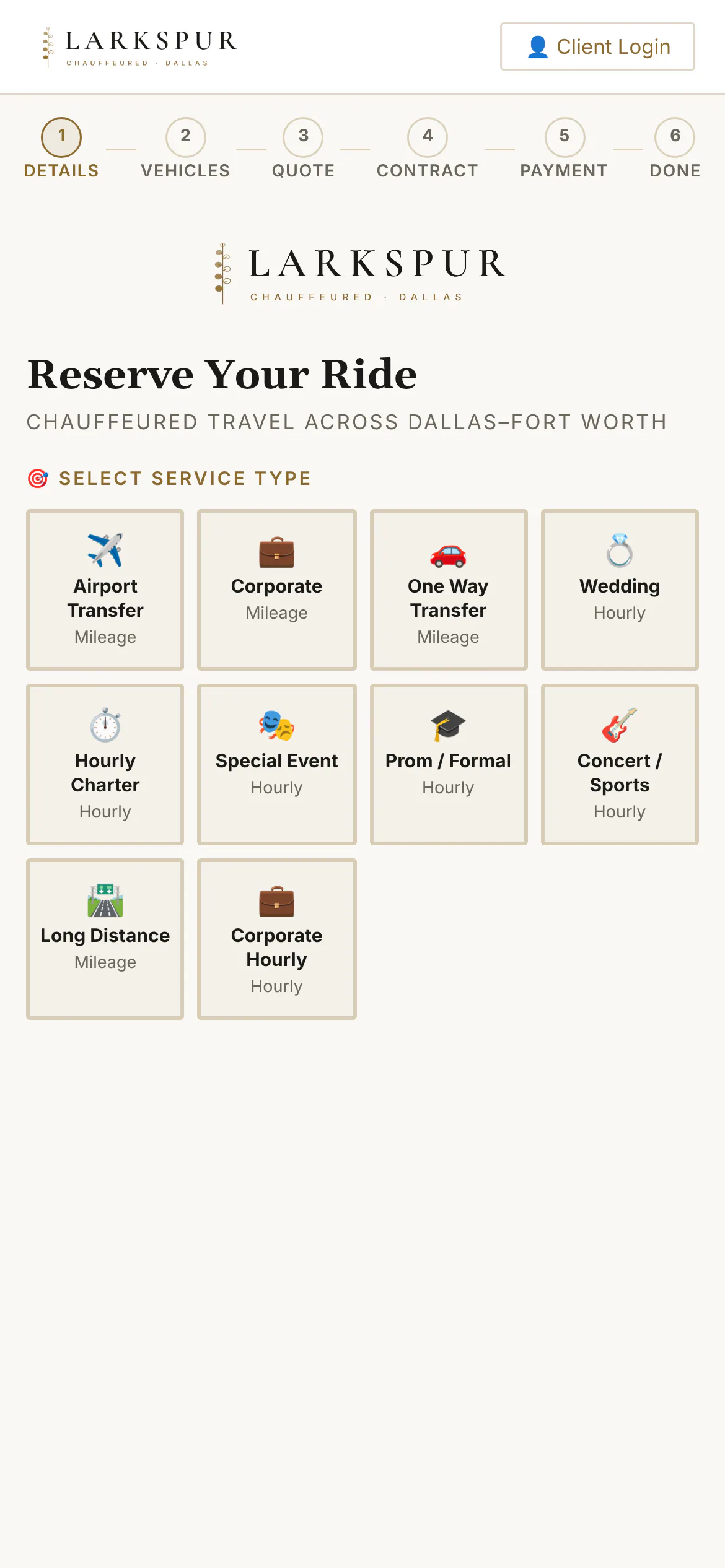
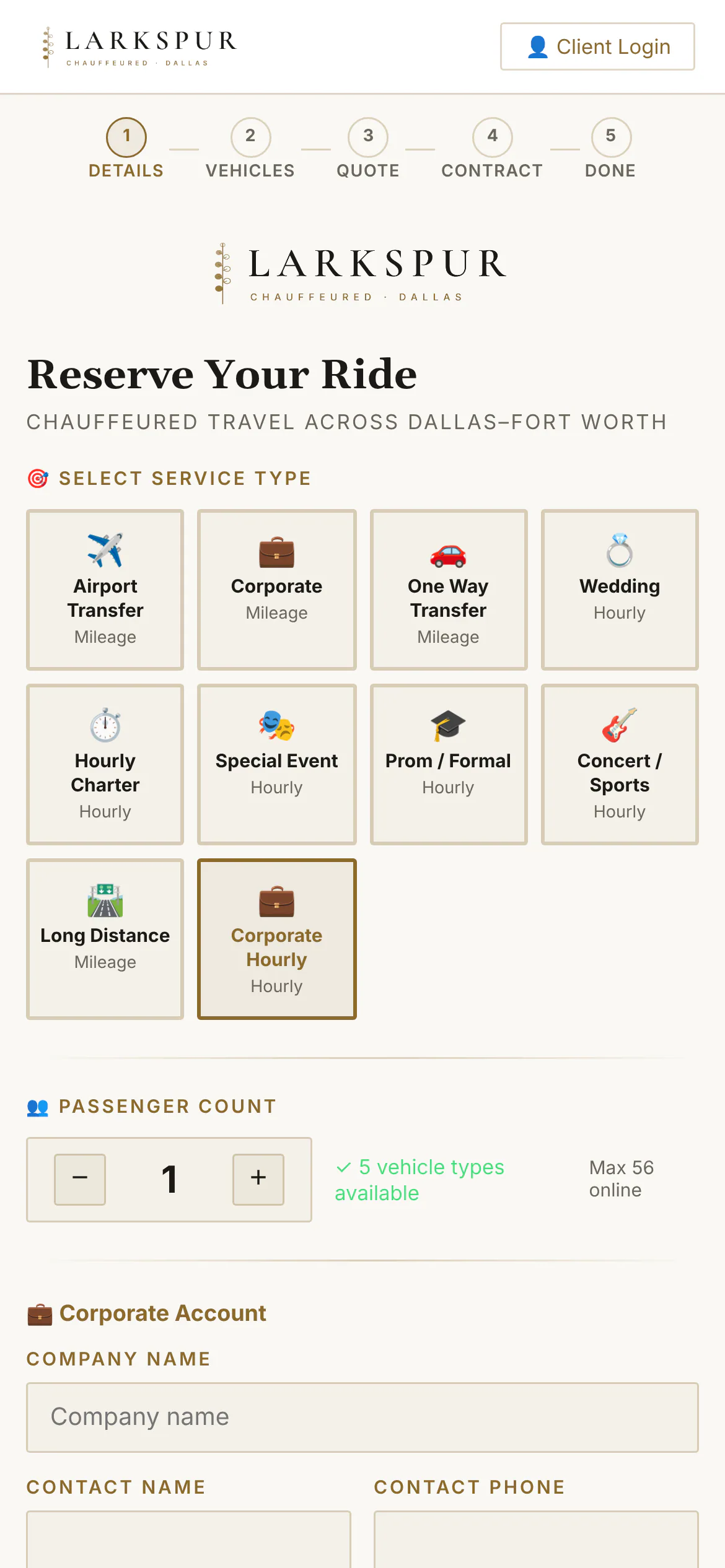
Ten services out of the box (airport, corporate, weddings, hourly, events, proms, concerts, long distance…) plus your own.
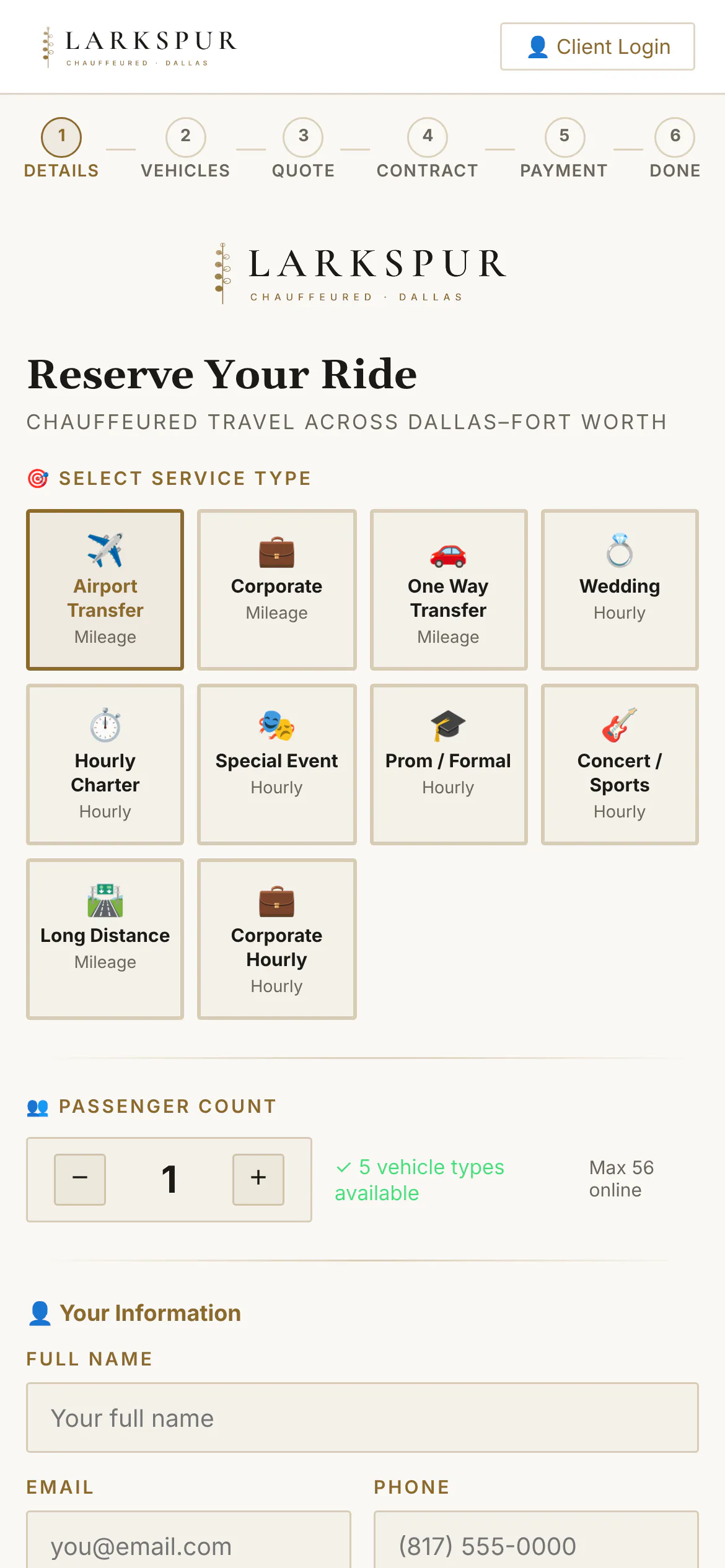
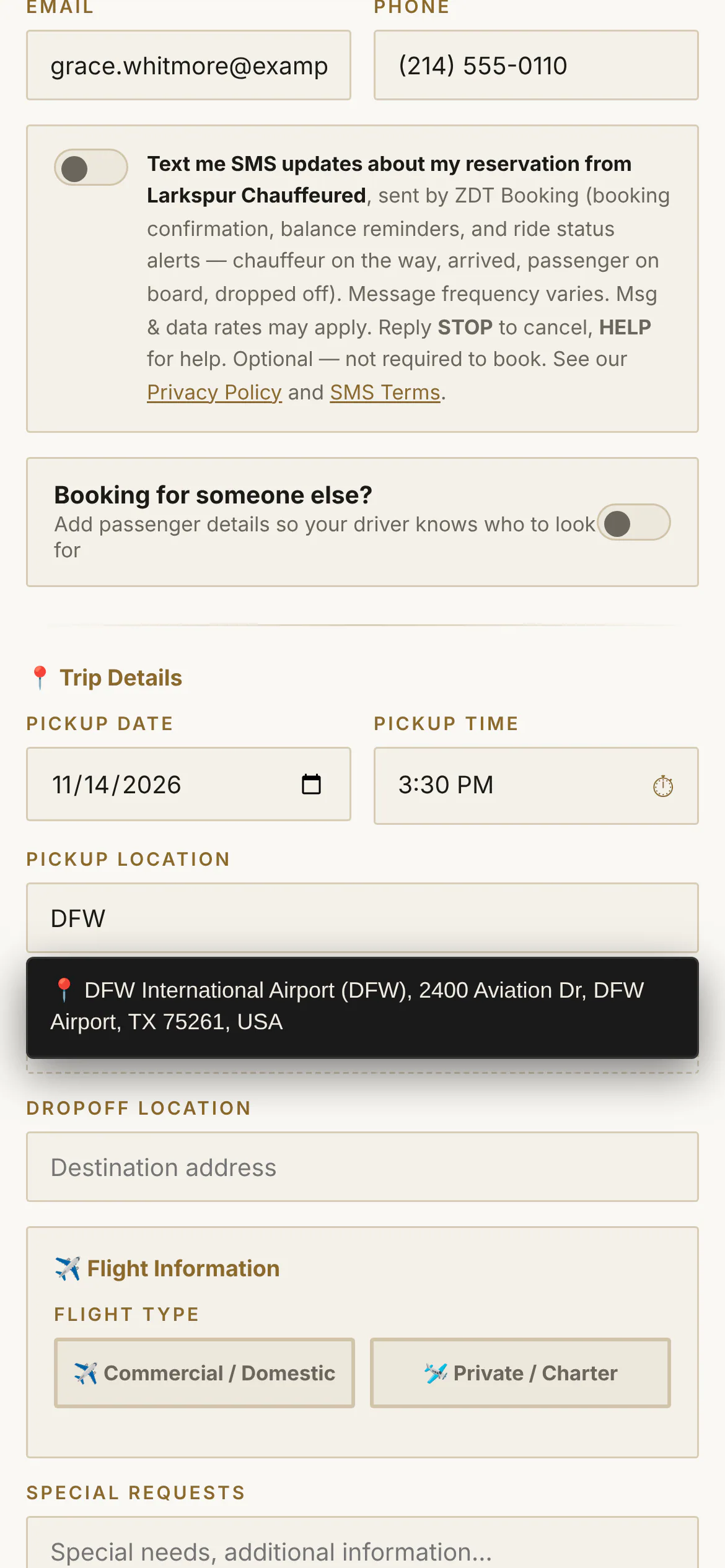
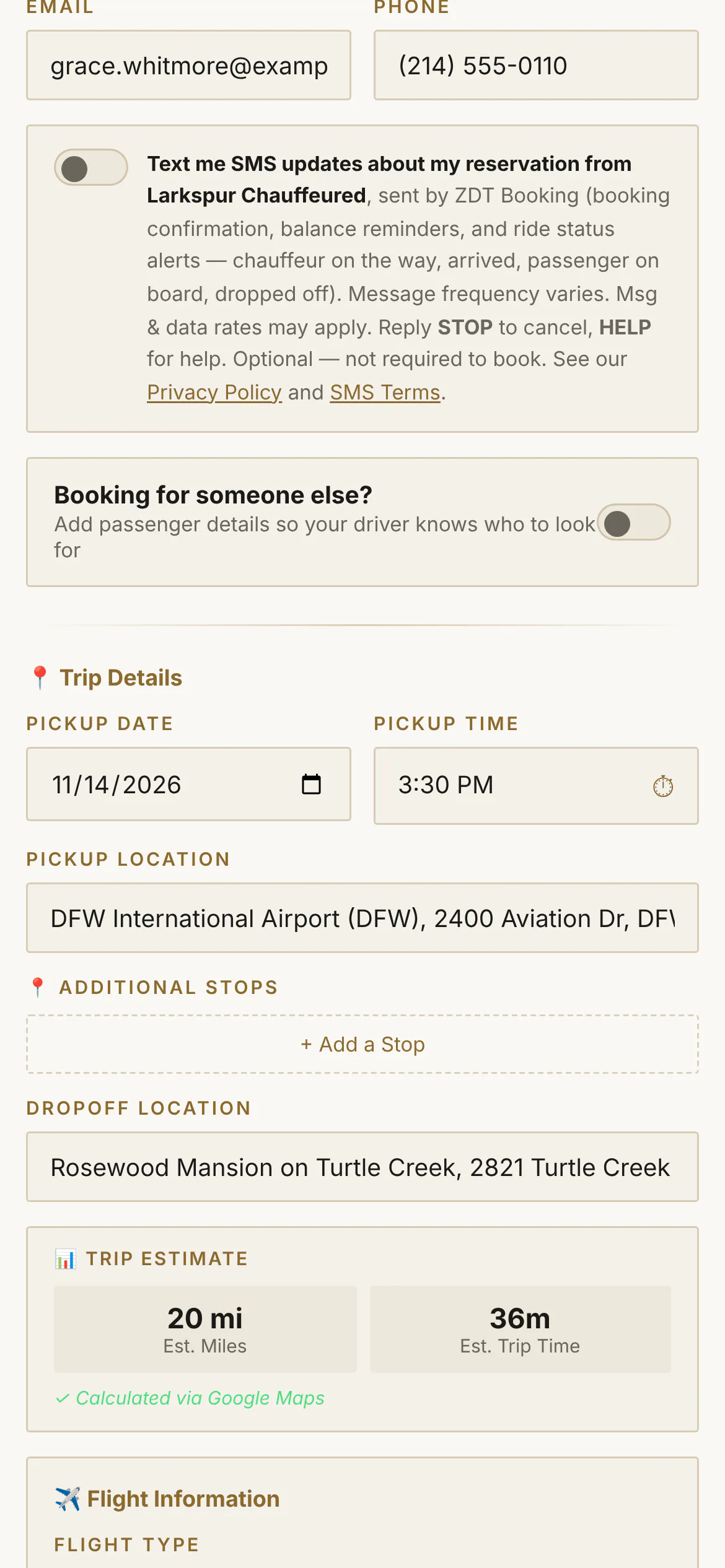
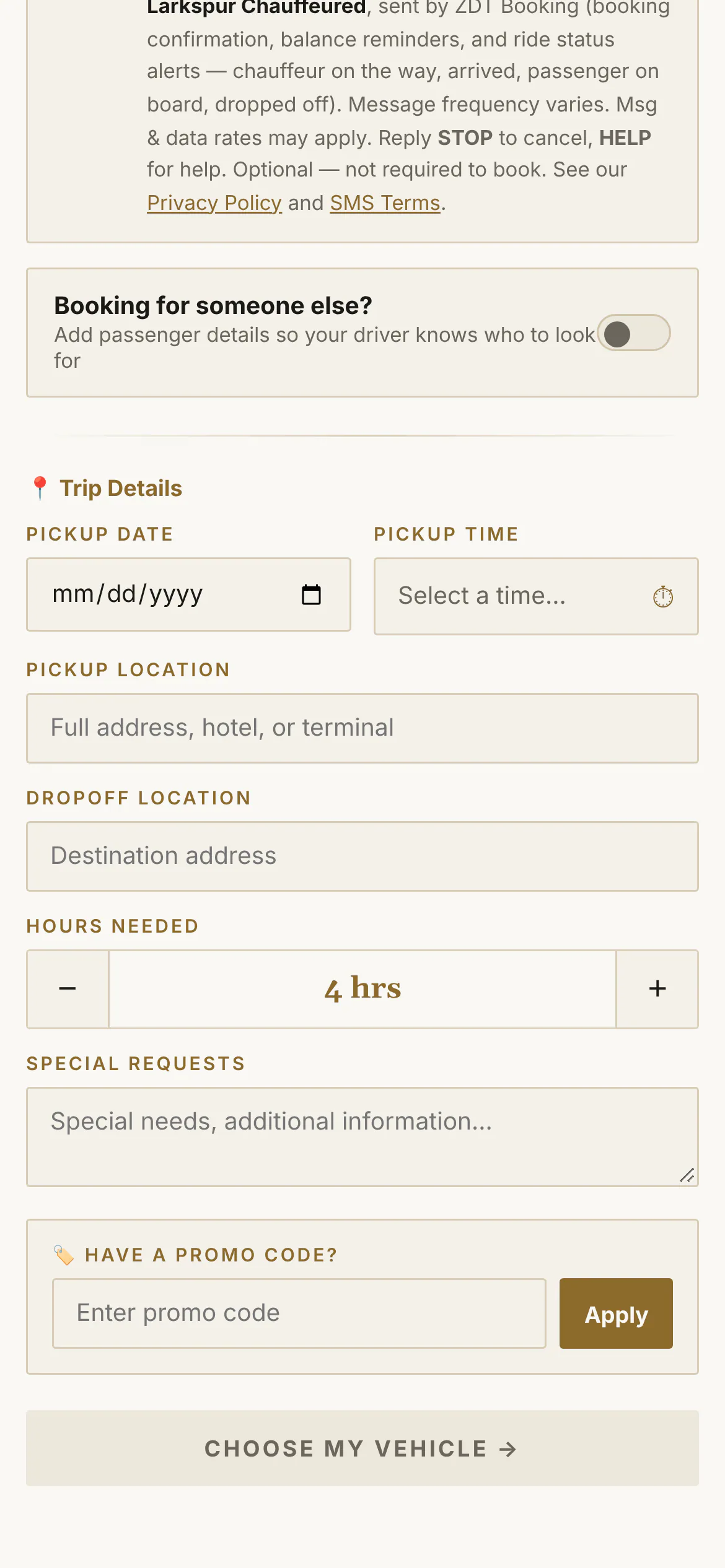
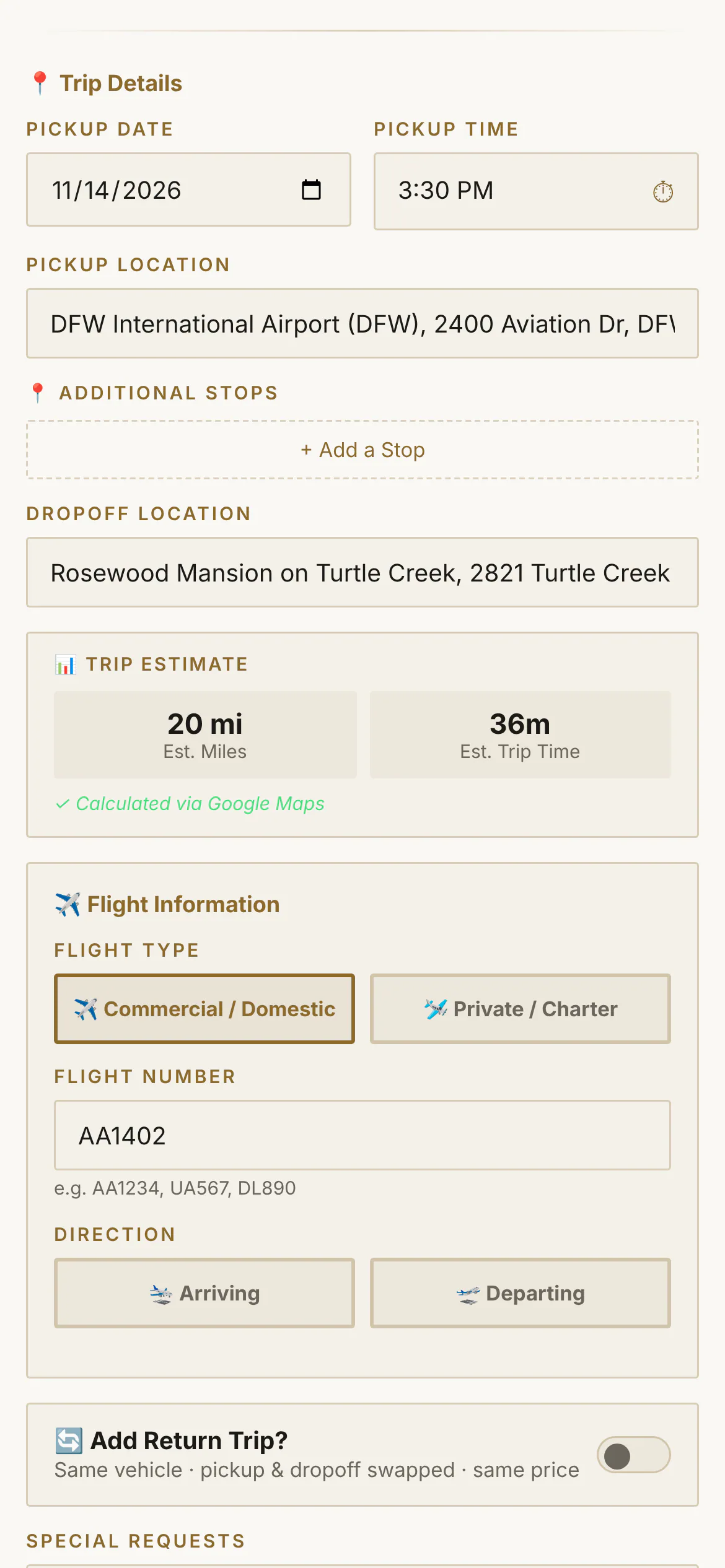
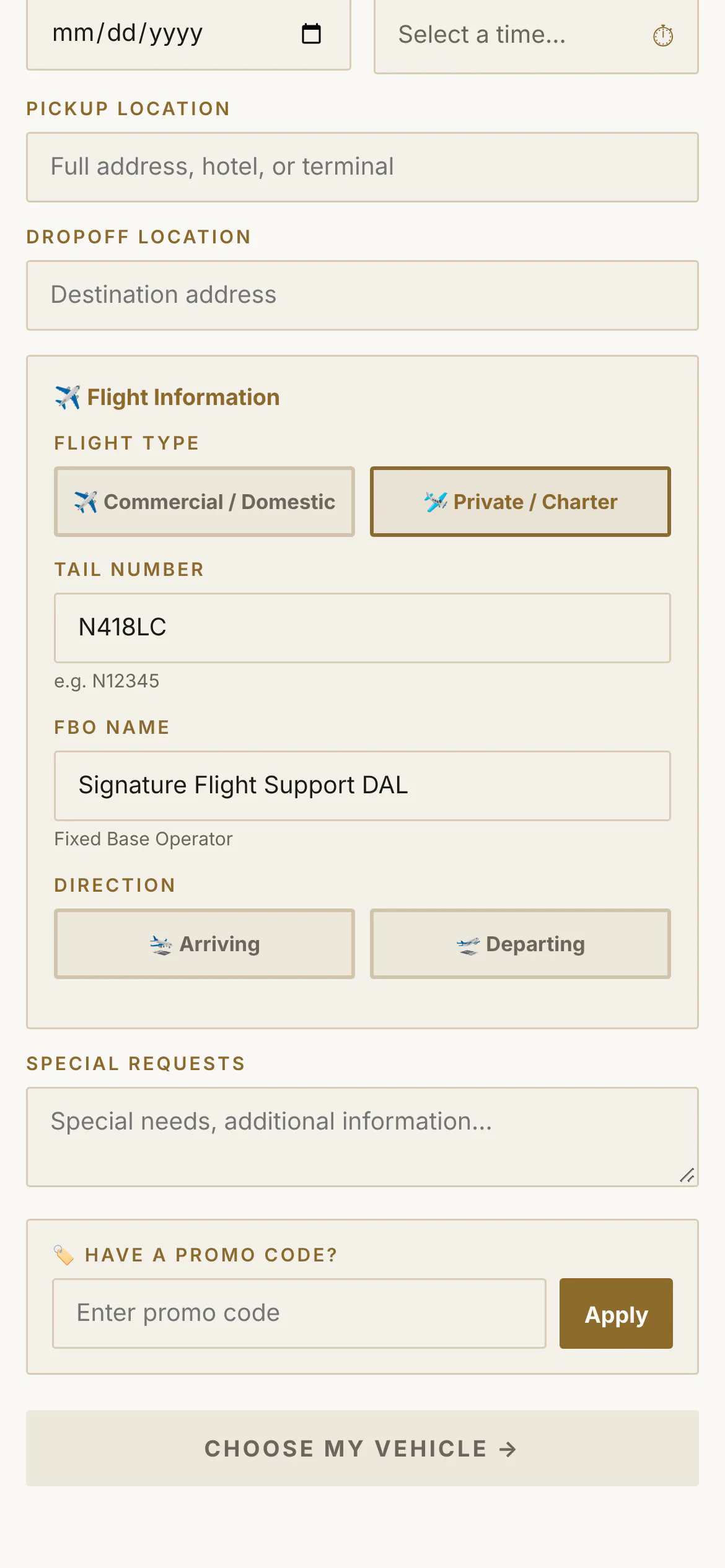
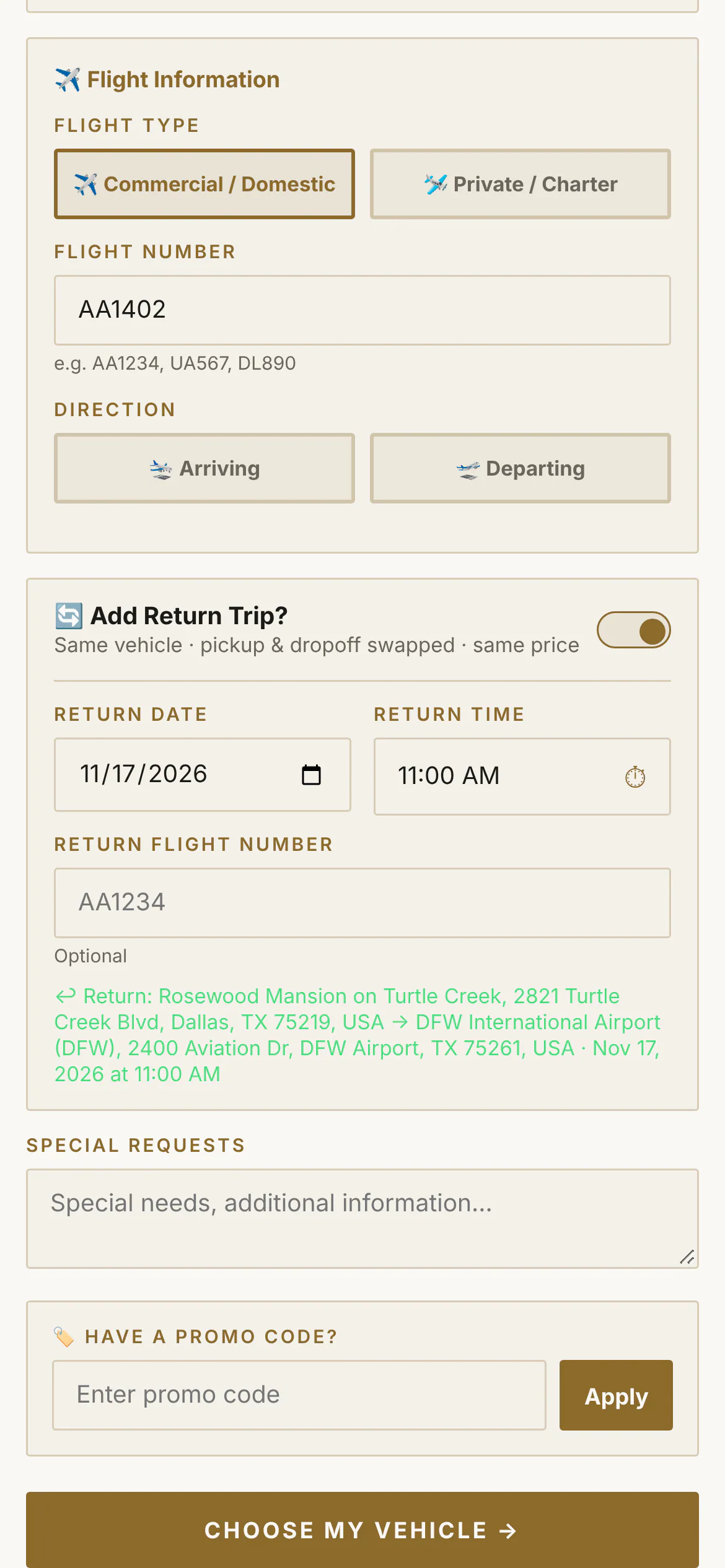
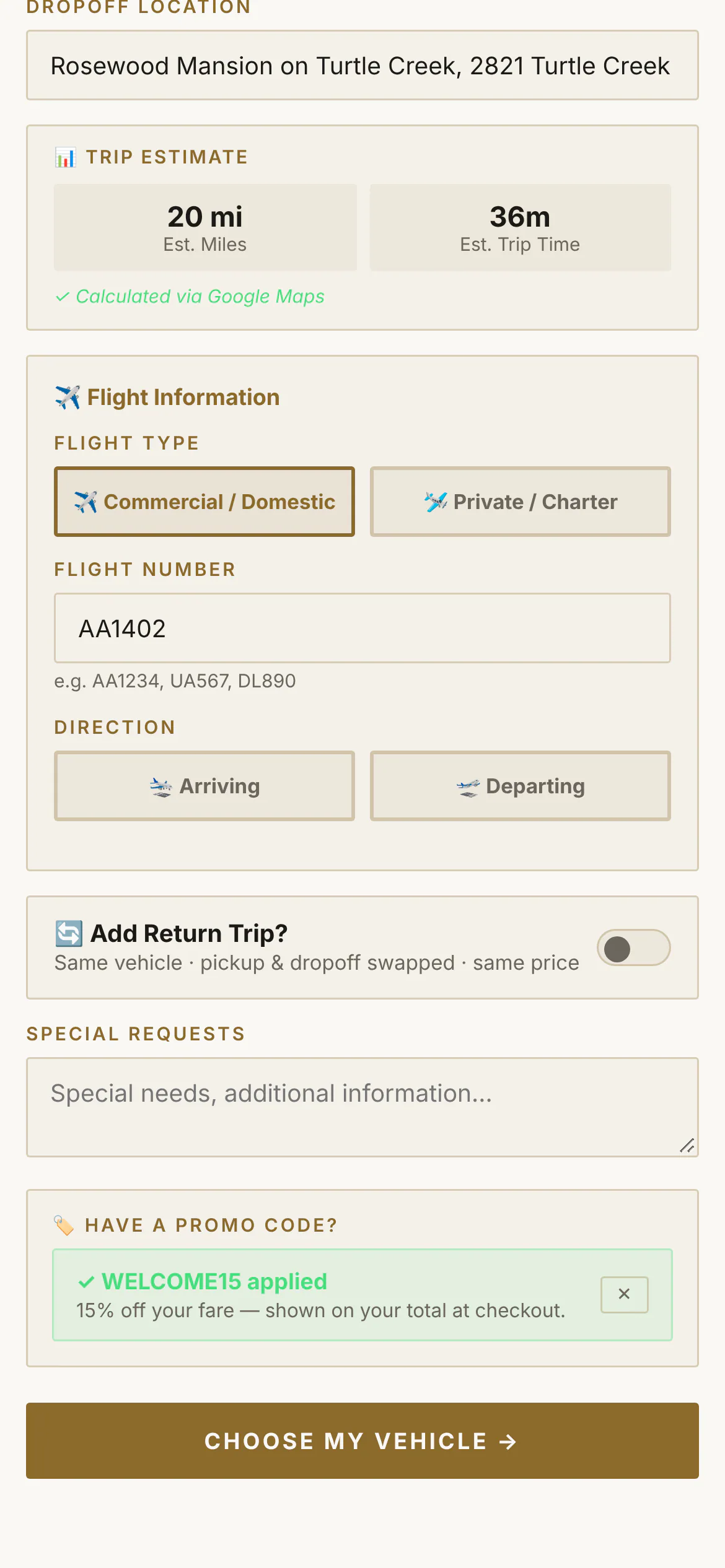
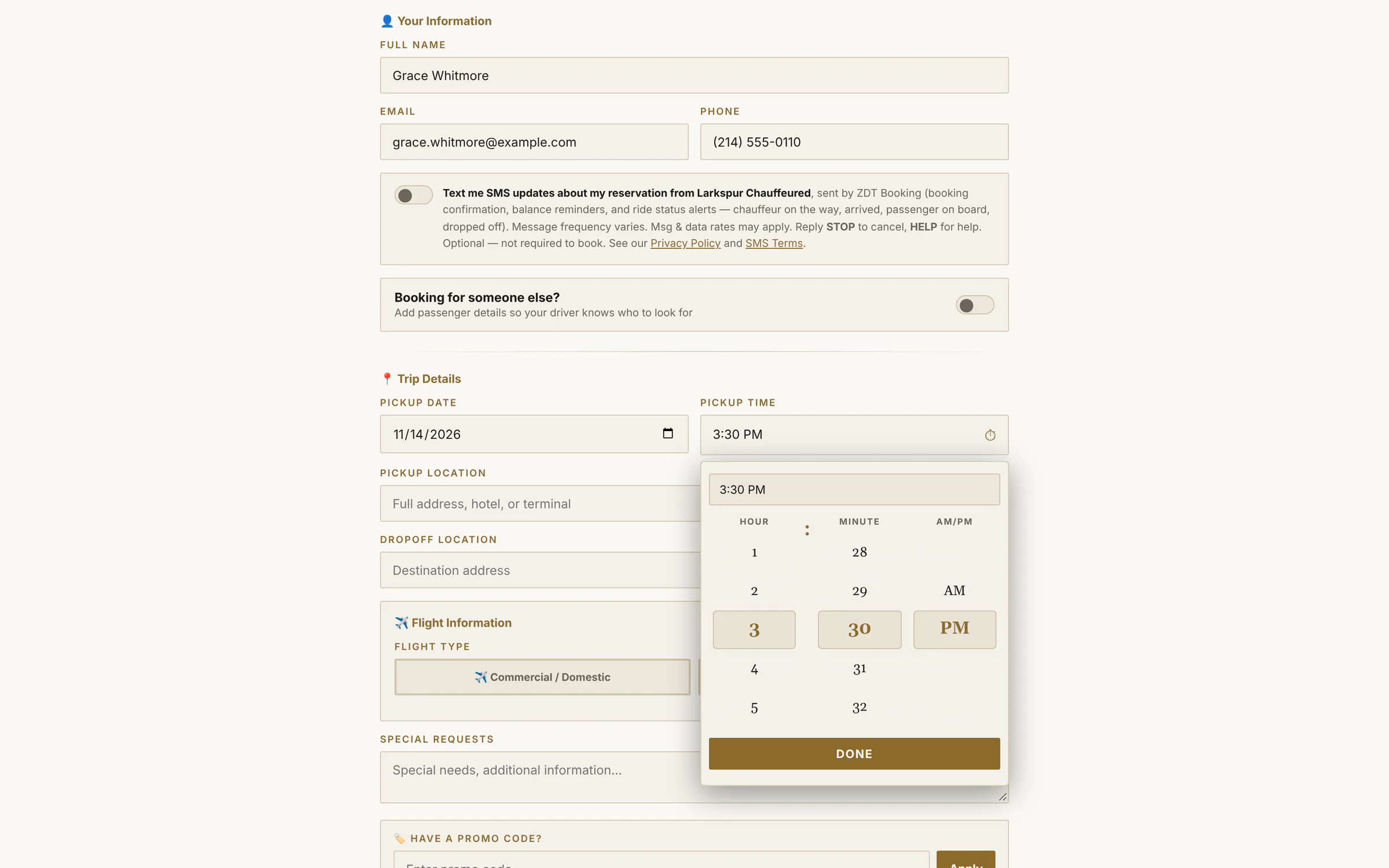
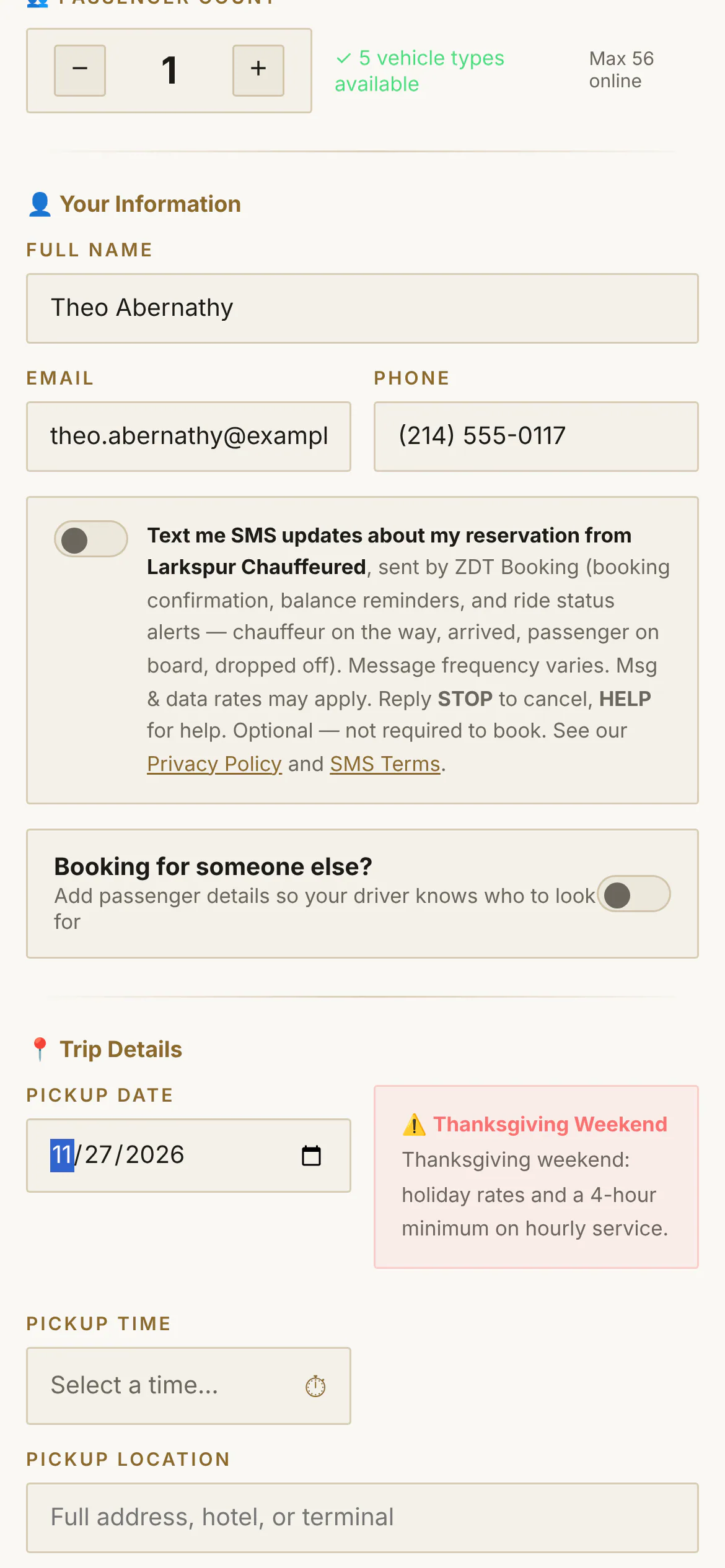
Tap to zoomChoose a serviceYour customers start on your own booking page: your logo, your colours, the services you offer.Tap to zoomTrip detailsPassengers, contact details and the option to book for someone else — in one short form.Tap to zoomAddress searchAirports, hotels and venues come up as the customer types.Tap to zoomLive trip estimateMiles and drive time are measured as soon as both addresses are in.Tap to zoomBy the hourHourly trips ask for the hours needed, and each car shows your minimum hours for it.Tap to zoomFlight detailsAirport bookings take the flight number, curbside or meet & greet, and checked bags — so the chauffeur is there when the plane actually lands.Tap to zoomPrivate and charter flightsFlying private? The form asks for the tail number and the FBO instead of an airline — and the chauffeur sees the same.Tap to zoomRound trips in one goOne switch books the ride home — same car, pickup and drop-off swapped.Tap to zoomPromo codesA code the customer types moves the price straight away.Tap to zoomCorporate bookingsCorporate services ask for the company, the passenger and a PO number — and can skip payment for invoiced accounts.
The time wheel
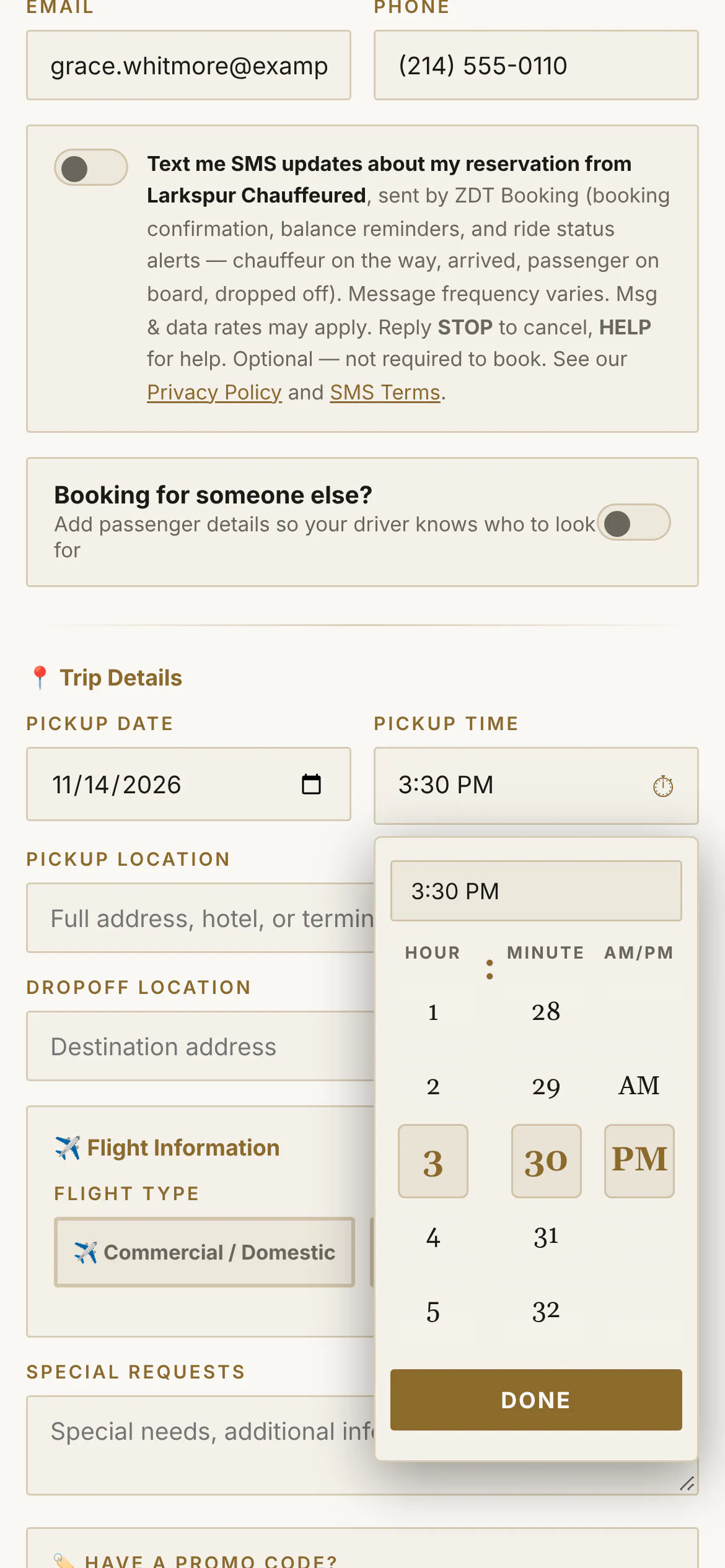
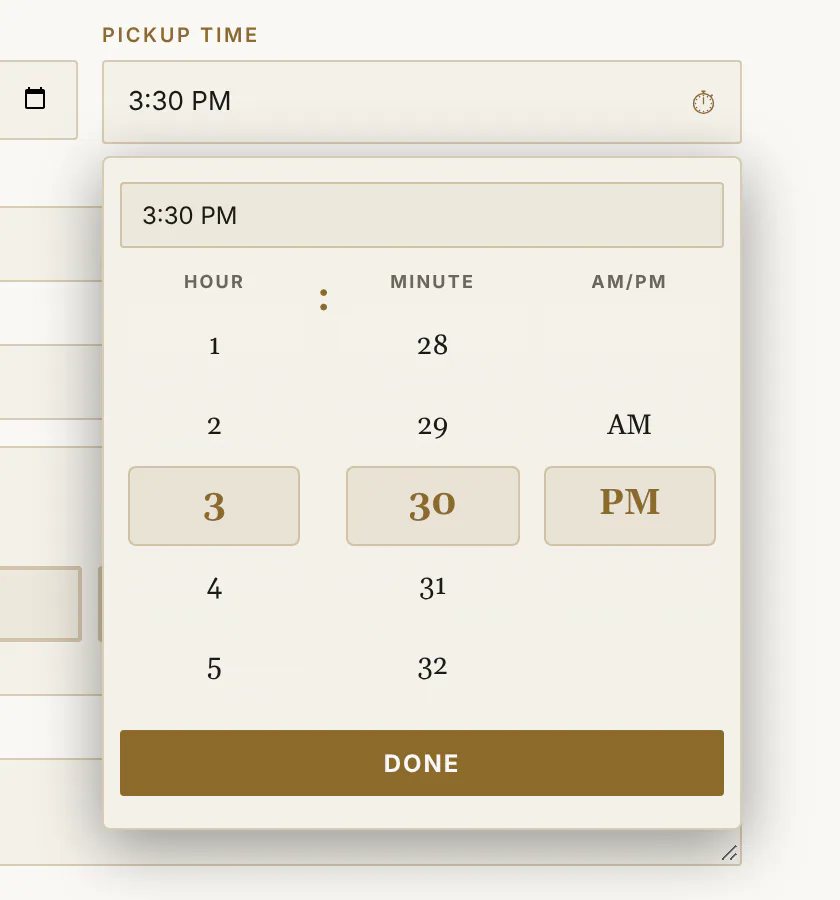
Three reels — hour, minute, AM/PM — spun with a thumb, dragged with a mouse, or typed.
Tap to zoomThe time wheelHour, minute and AM/PM on three scrolling reels — spin with a thumb, or just type “2:37 PM”.Tap to zoomThe time wheel, up closeType 3:30 PM or spin the reels — the wheel lands on it, in your accent colour and display font.app.zdtbooking.com/book/larkspurTap to zoomThe time wheelHour, minute and AM/PM on three scrolling reels — spin with a thumb, or just type “2:37 PM”.
2 · Choose the car and see the price
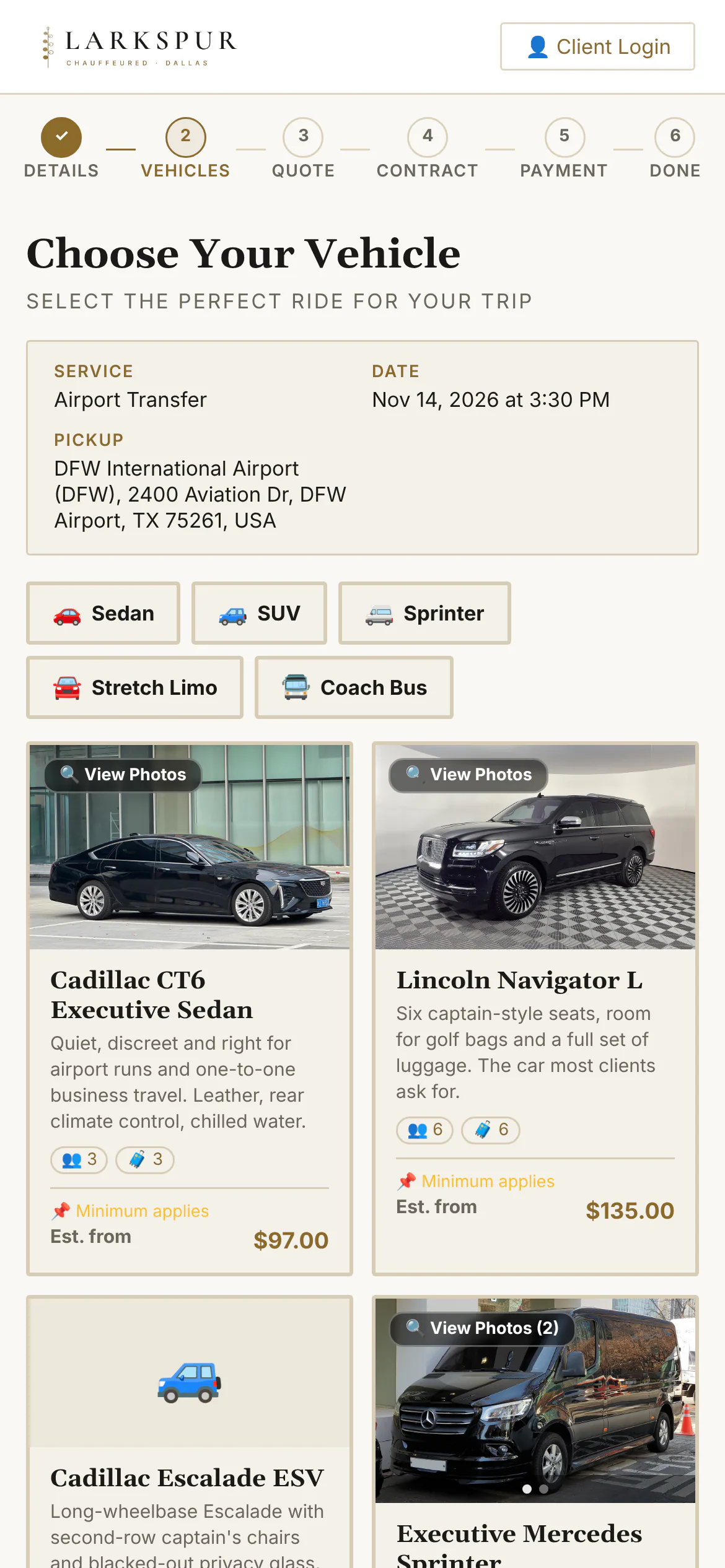
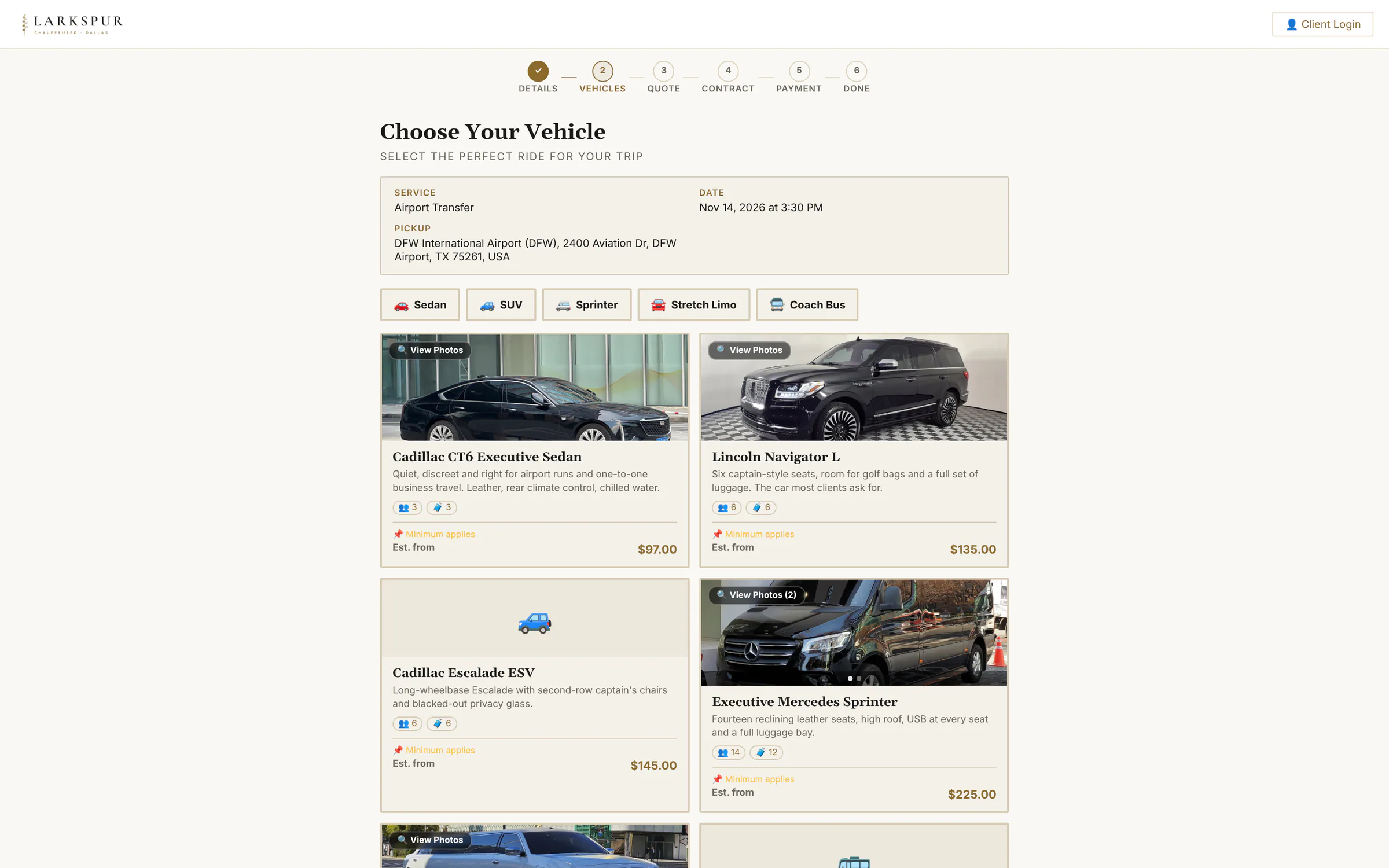
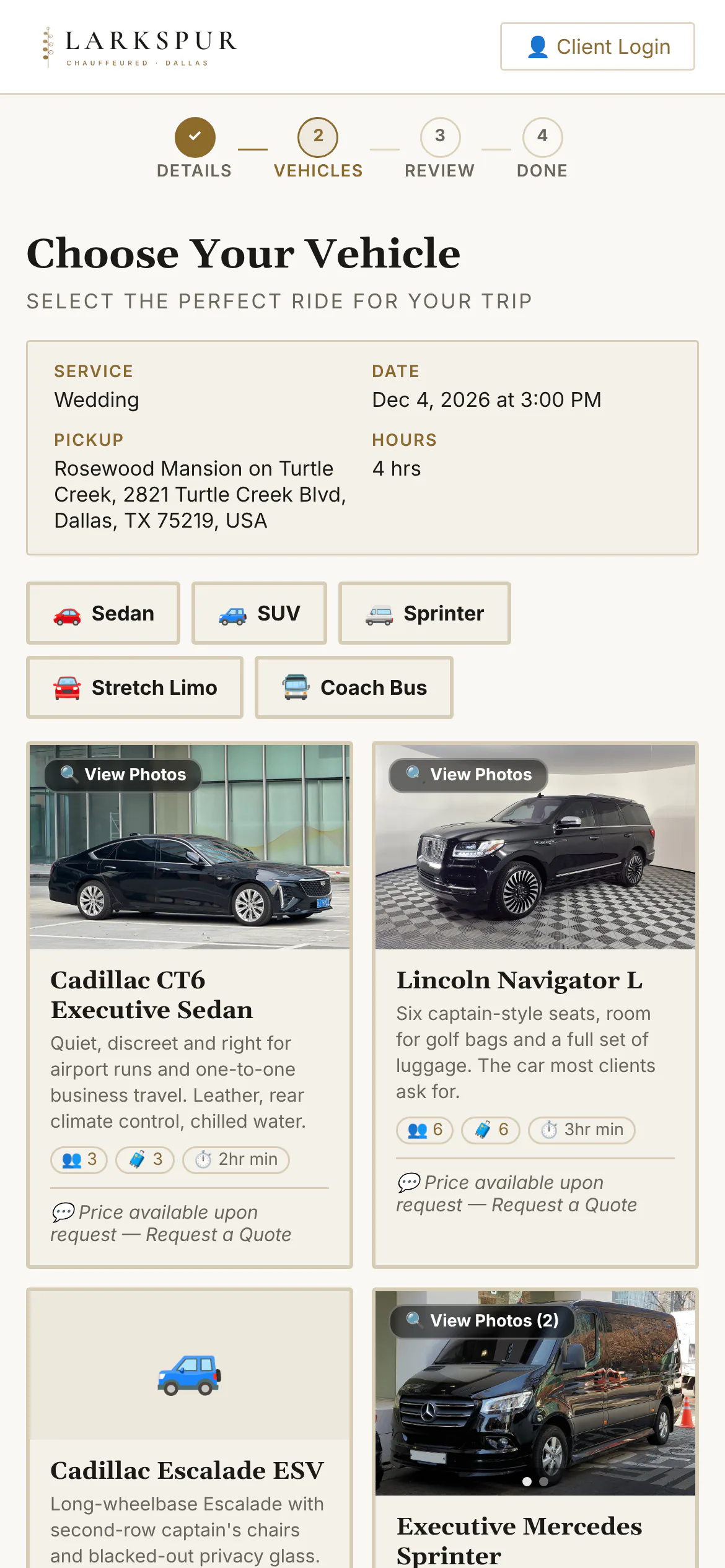
Photos, seats, bags and an all-in starting price for this exact trip; a gallery for each car.
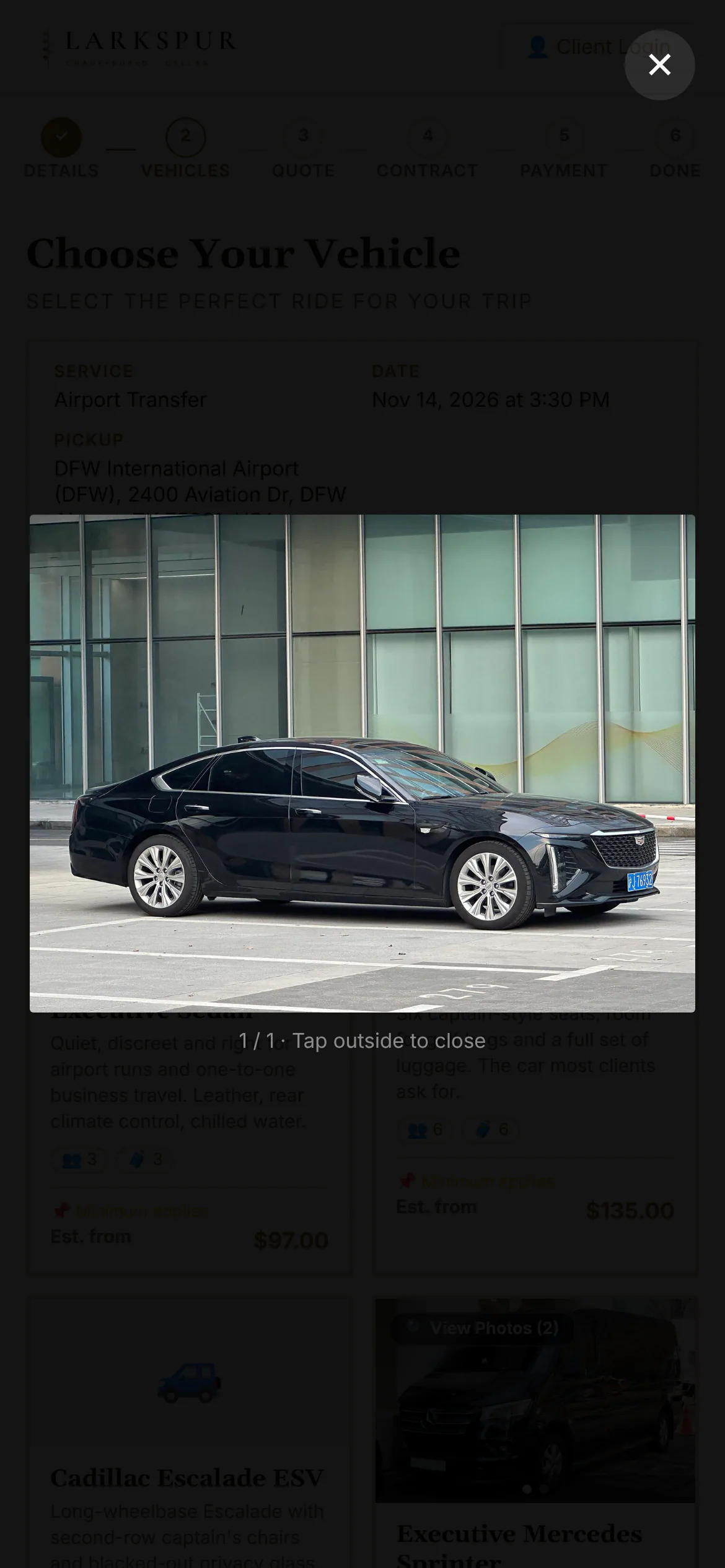
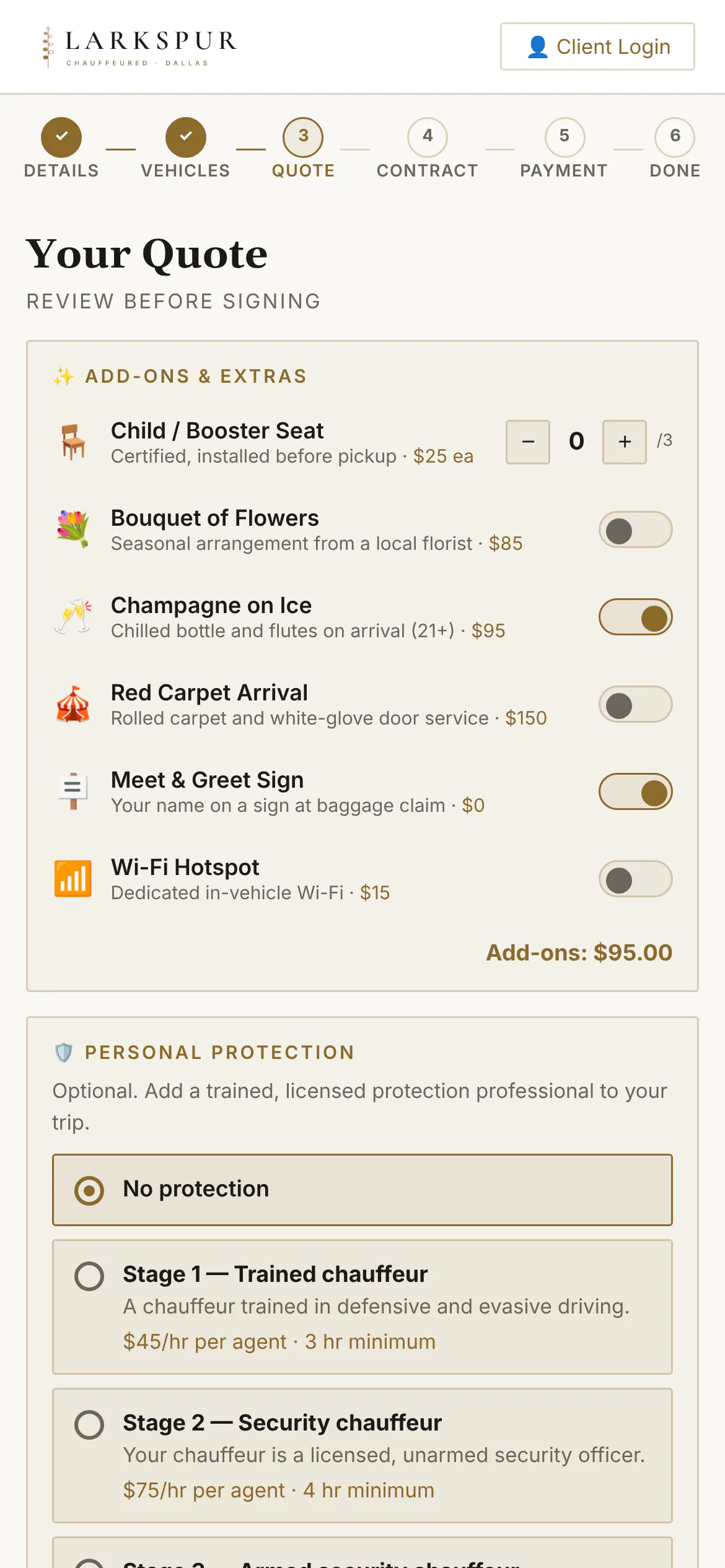
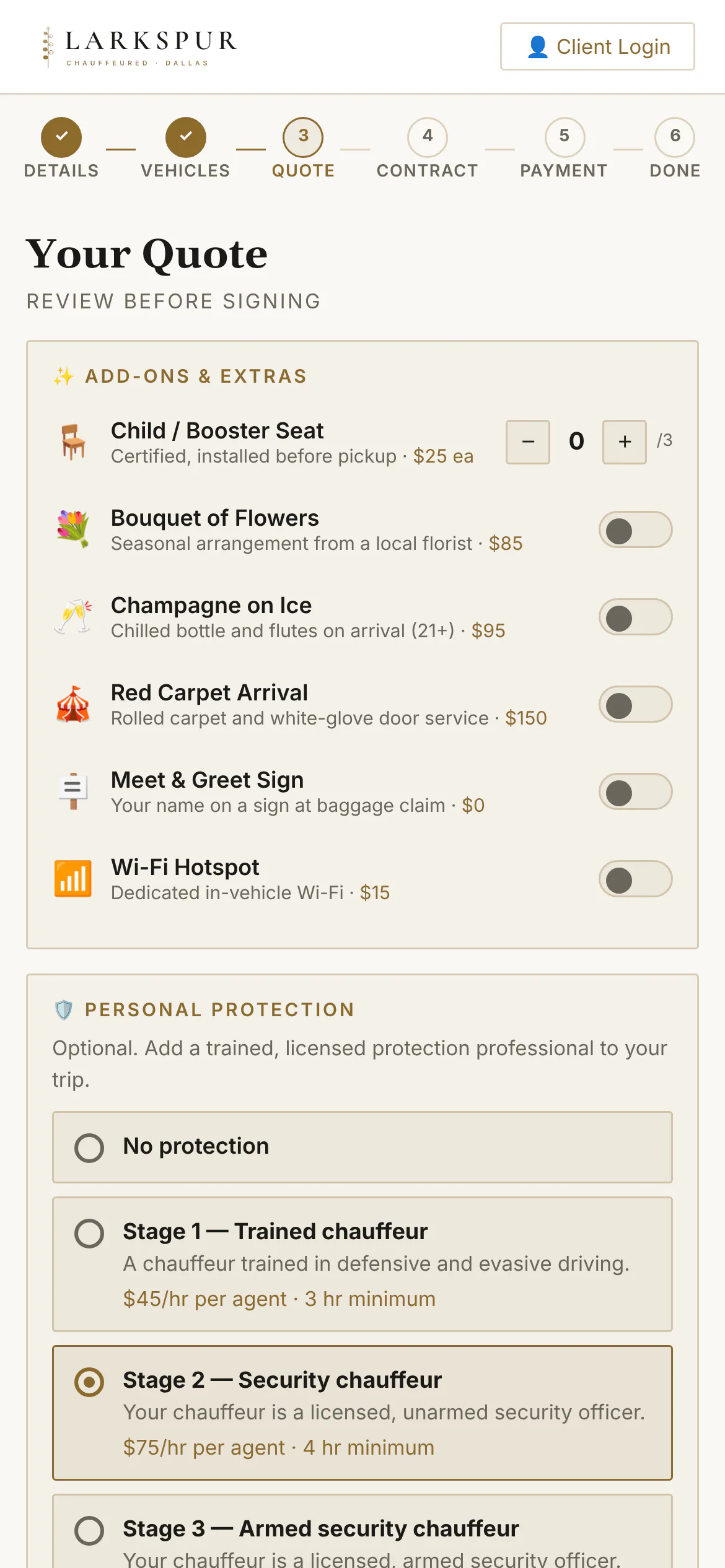
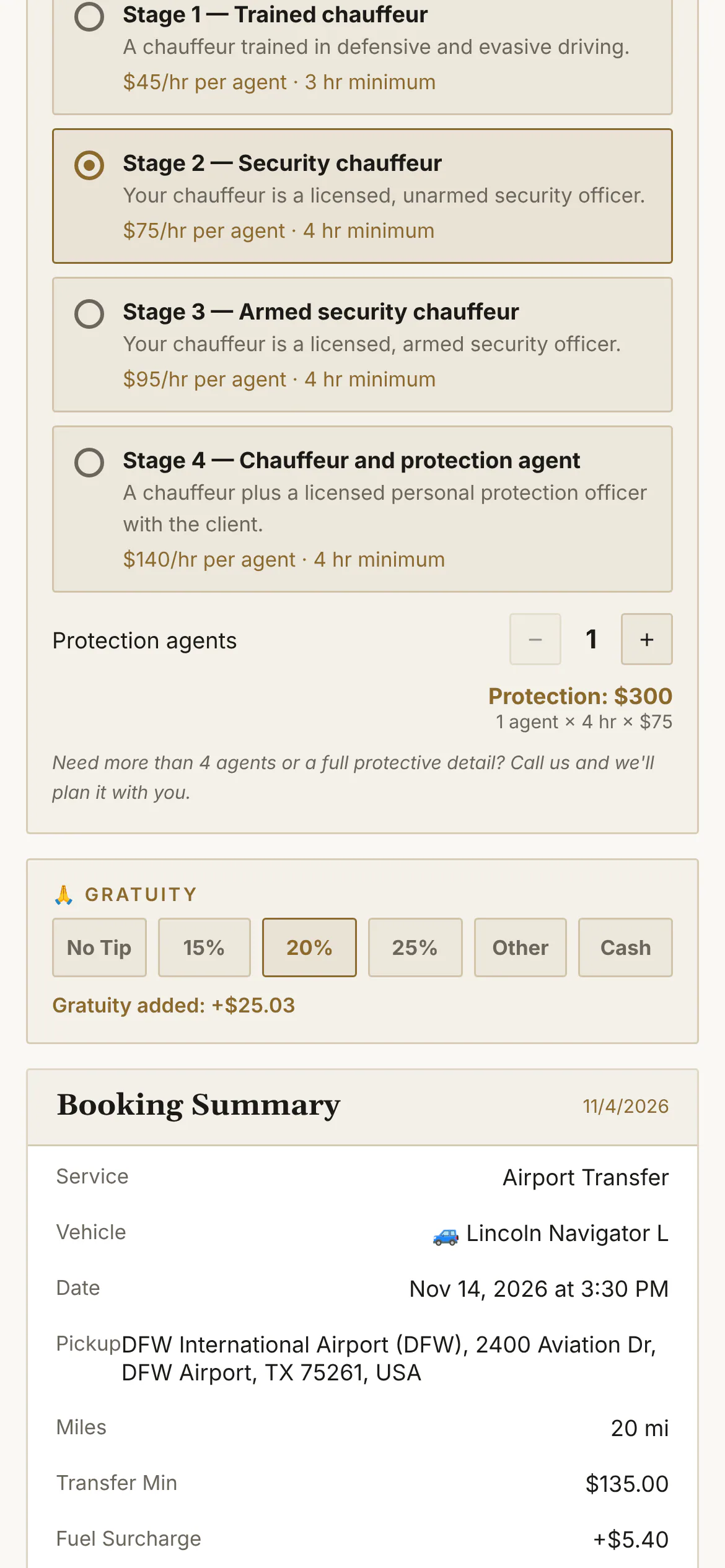
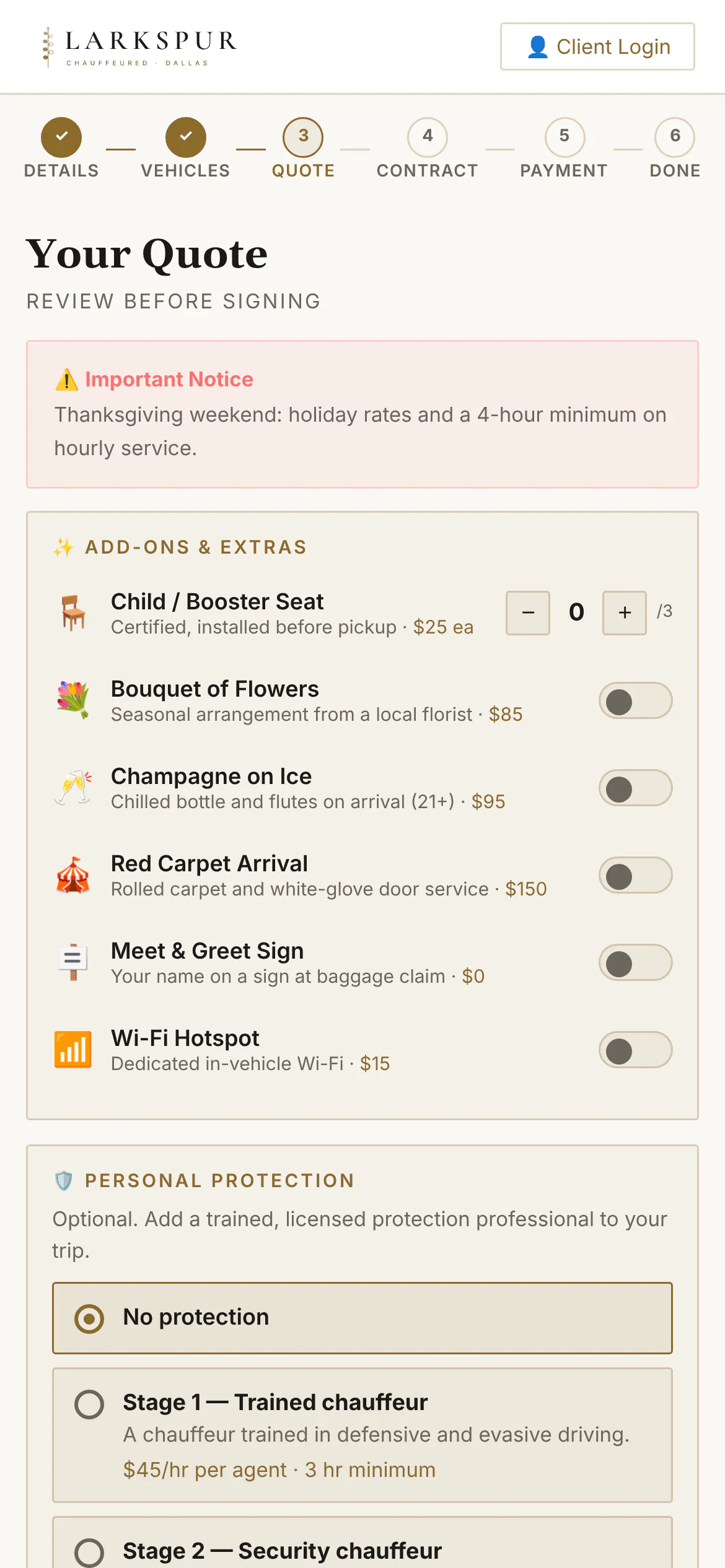
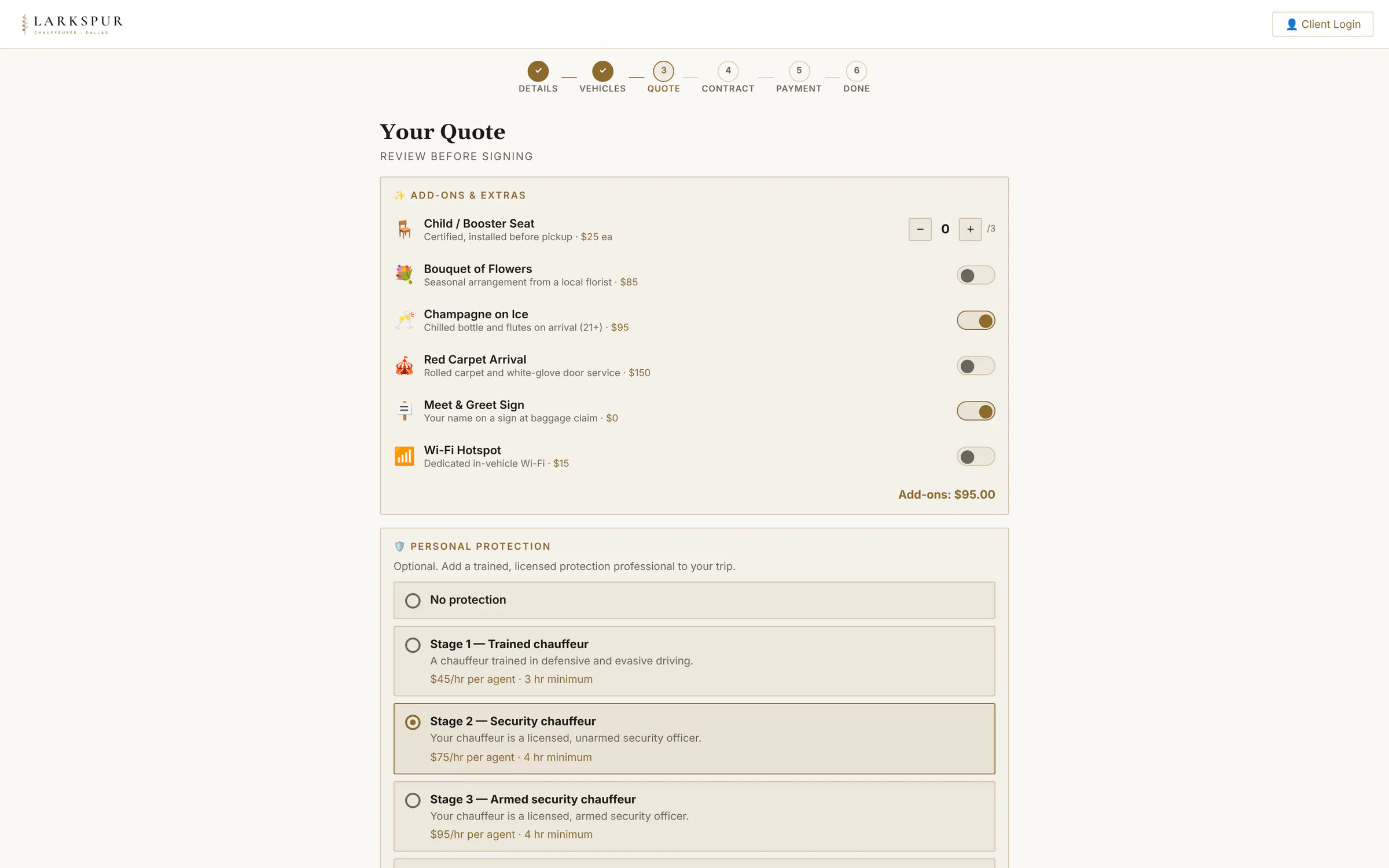
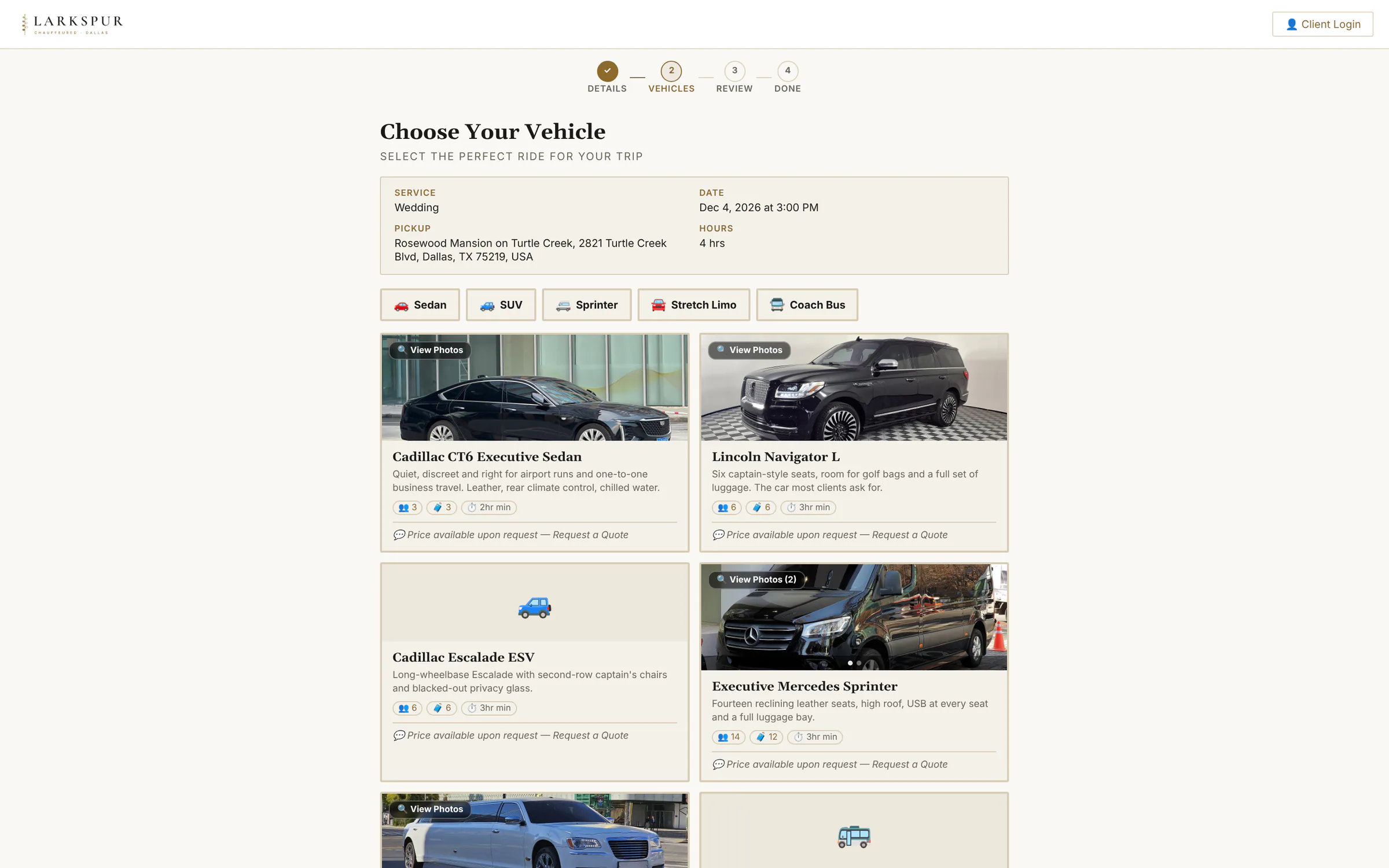
Tap to zoomChoose a vehicleReal photos, seats, bags and an all-in starting price for this exact trip.Tap to zoomPhoto galleryCustomers can look inside the car before they choose it.Tap to zoomAdd-onsChampagne, child seats, a red carpet — each add-on priced and switched on by you.Tap to zoomPersonal protectionSecurity chauffeurs and protection agents, offered on the booking page only at the levels your licensed drivers can staff. Rolling outTap to zoomGratuity and summaryGratuity tiles and a line-by-line summary: fare, fuel, service charge, add-ons, discount, card fee.Tap to zoomBooking summaryOutbound and return legs, the deposit due now and the combined total.Tap to zoomHoliday and event datesSet a date as an event — Thanksgiving, New Year's Eve, a big game — and the booking page says so and prices it.Tap to zoomEvent-date notices on the quoteHoliday and event pricing explains itself: the quote carries your notice, your minimum and your rates for that date.
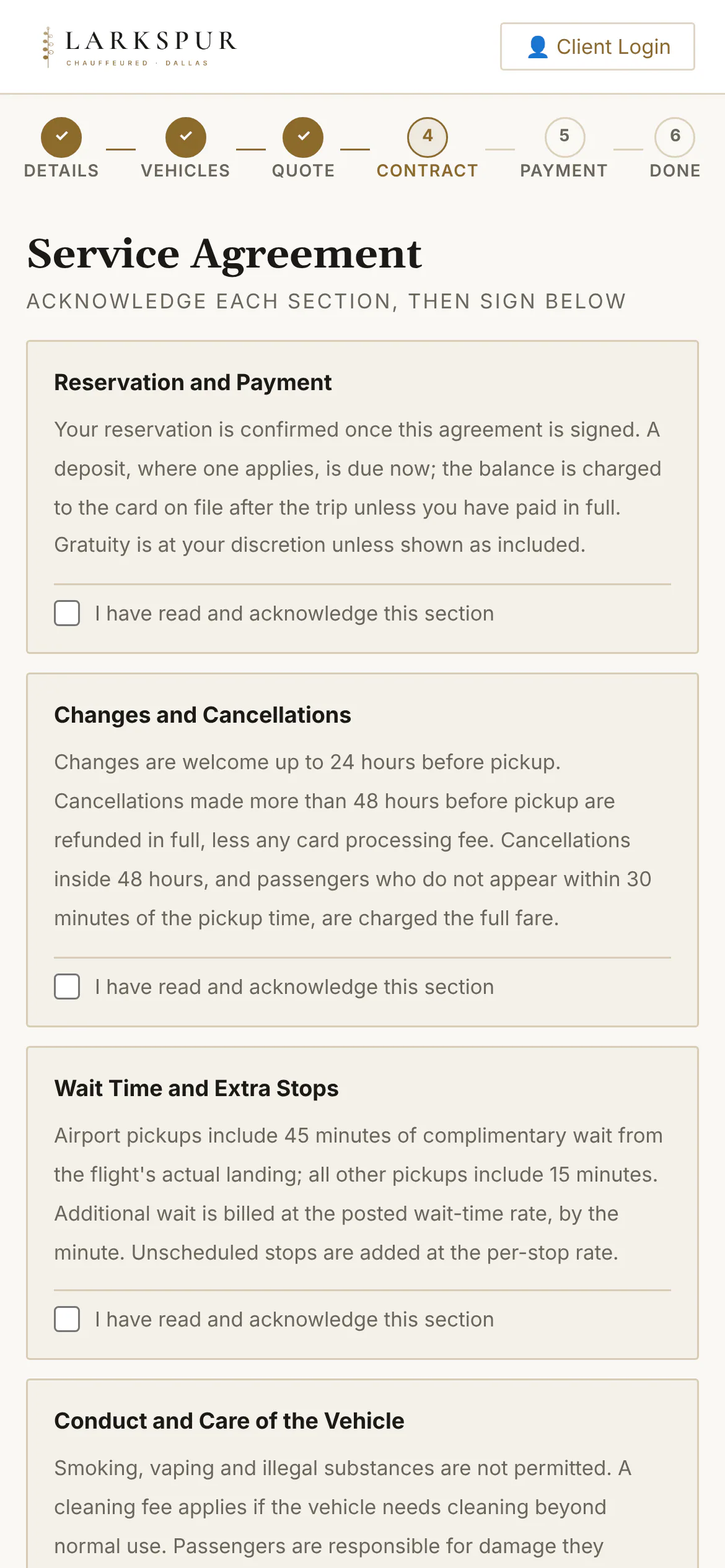
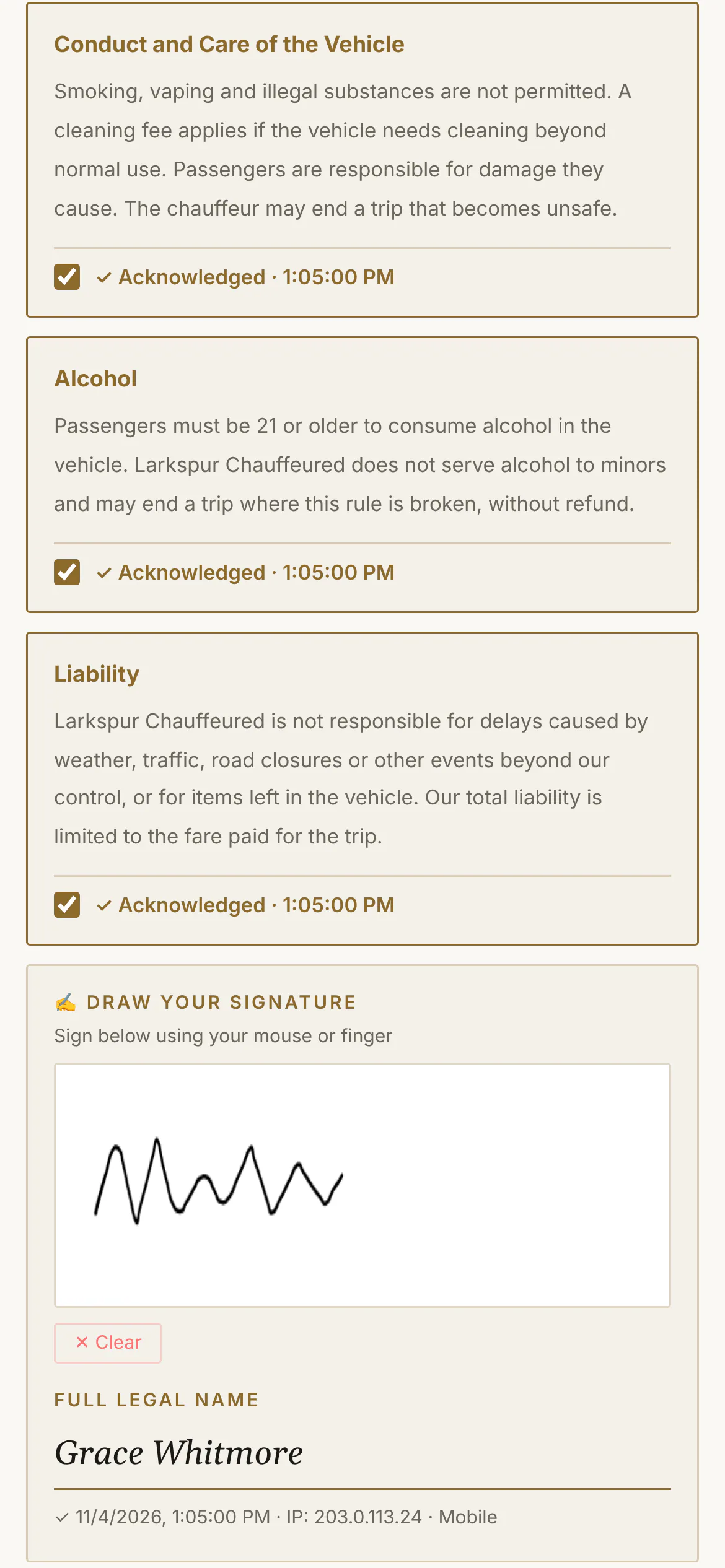
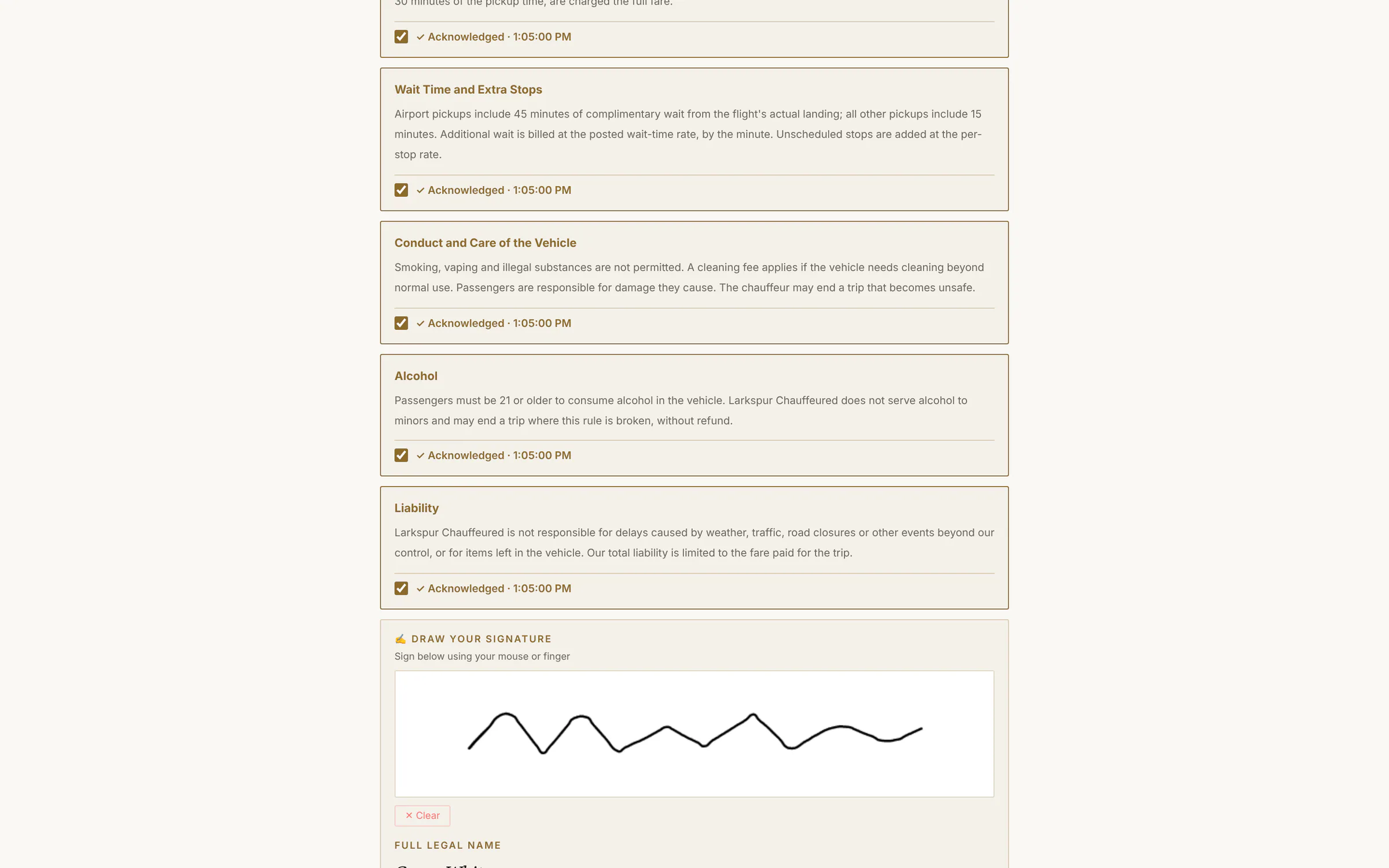
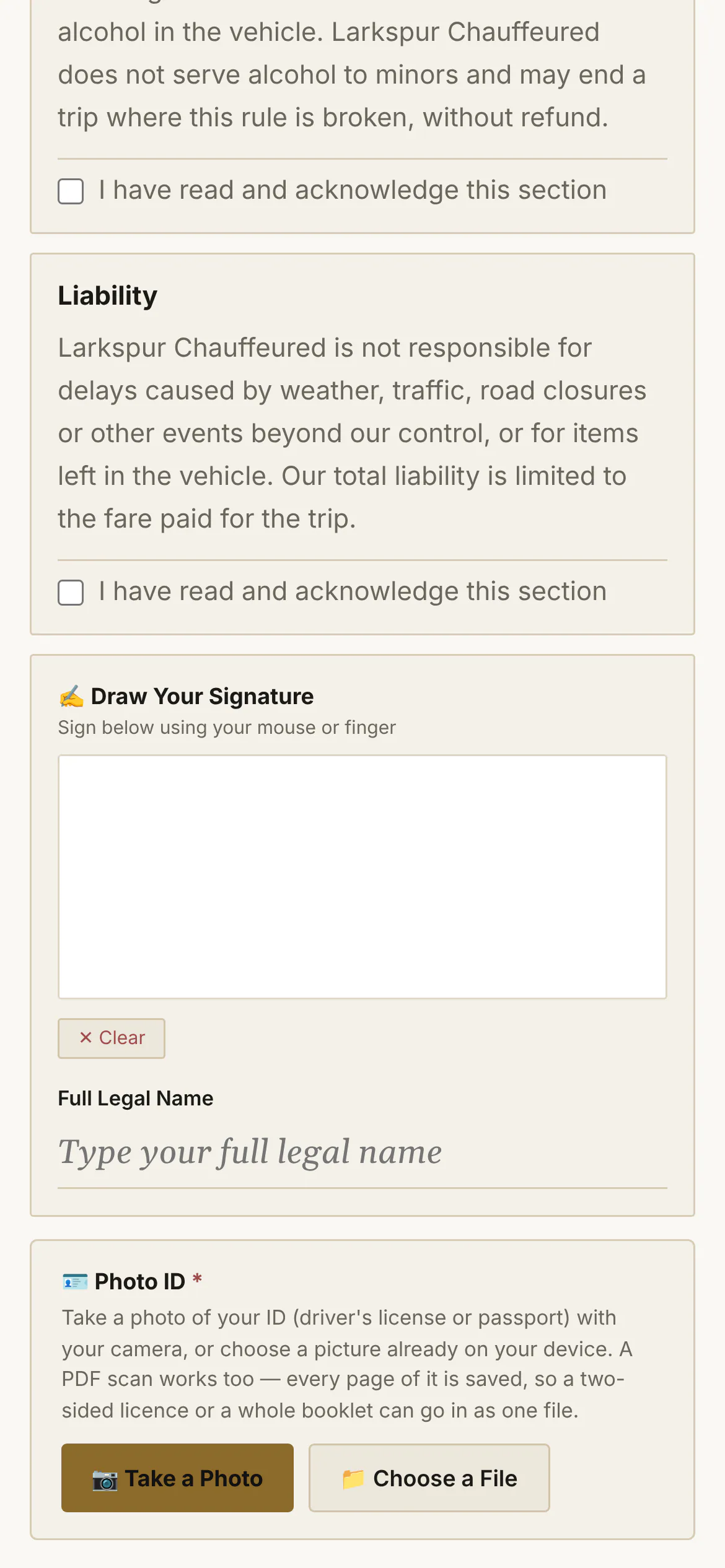
Your terms in sections, each acknowledged and time-stamped; a drawn signature and typed legal name, with IP and device.
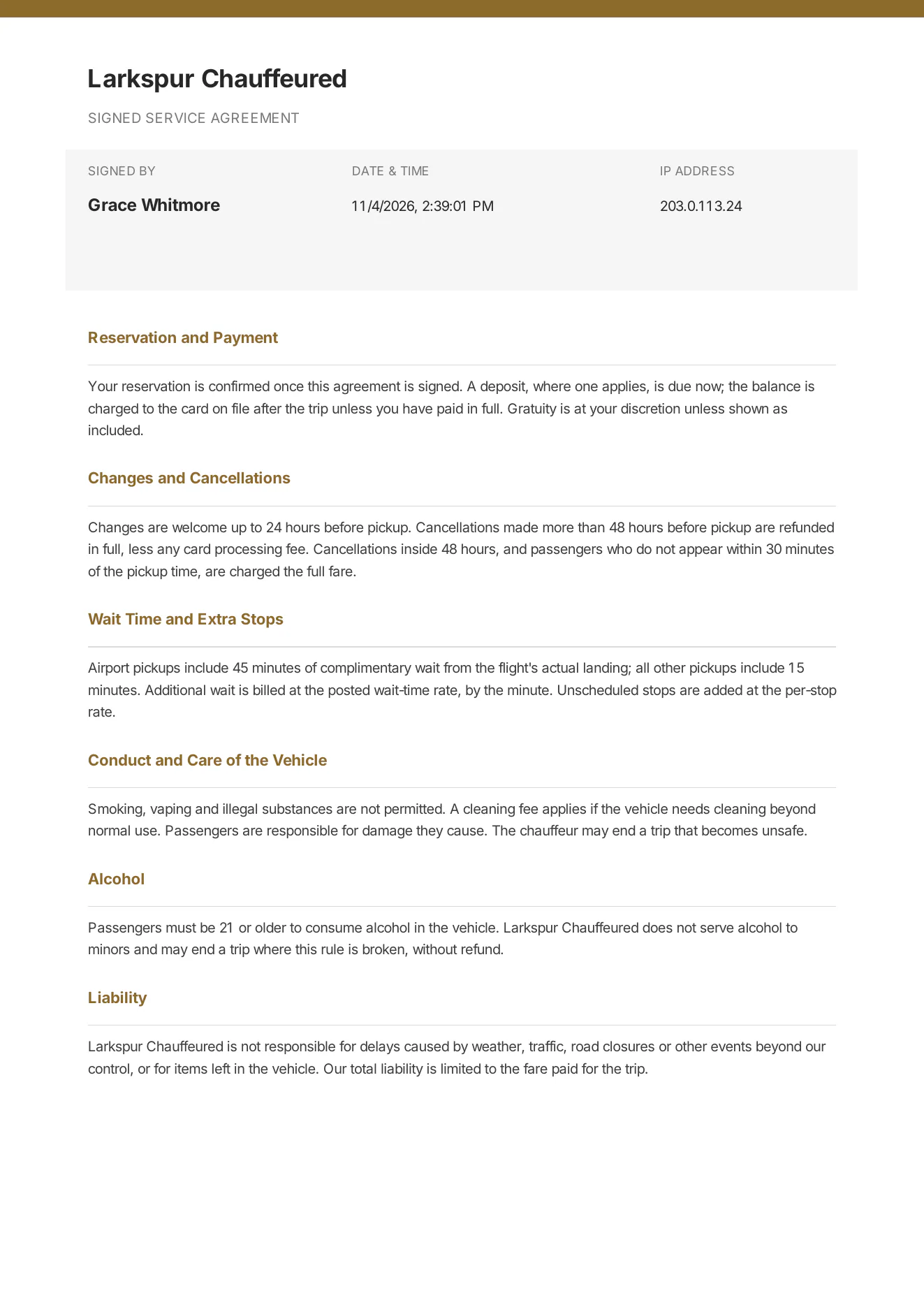
Tap to zoomThe agreementYour own terms, section by section. Each box ticked is time-stamped.Tap to zoomSign with a fingerDrawn signature, typed legal name, time stamp, IP address and device — all kept with the booking.app.zdtbooking.com/book/larkspurTap to zoomSign with a fingerDrawn signature, typed legal name, time stamp, IP address and device — all kept with the booking.
4 · Pay — into your account
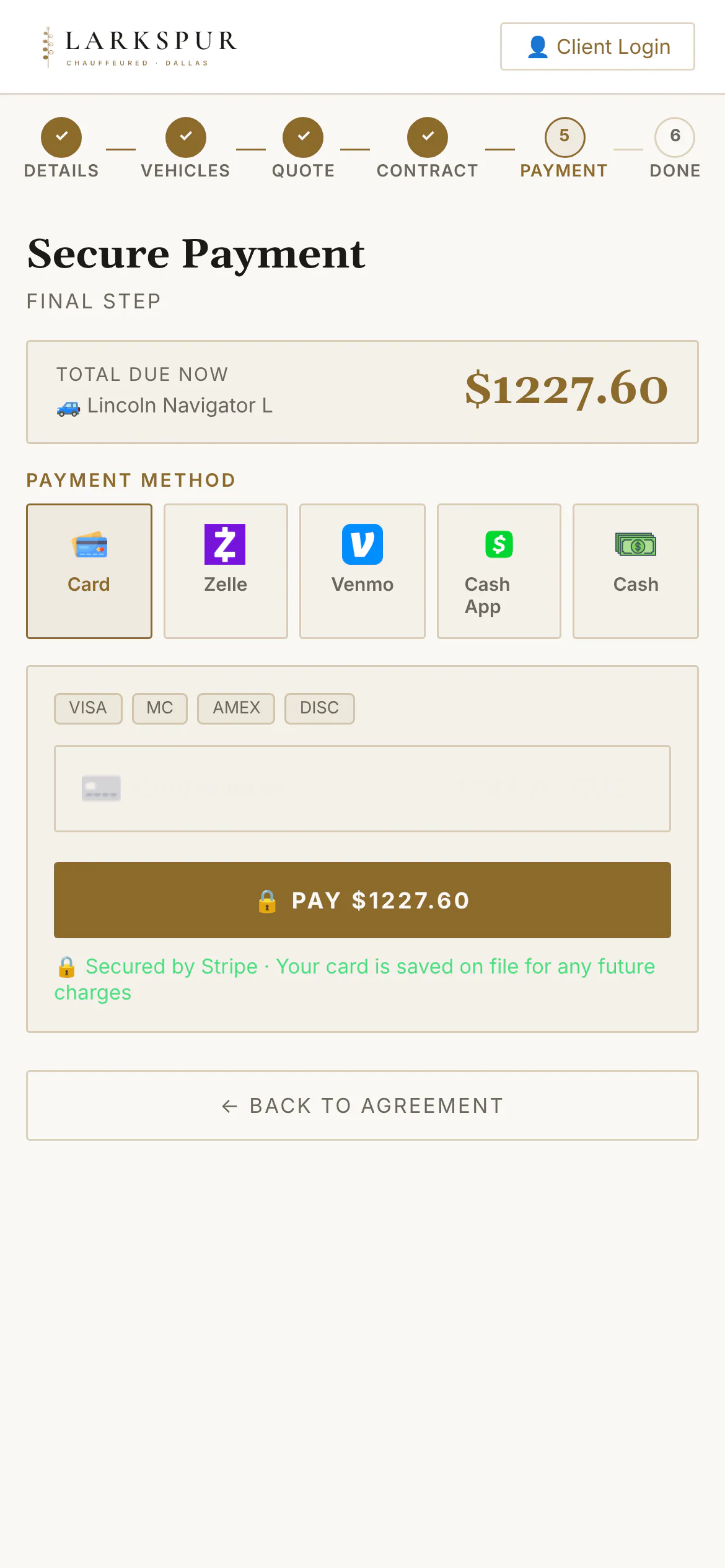
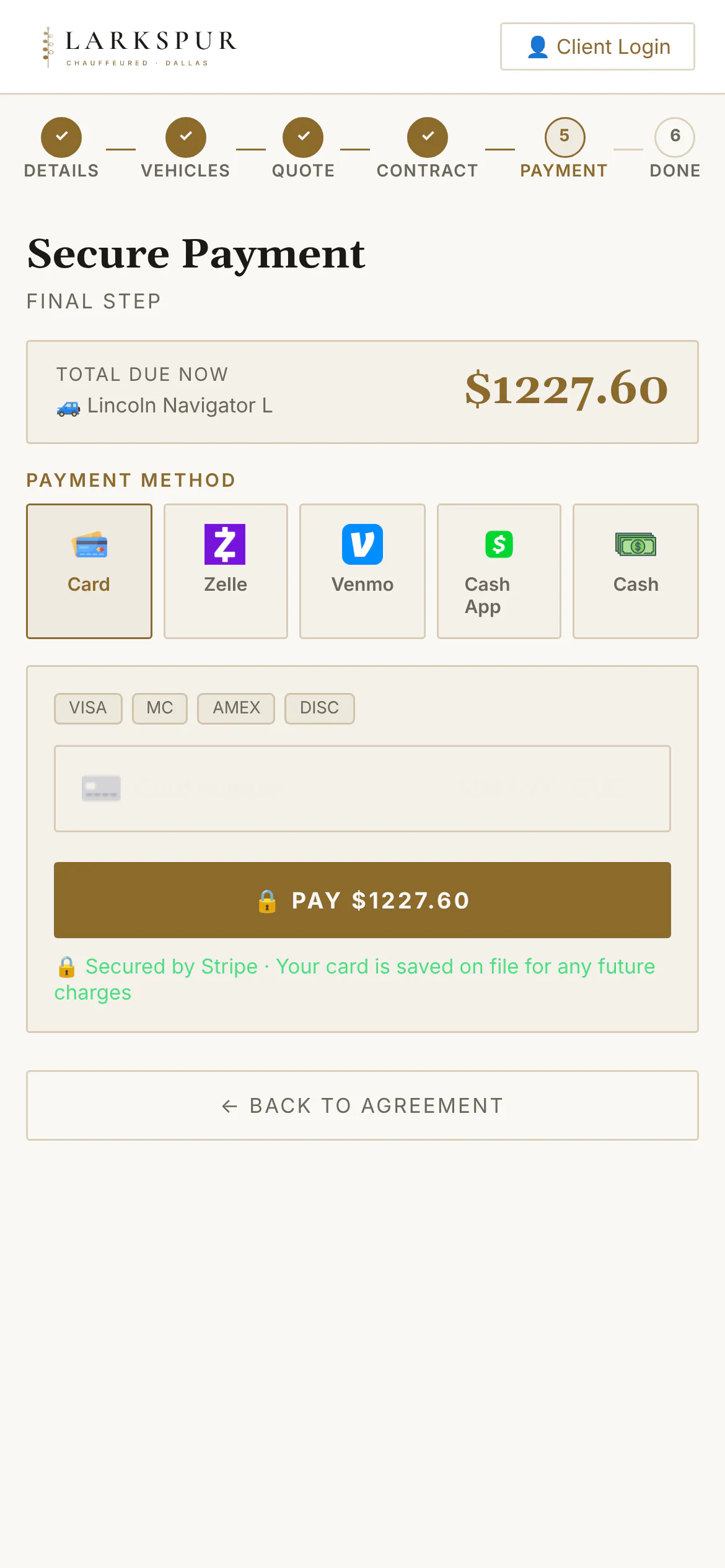
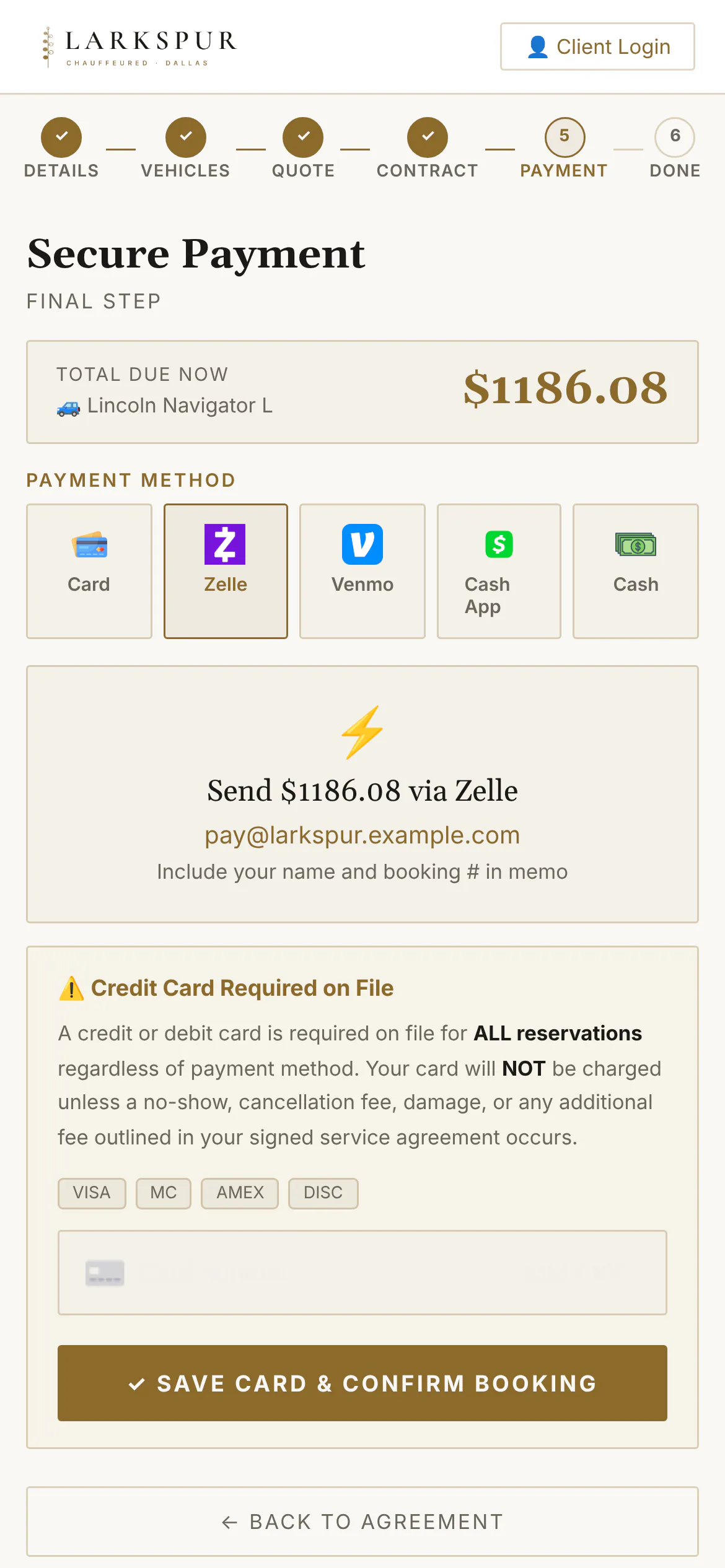
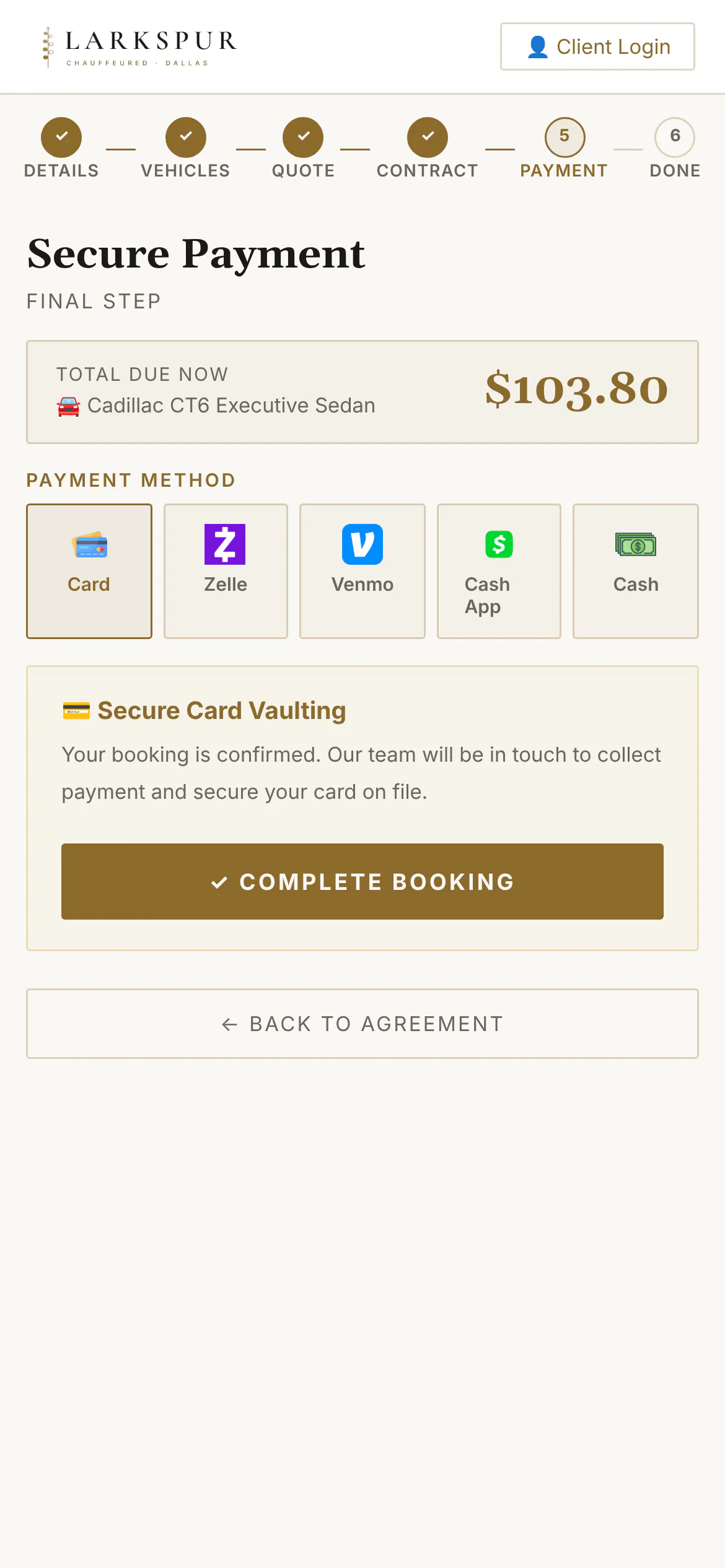
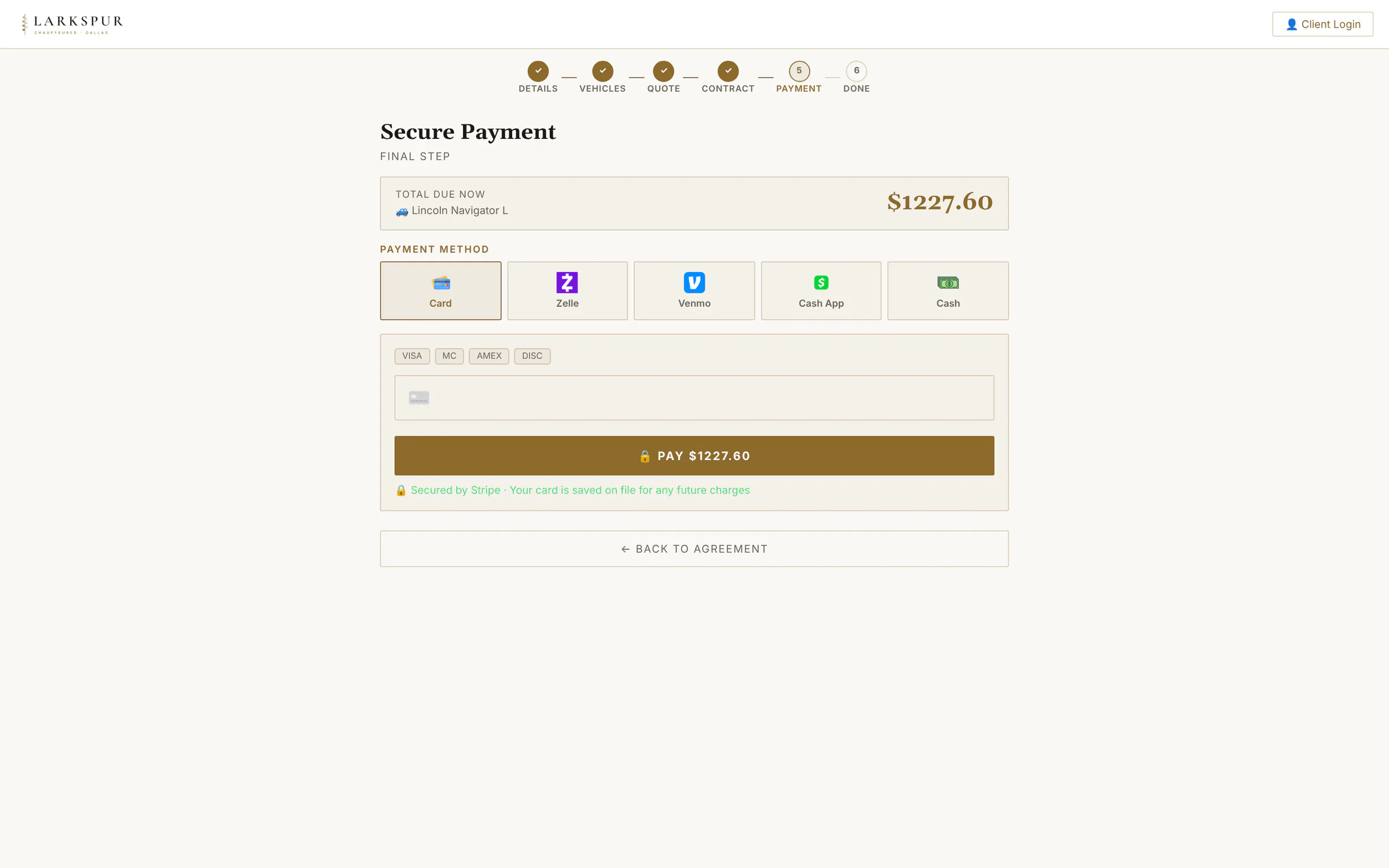
Deposit or pay in full by card through your own Stripe, or Zelle, Venmo, Cash App and cash. No Stripe yet? Customers can still book.
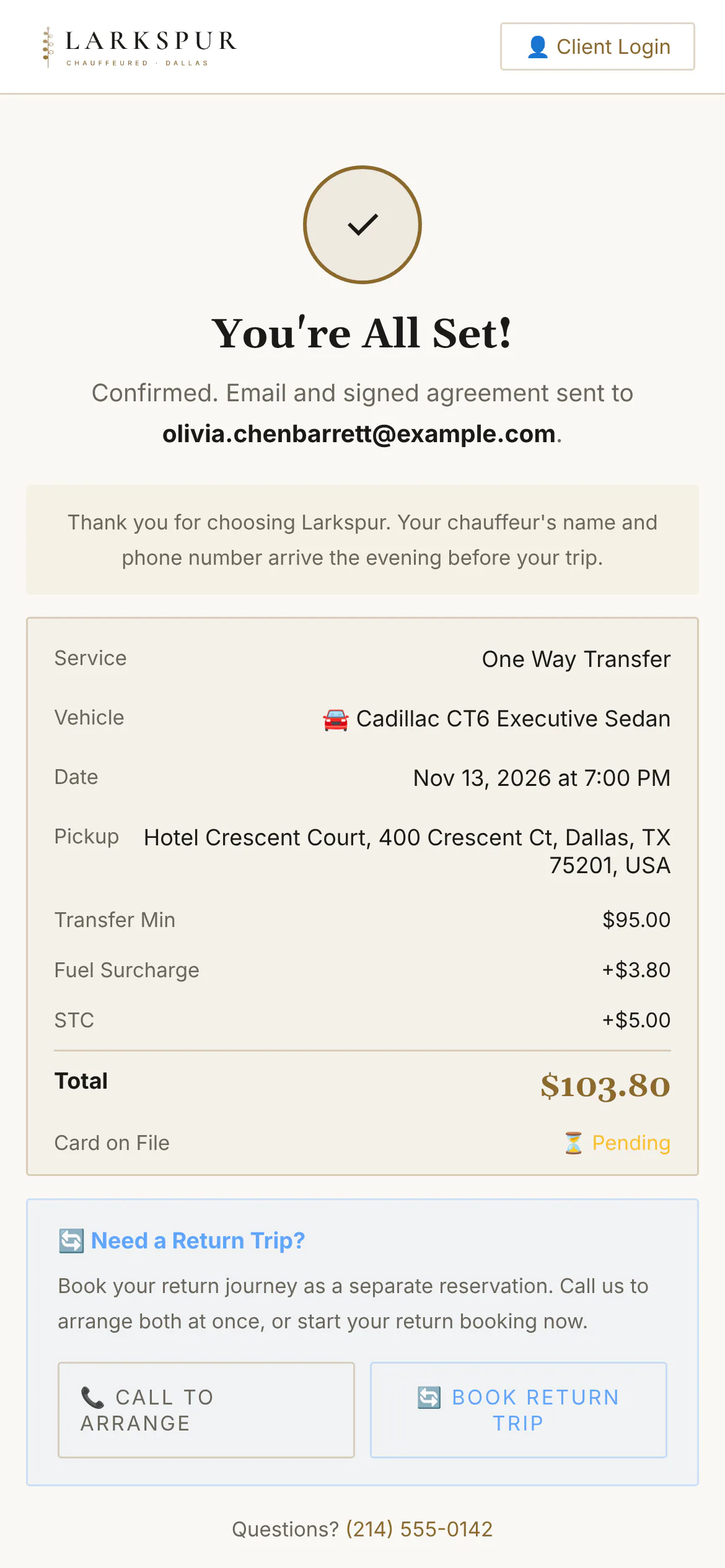
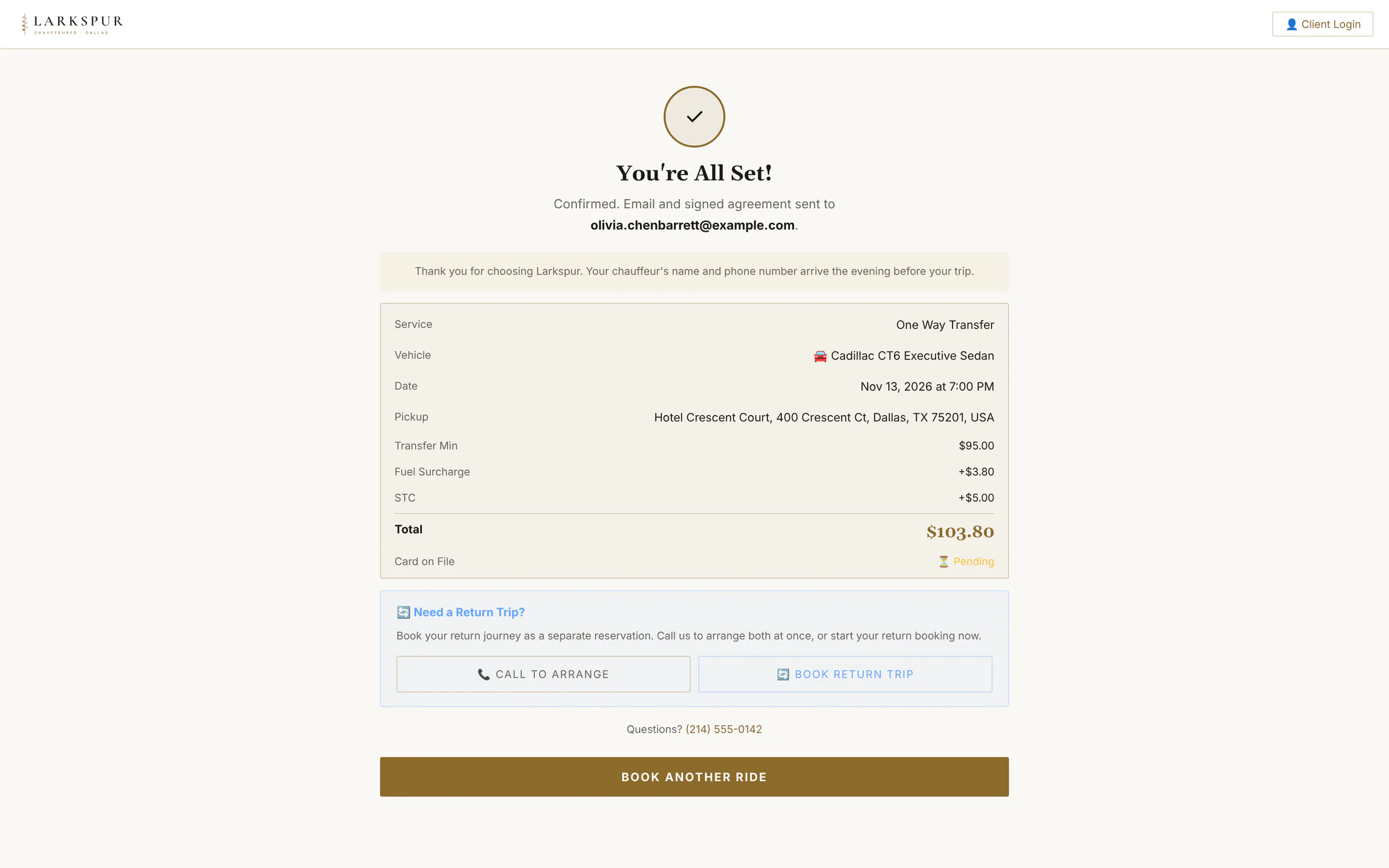
Tap to zoomSecure paymentDeposit or pay in full, by card or the methods you accept — straight into your own Stripe account.Tap to zoomCard paymentCard details go straight to Stripe; the payment lands in your own account.Tap to zoomZelle, Venmo, Cash App, cashCustomers who'd rather not pay by card see exactly where to send it, and how much.Tap to zoomBooking without StripeNo card processor yet? Customers still book, sign and choose Zelle, Venmo, Cash App or cash — you collect the way you already do.Tap to zoomBookedA confirmation on screen and by email for the customer — and the booking on your dashboard, already priced and signed.
A quote to accept, an agreement to sign, a balance to pay, a tip, a card to keep on file — each a secure link in your brand.
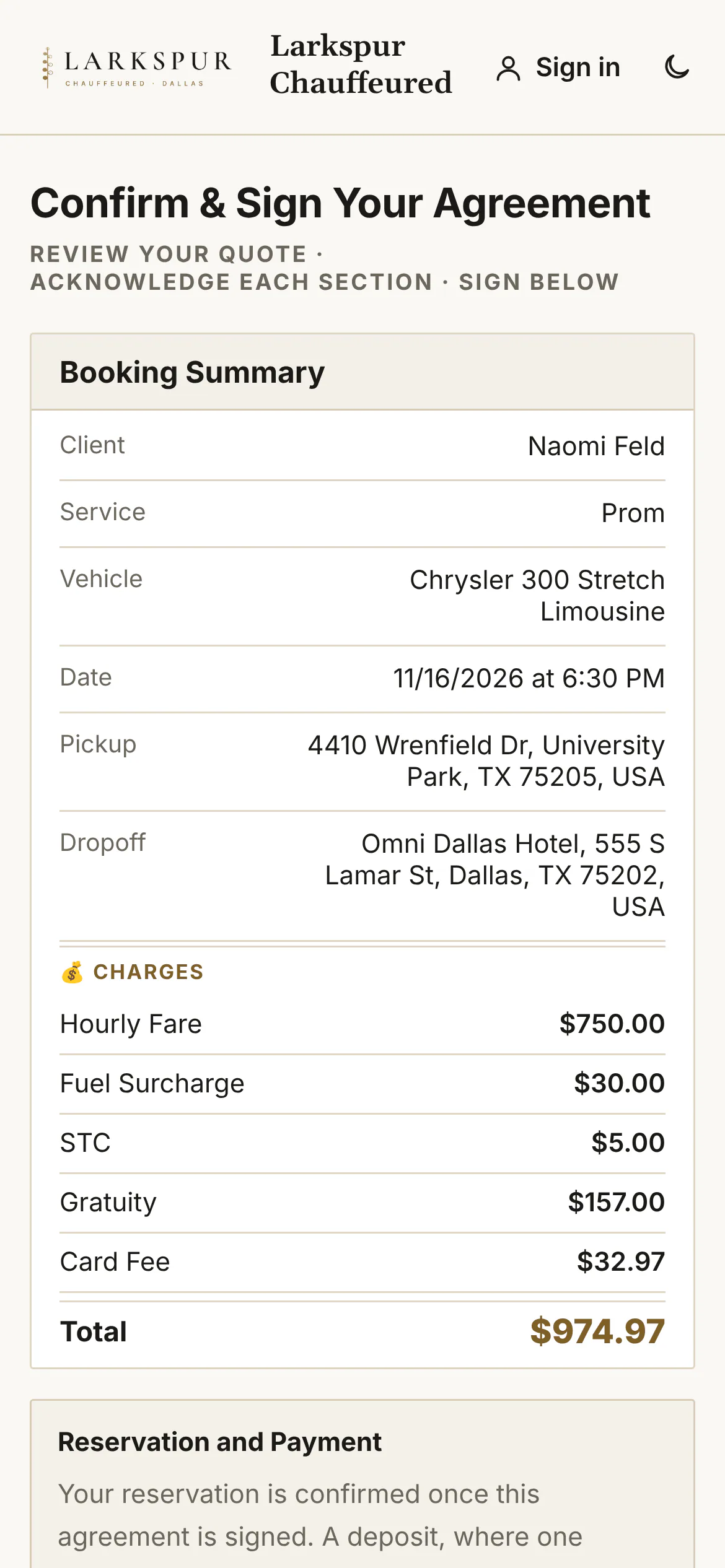
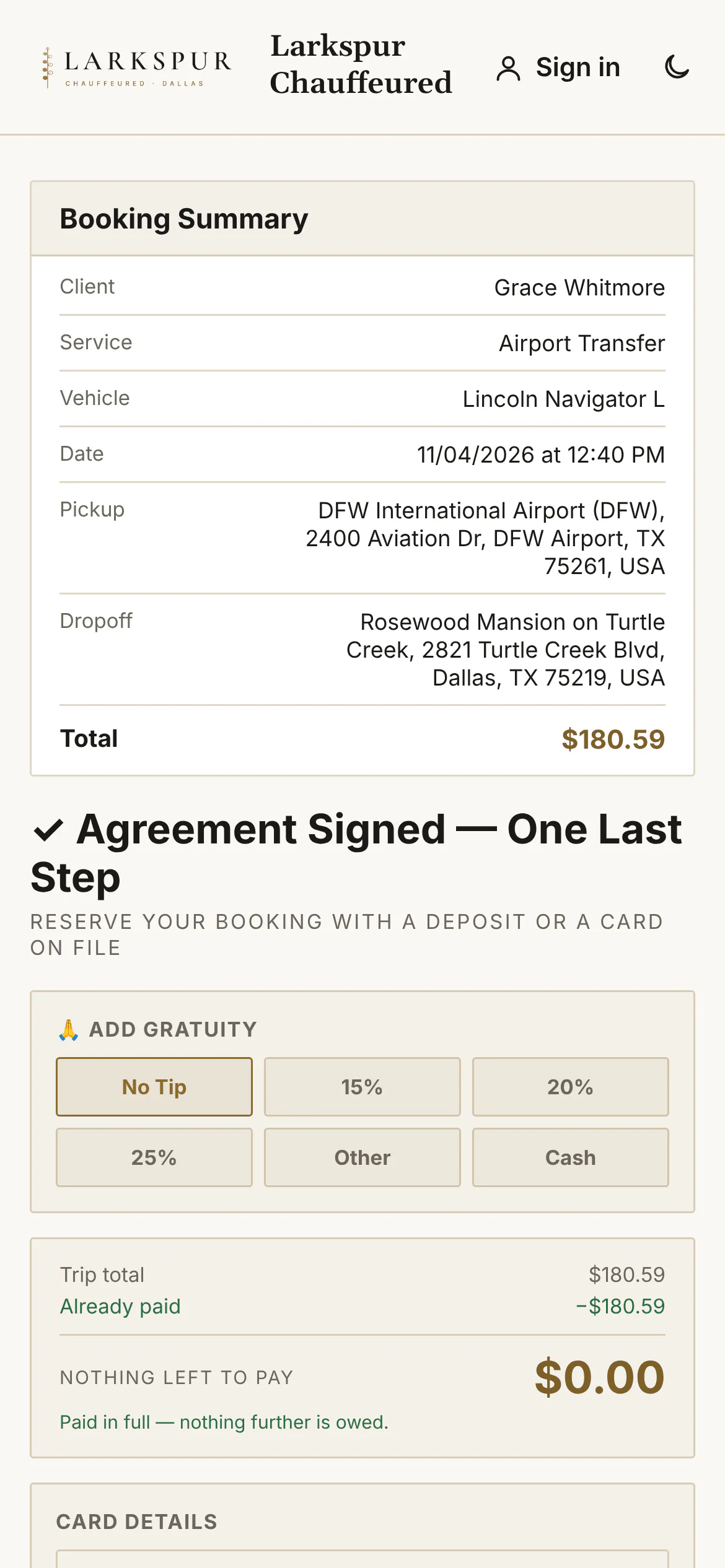
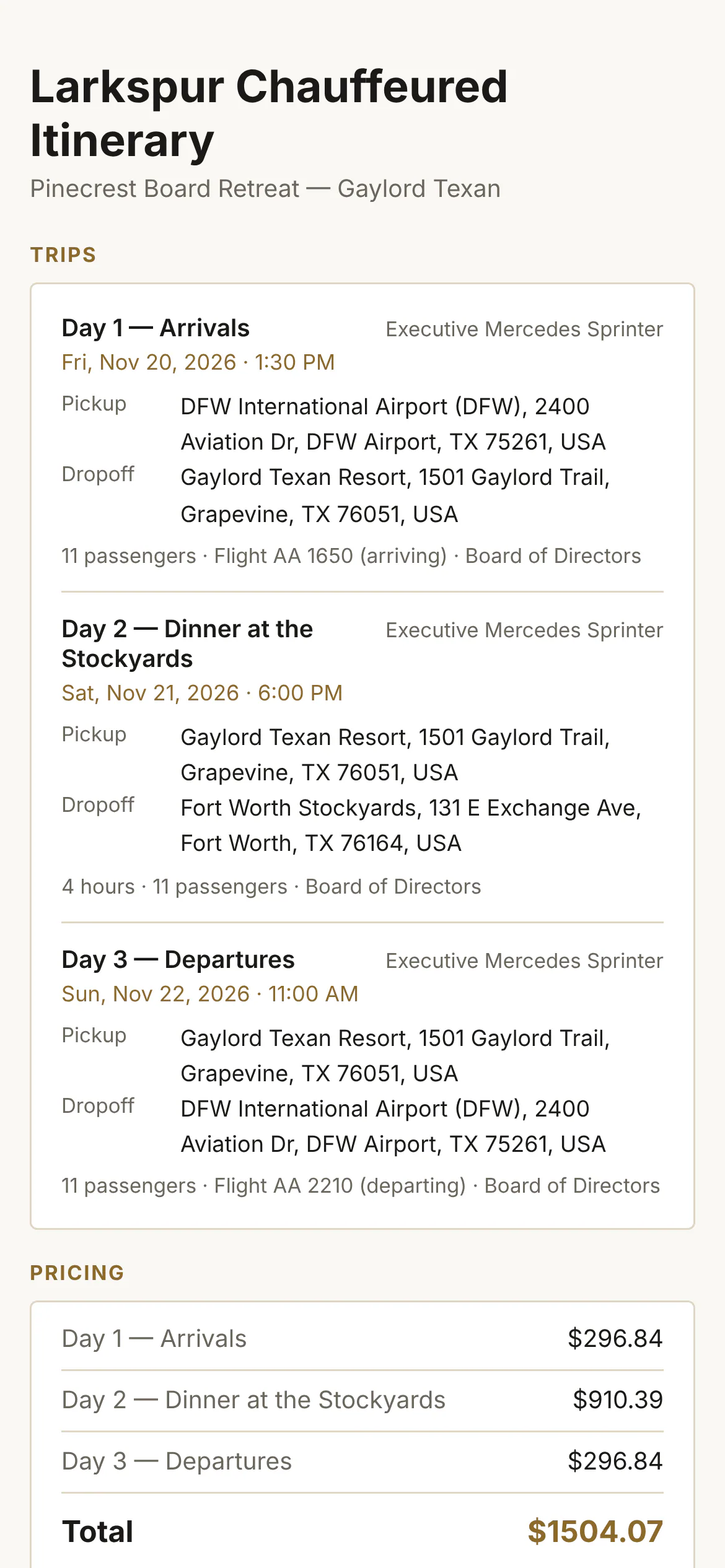
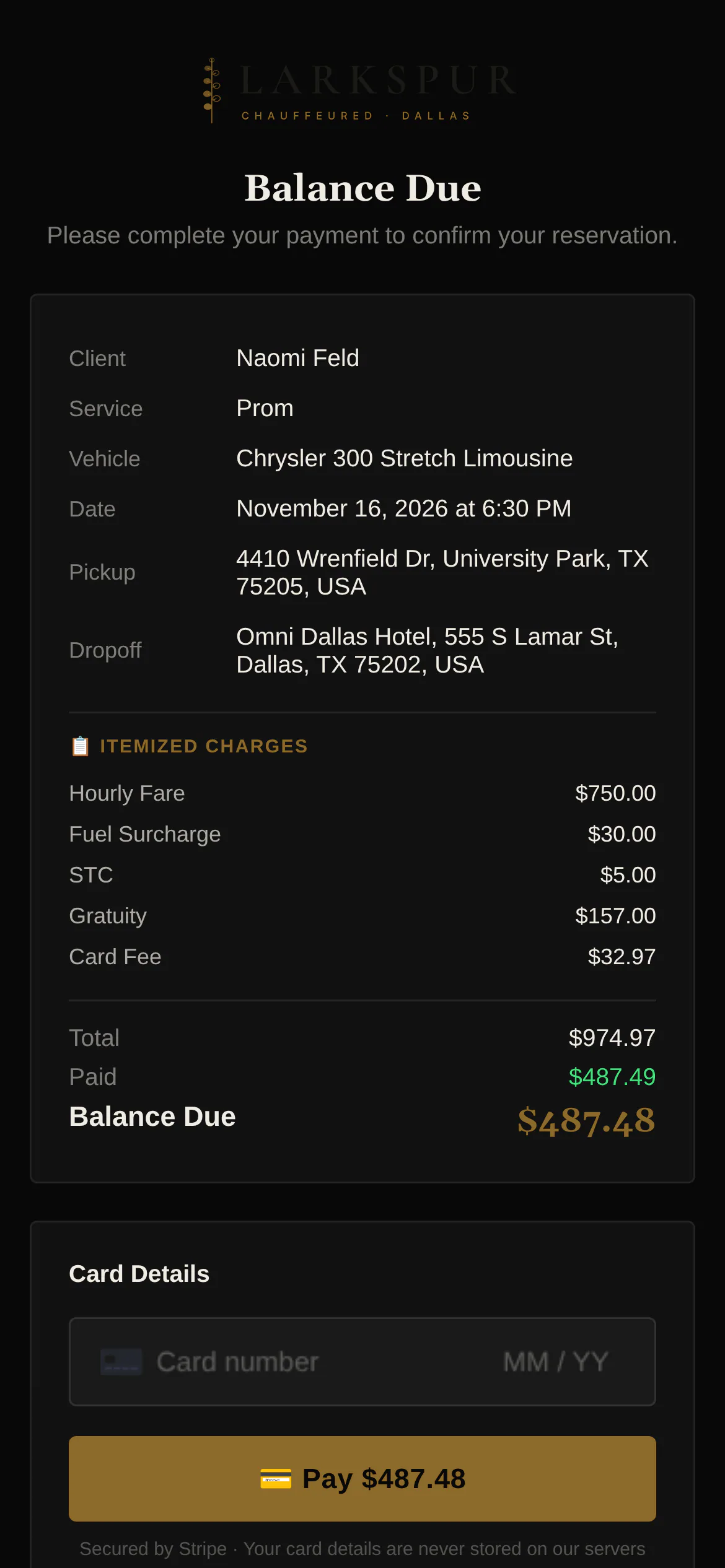
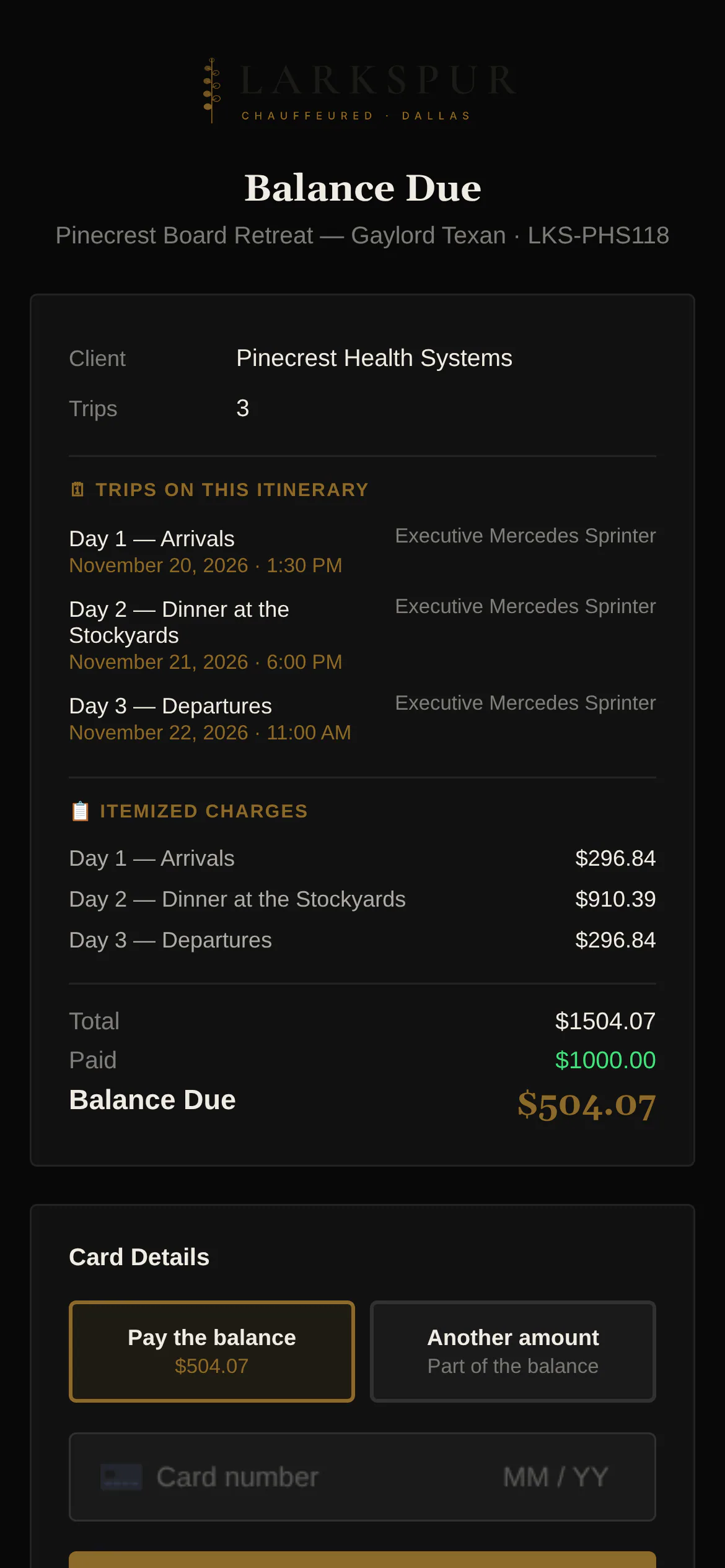
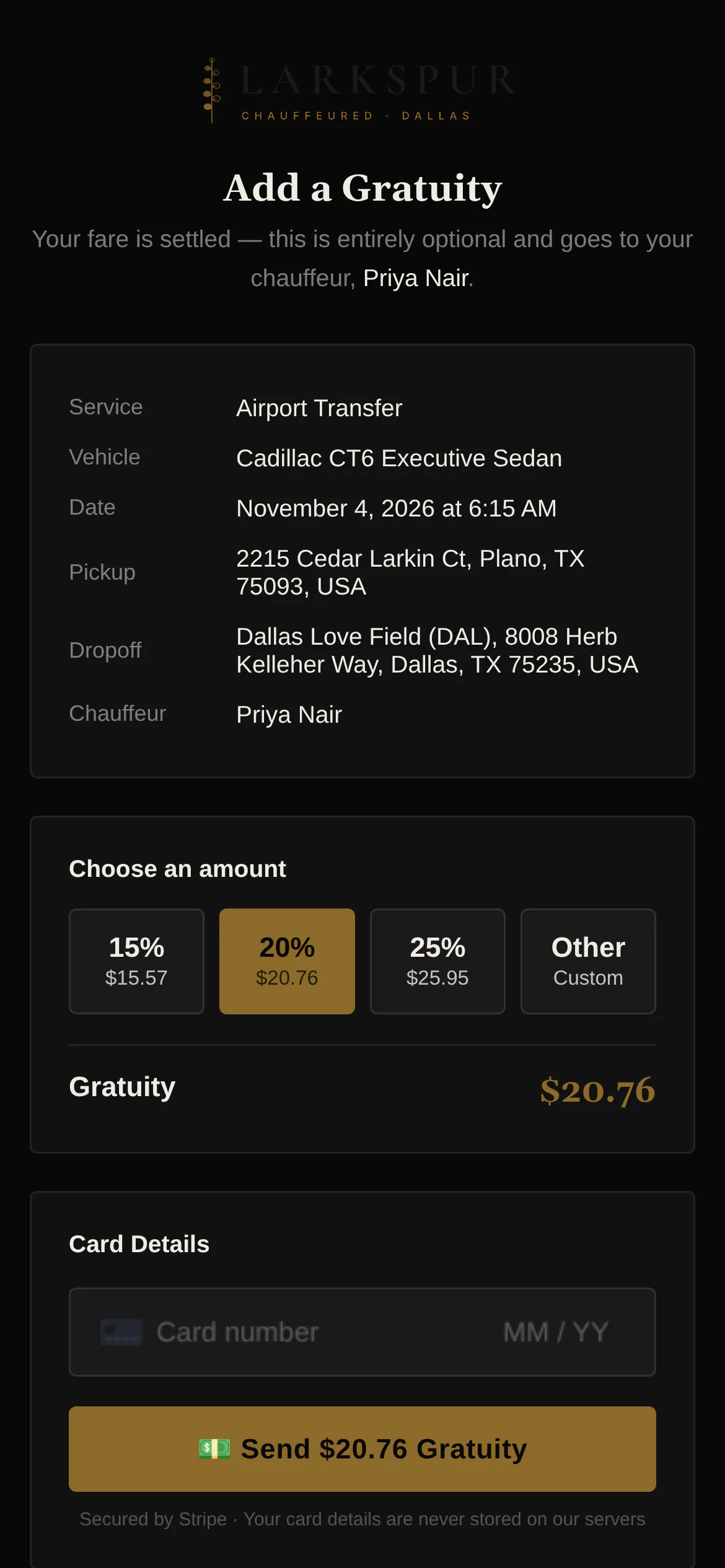
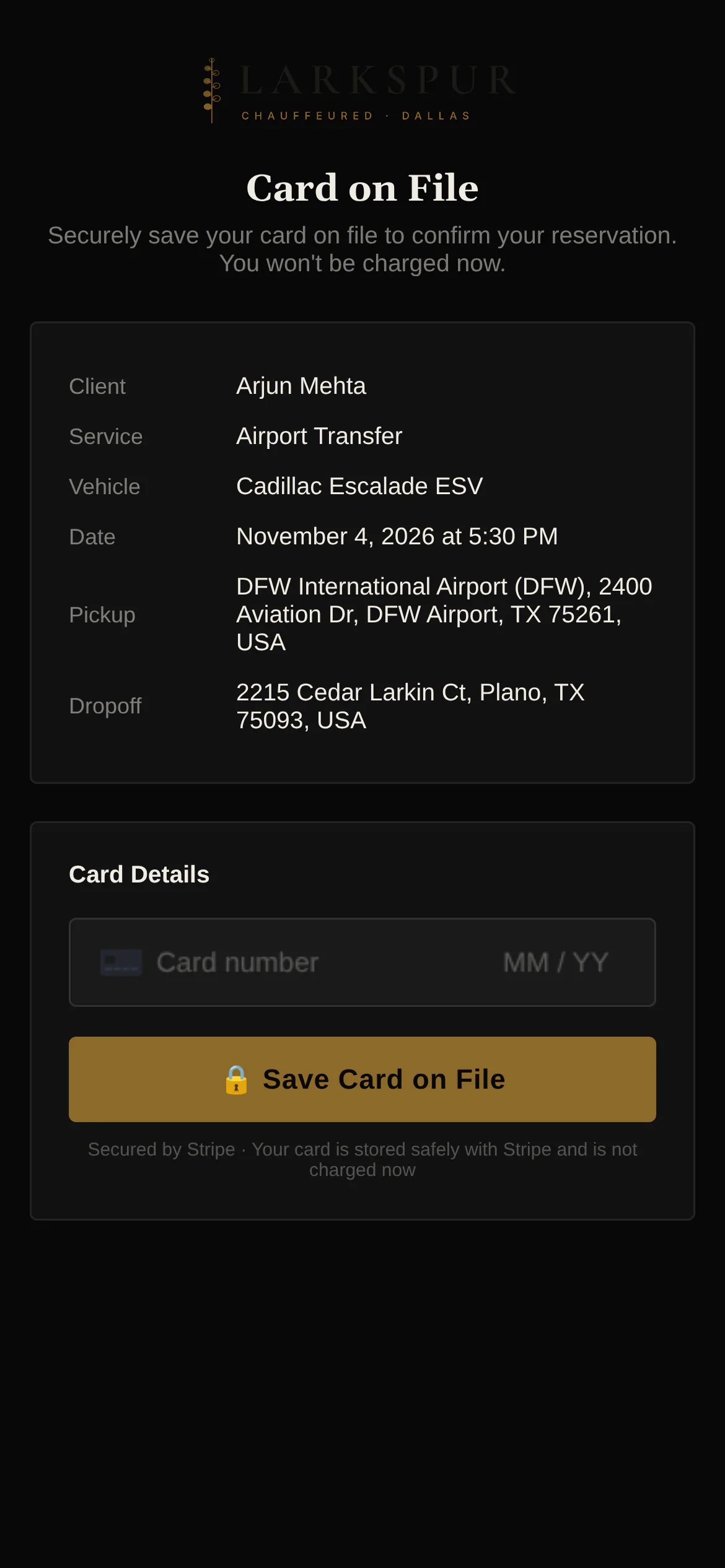
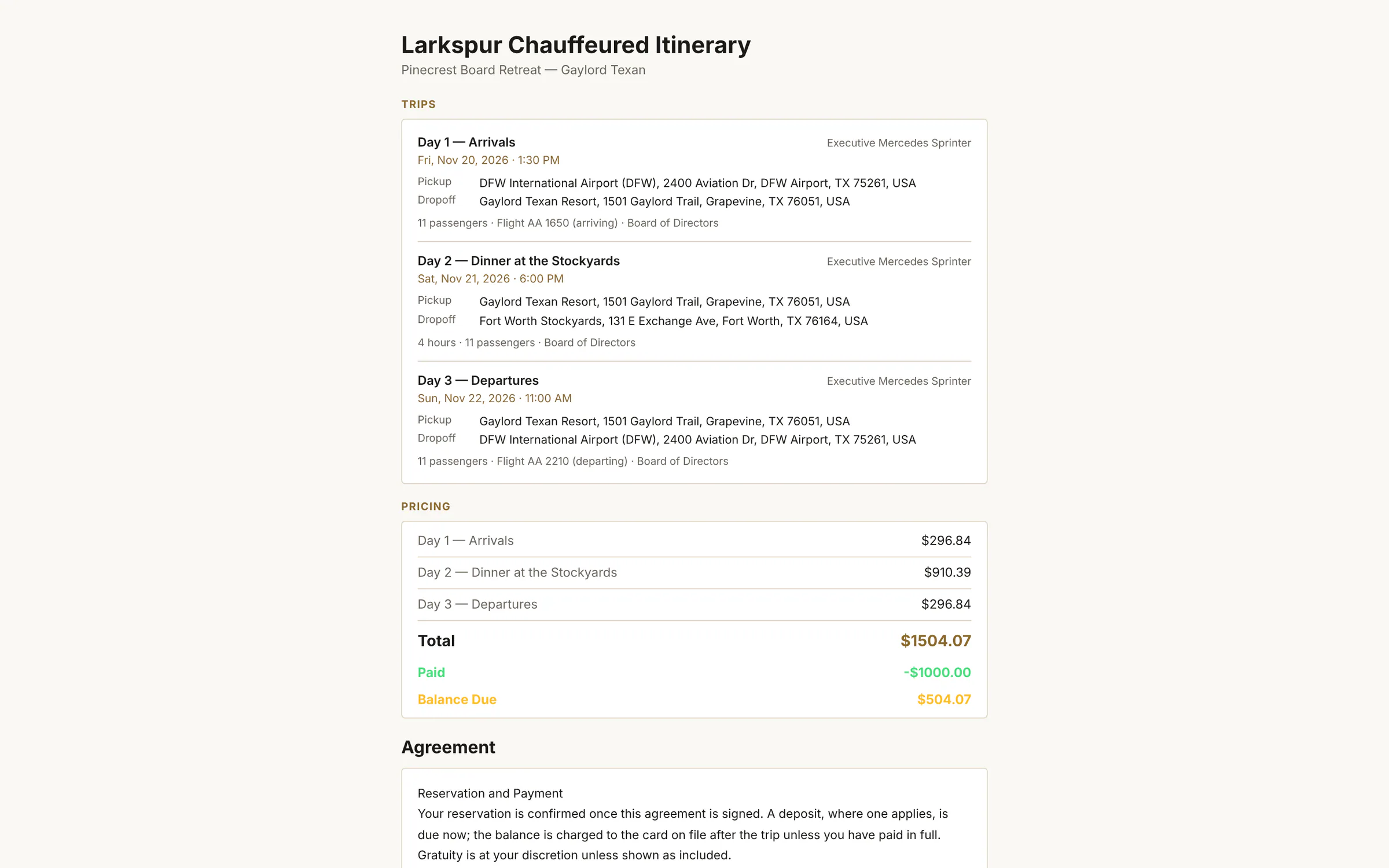
Tap to zoomSign from a linkSend a signing link from any booking: summary, charges, your agreement and a signature pad.Tap to zoomSigned — one last stepStraight after signing: an optional tip and the balance, already paid here — or a deposit or card on file when it isn't.Tap to zoomPhoto ID on fileSwitch on Require Photo ID and the client adds their ID — camera or file, front and back — before signing.Tap to zoomMulti-day itinerariesA three-day retreat on one bill: every leg listed, one signature covers them all.Tap to zoomPay a balanceA pay link for any balance: the charges, what's paid, what's left, and a card field.Tap to zoomPay an itineraryItineraries can be paid in full or in any amount, day by day.Tap to zoomAdd a gratuity after the rideA tip link after the trip — preset percentages or any amount.Tap to zoomCard on fileAsk for a card without charging it — for wait time, damage or a balance later.
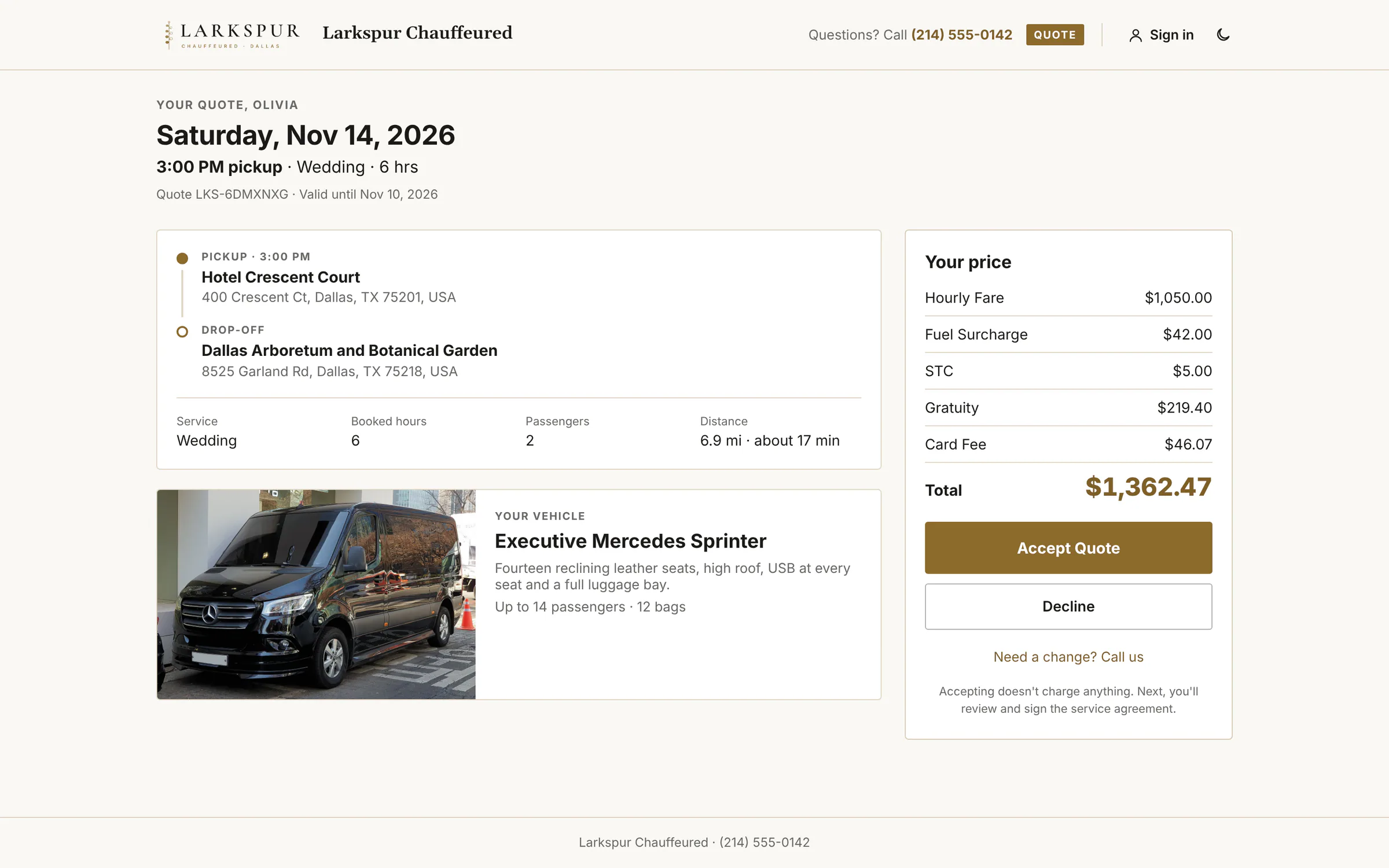
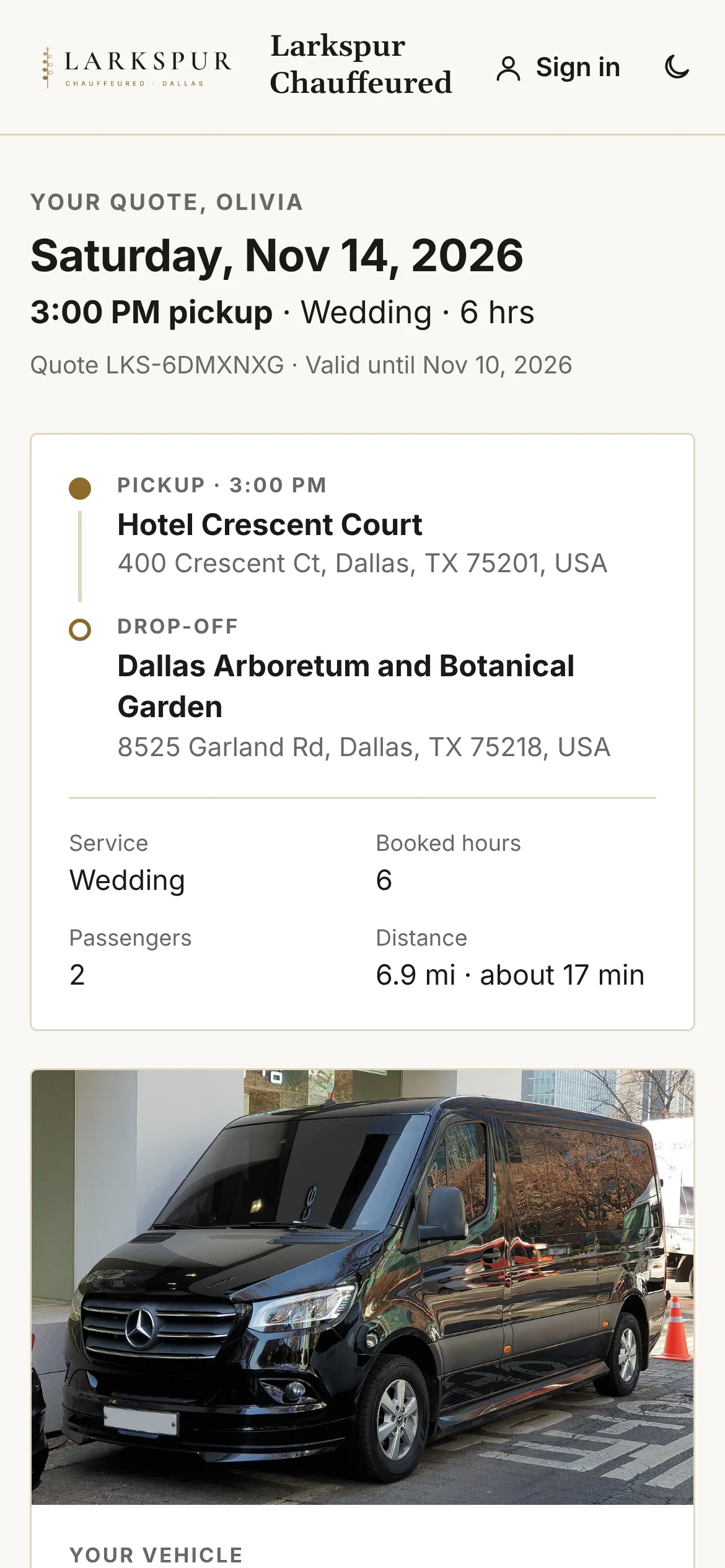
app.zdtbooking.com/signTap to zoomThe quote, as your client sees itOne link: the trip, the car, an itemised price and two buttons — Accept or Decline.app.zdtbooking.com/signTap to zoomMulti-day itinerariesA three-day retreat on one bill: every leg listed, one signature covers them all.
The client's answer — accept or decline
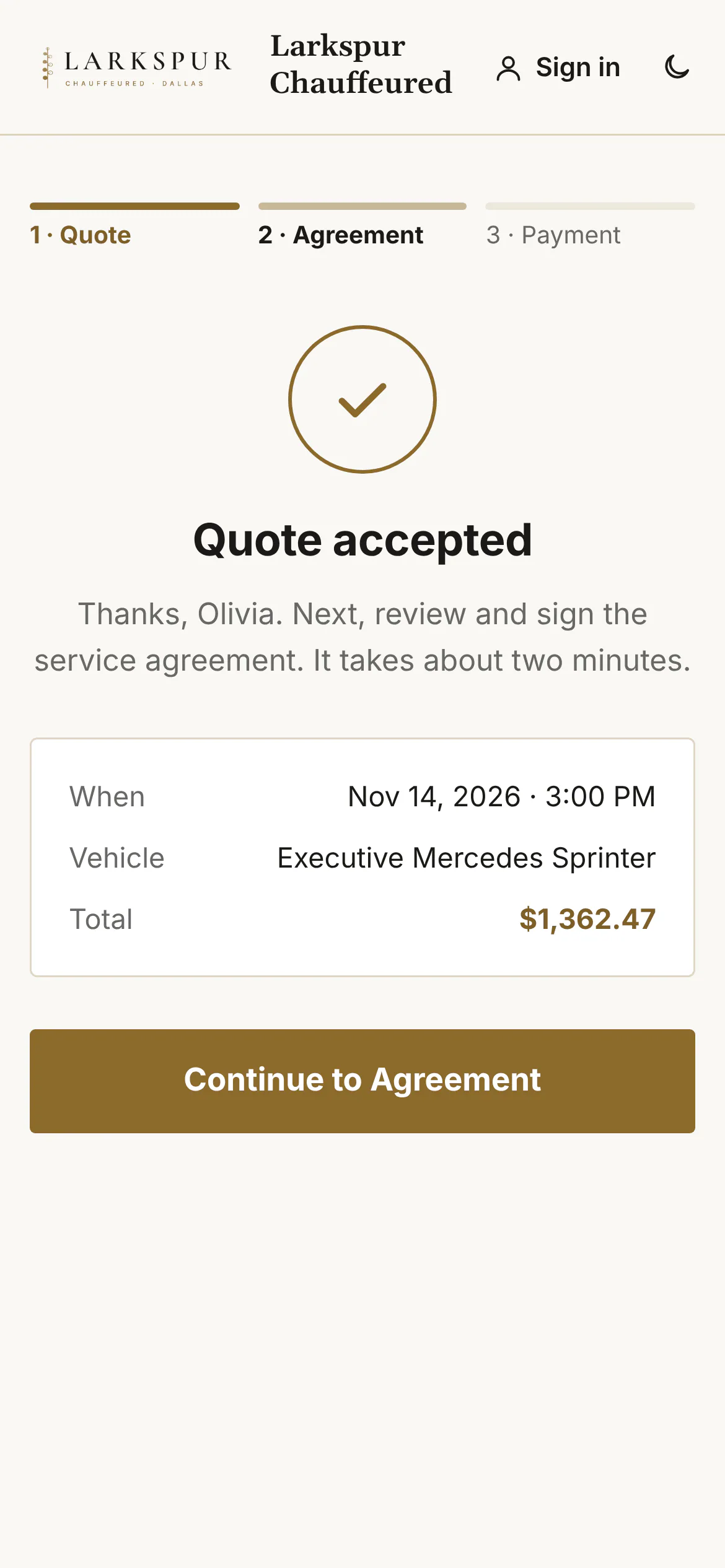
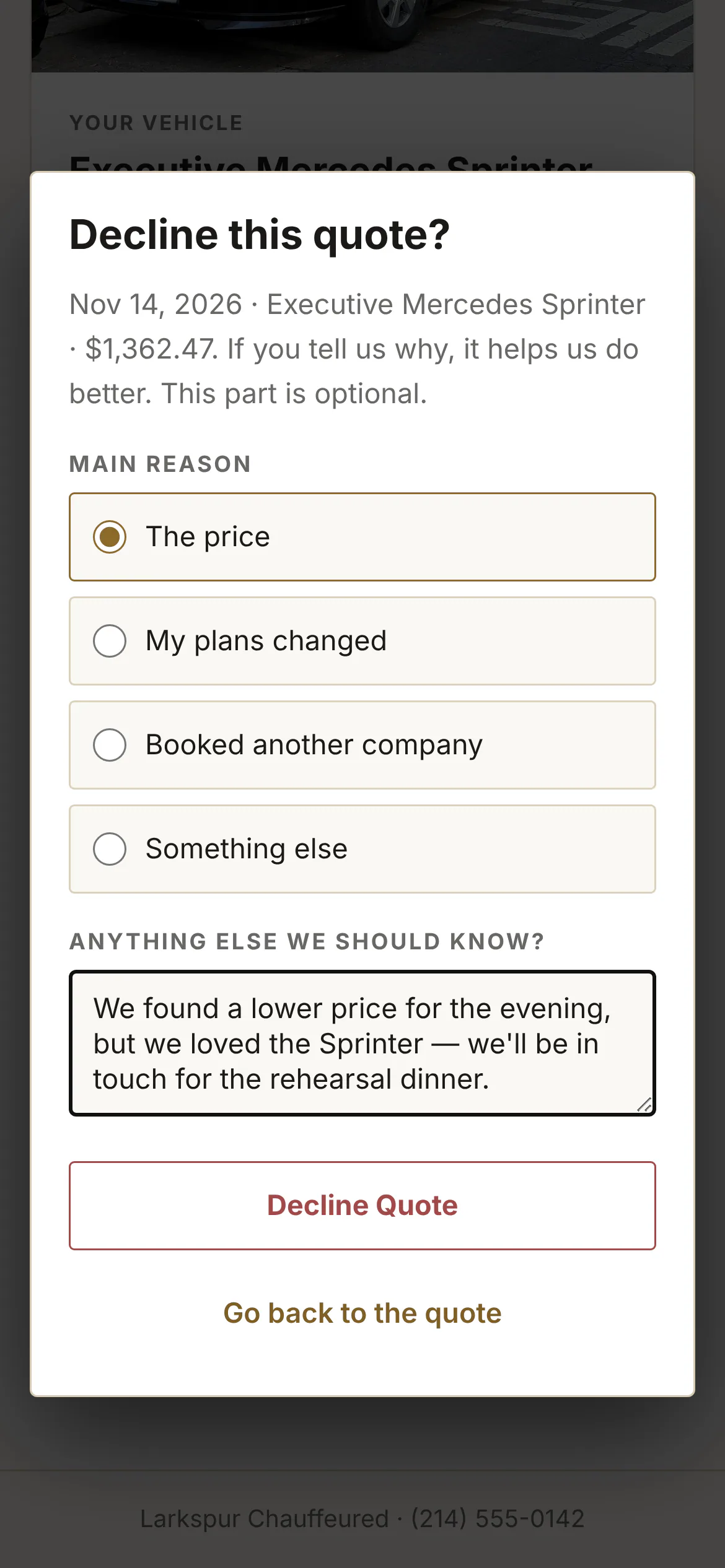
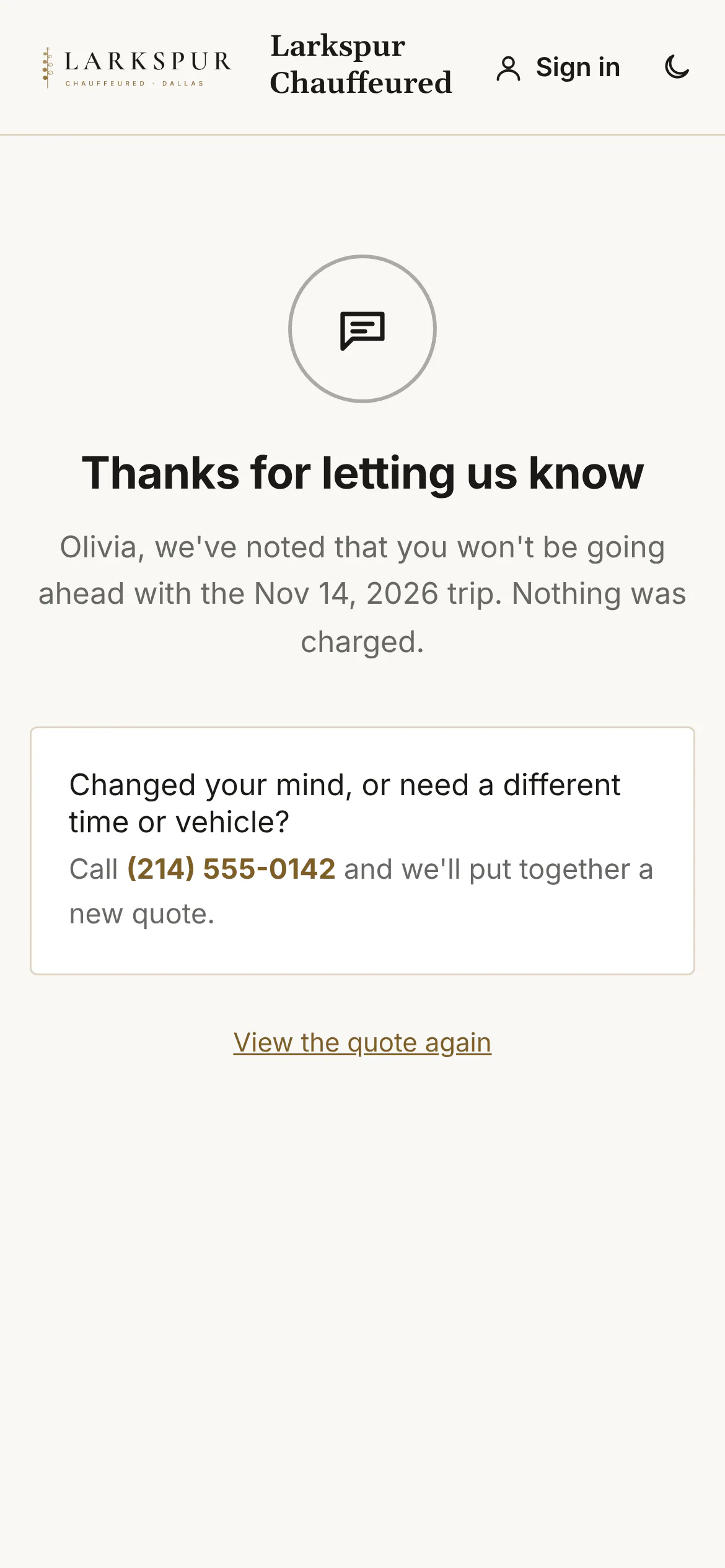
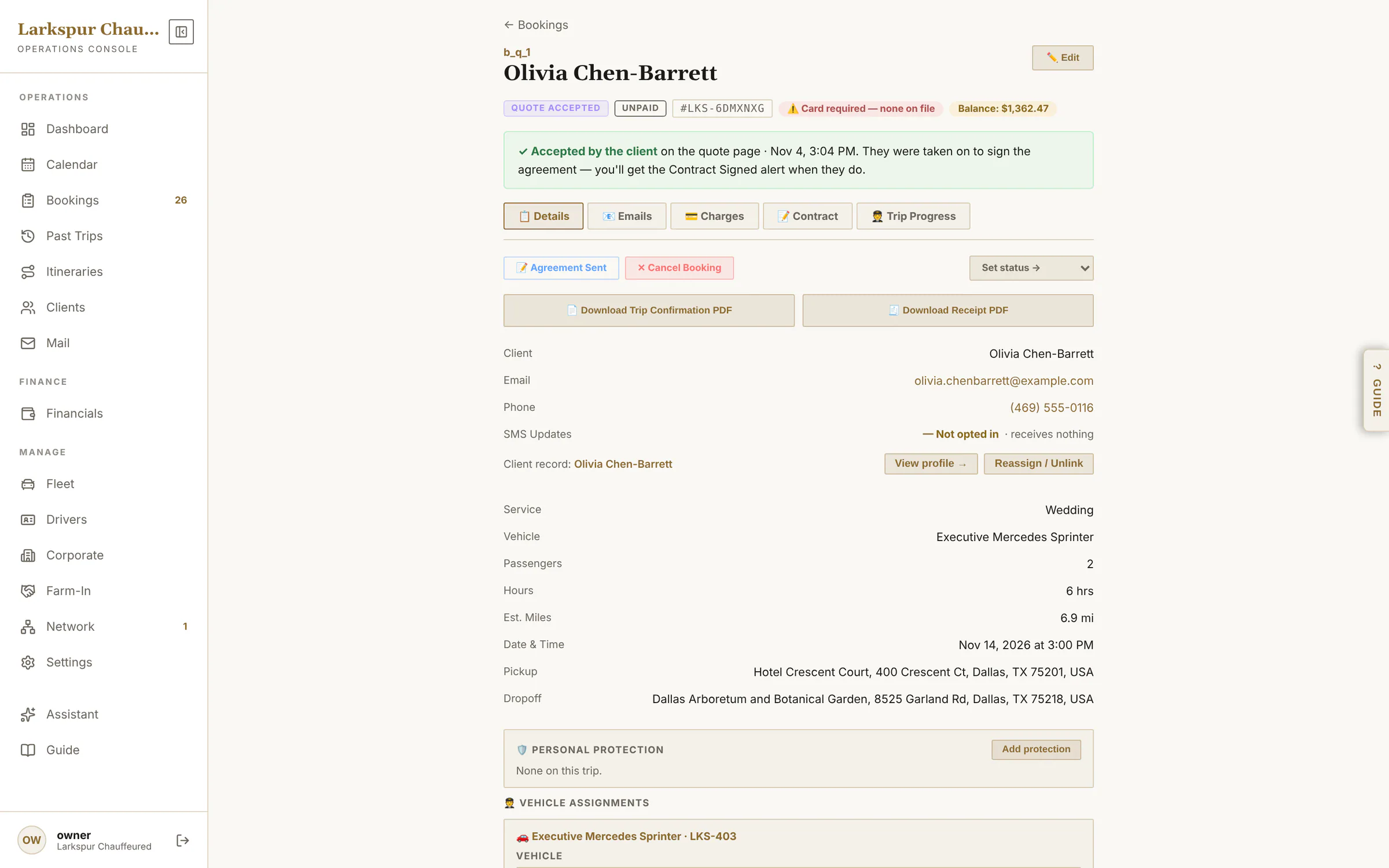
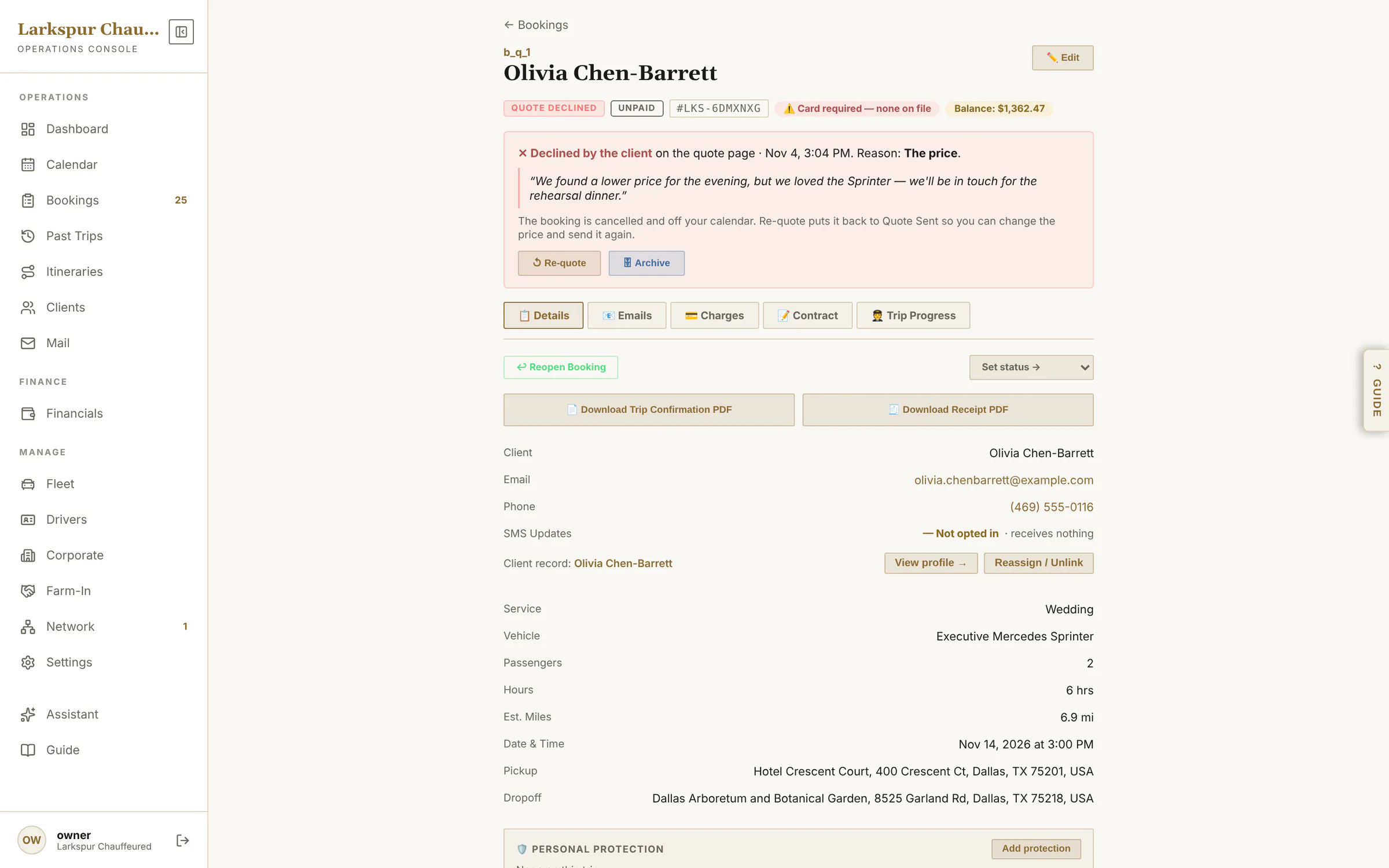
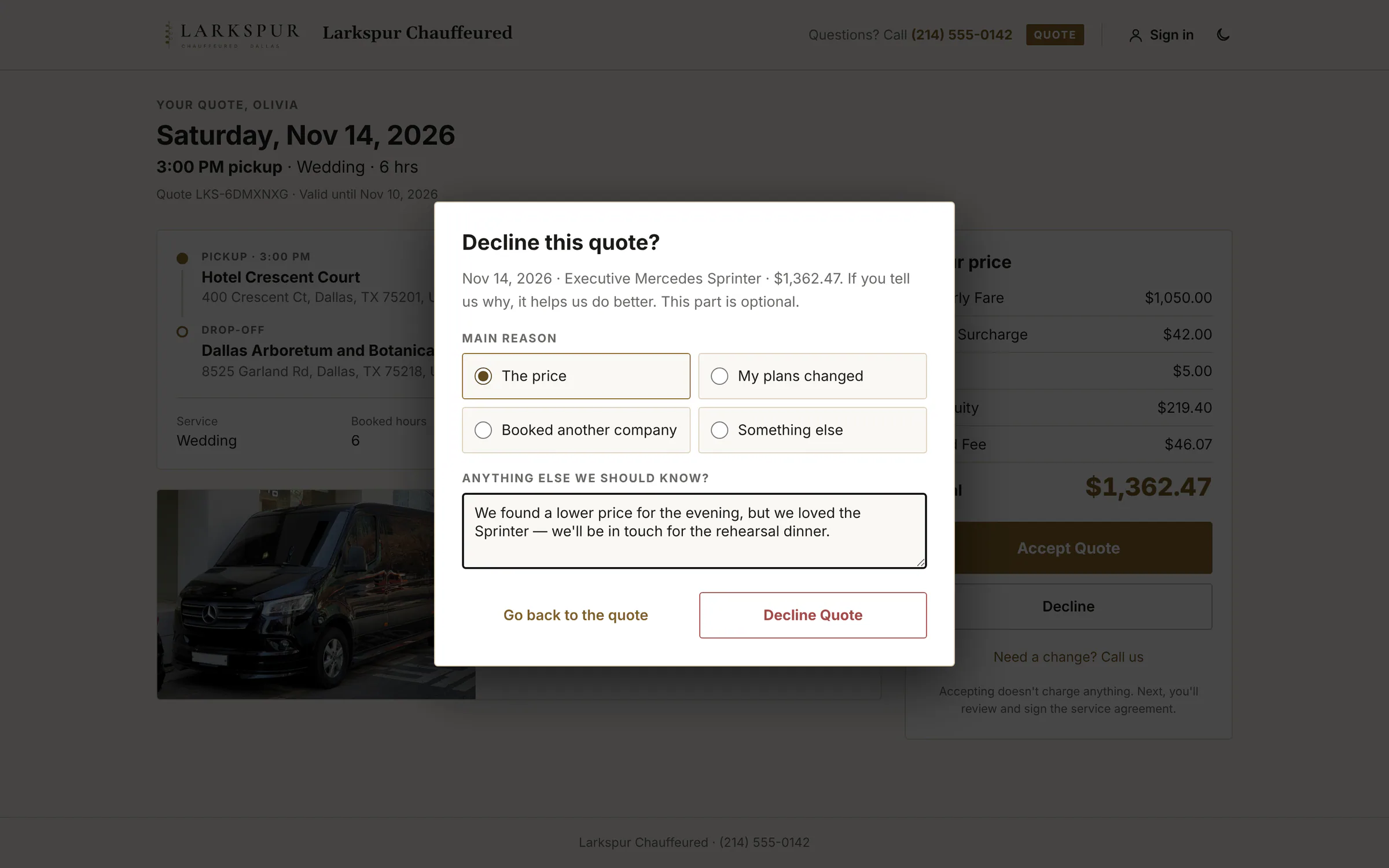
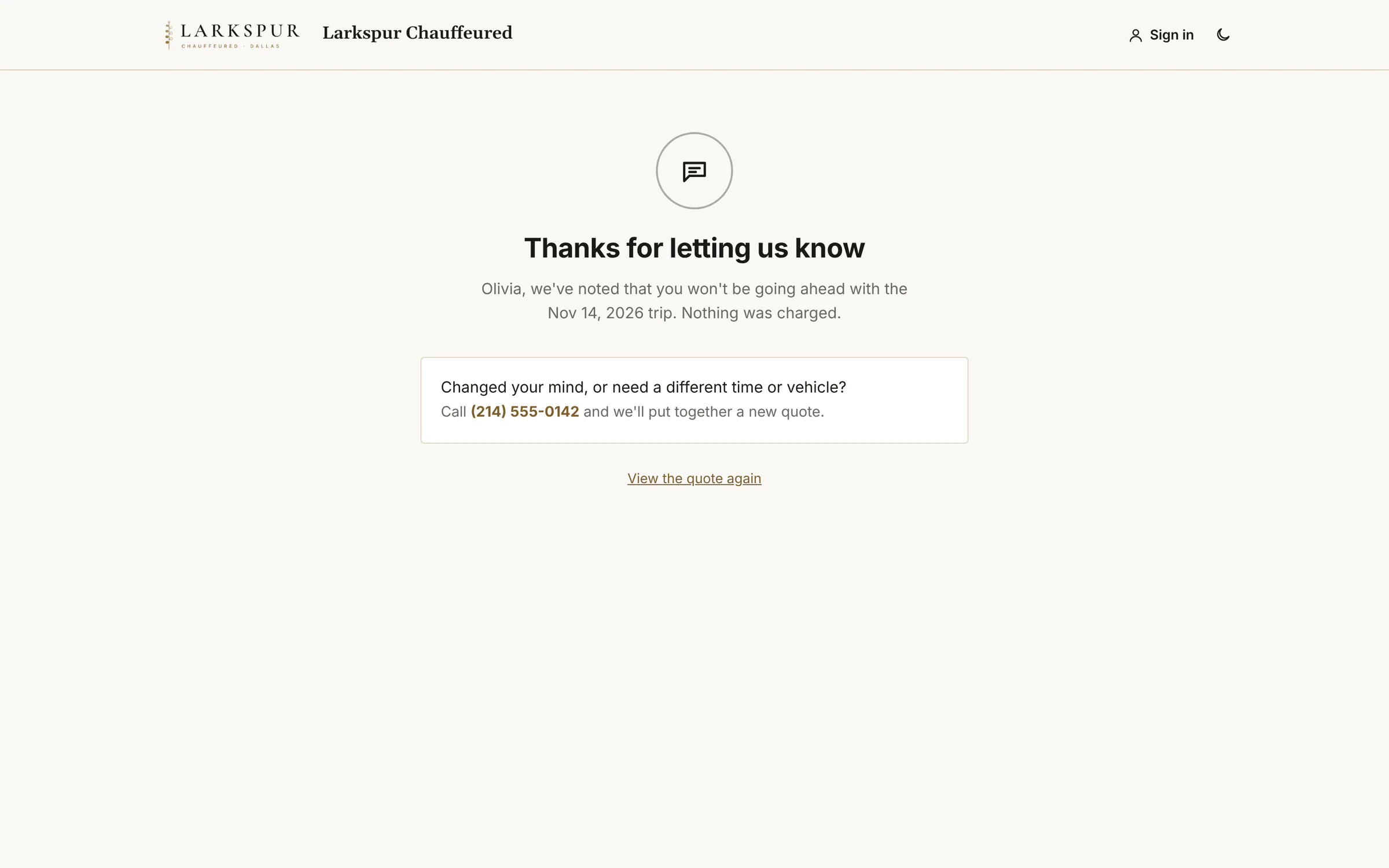
Accept goes straight on to the agreement and payment. Decline asks why, and takes a note in the client's own words. Either way, the booking shows you the answer the moment it's given — and a declined quote can be re-quoted in one tap.
Tap to zoomThe quote, as your client sees itOne link: the trip, the car, an itemised price and two buttons — Accept or Decline.Tap to zoomAccepted — straight on to signOne tap on Accept and the client is taken to the agreement, then payment. You get an alert the moment it happens.Tap to zoomDeclines tell you whyA client who says no picks a reason — the price, plans changed, booked elsewhere — and can add a note, so you learn from every lost quote.Tap to zoomA gracious noThe client is thanked, told nothing was charged, and given a way back if they change their mind.
app.zdtbooking.com/adminTap to zoomThe office sees the answerThe booking shows the client accepted, when, and that they've gone on to sign.app.zdtbooking.com/adminTap to zoomWhy you lost it — and Re-quoteA declined quote shows the reason and the client's own words, comes off the calendar, and can be re-quoted in one tap.app.zdtbooking.com/signTap to zoomDeclines tell you whyA client who says no picks a reason — the price, plans changed, booked elsewhere — and can add a note, so you learn from every lost quote.app.zdtbooking.com/signTap to zoomA gracious noThe client is thanked, told nothing was charged, and given a way back if they change their mind.
Offer a choice of cars
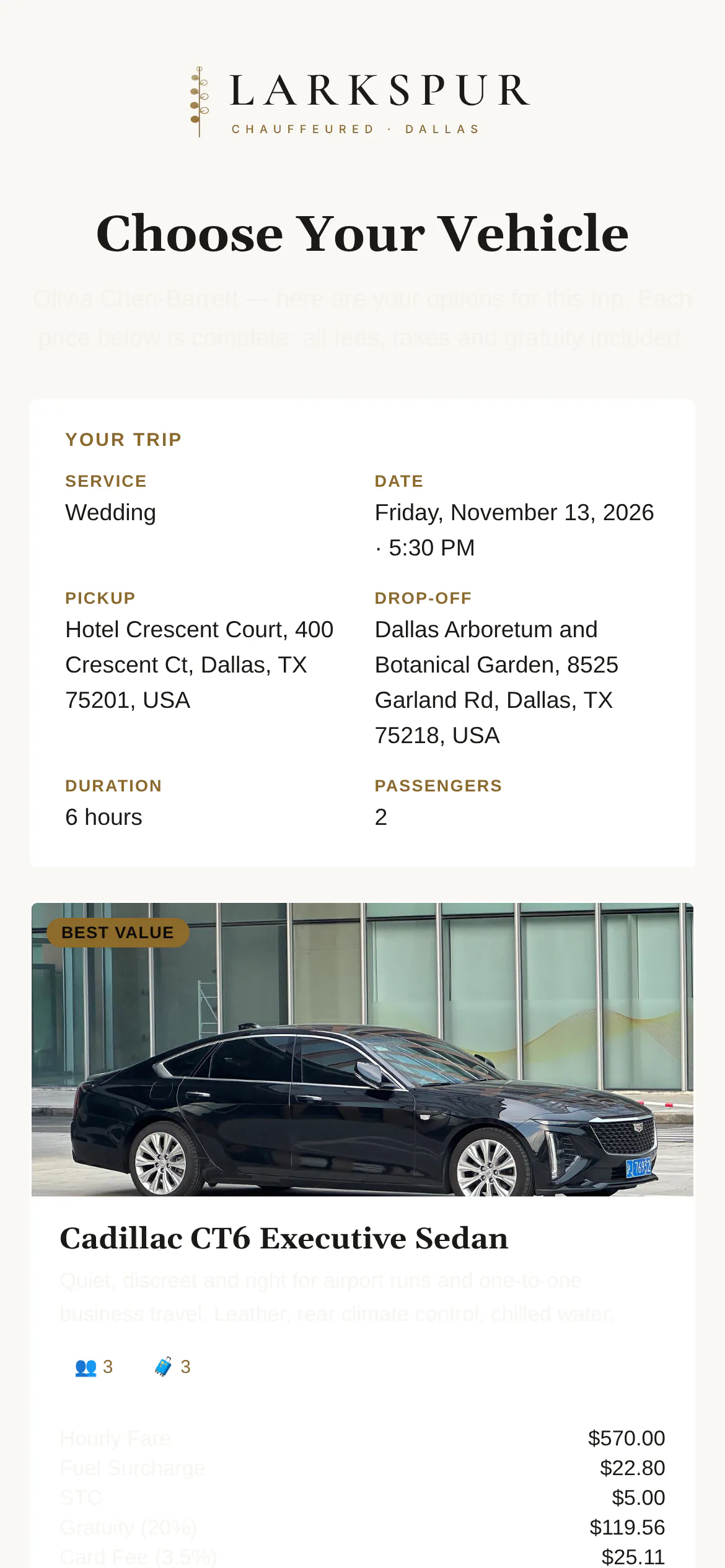
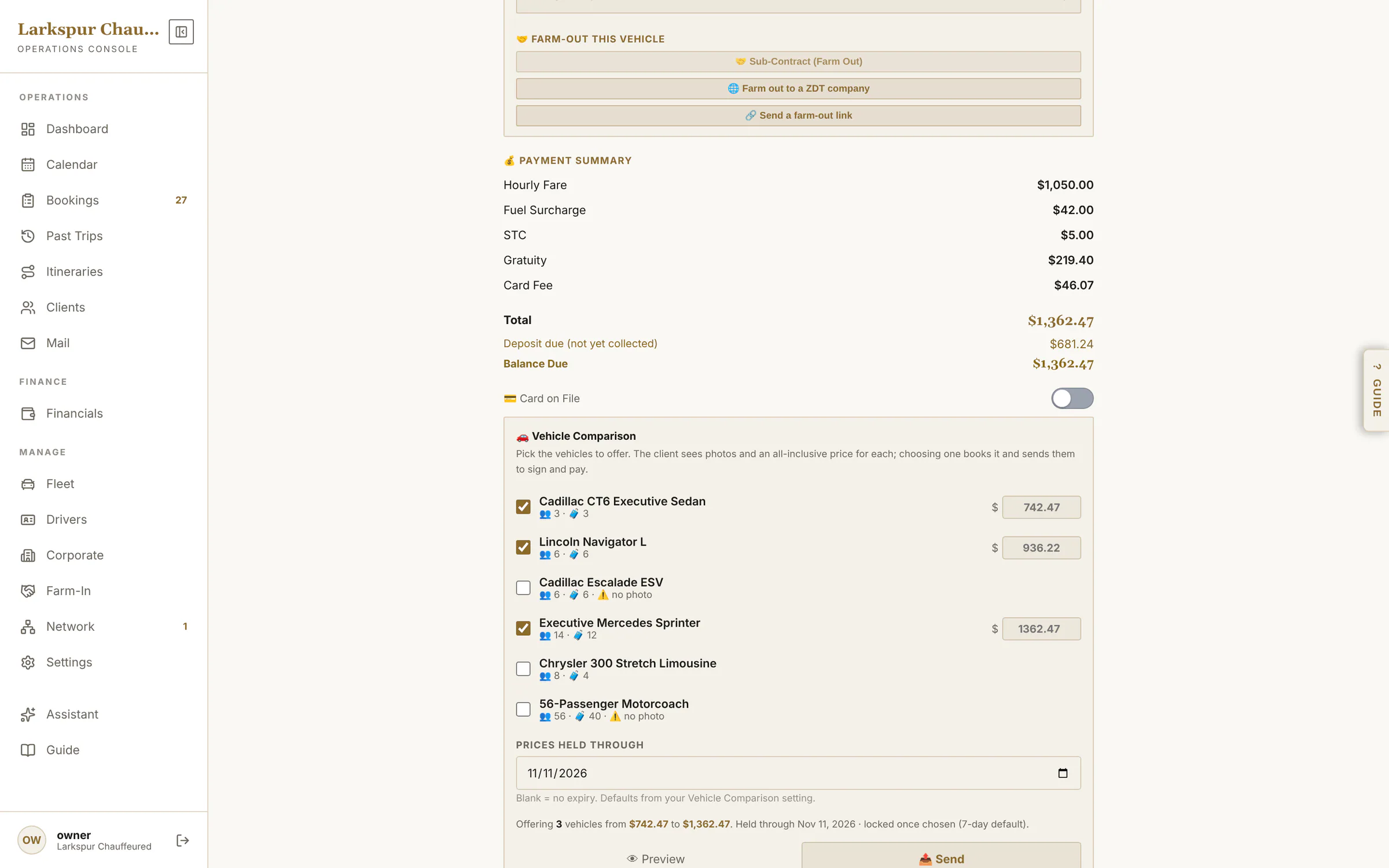
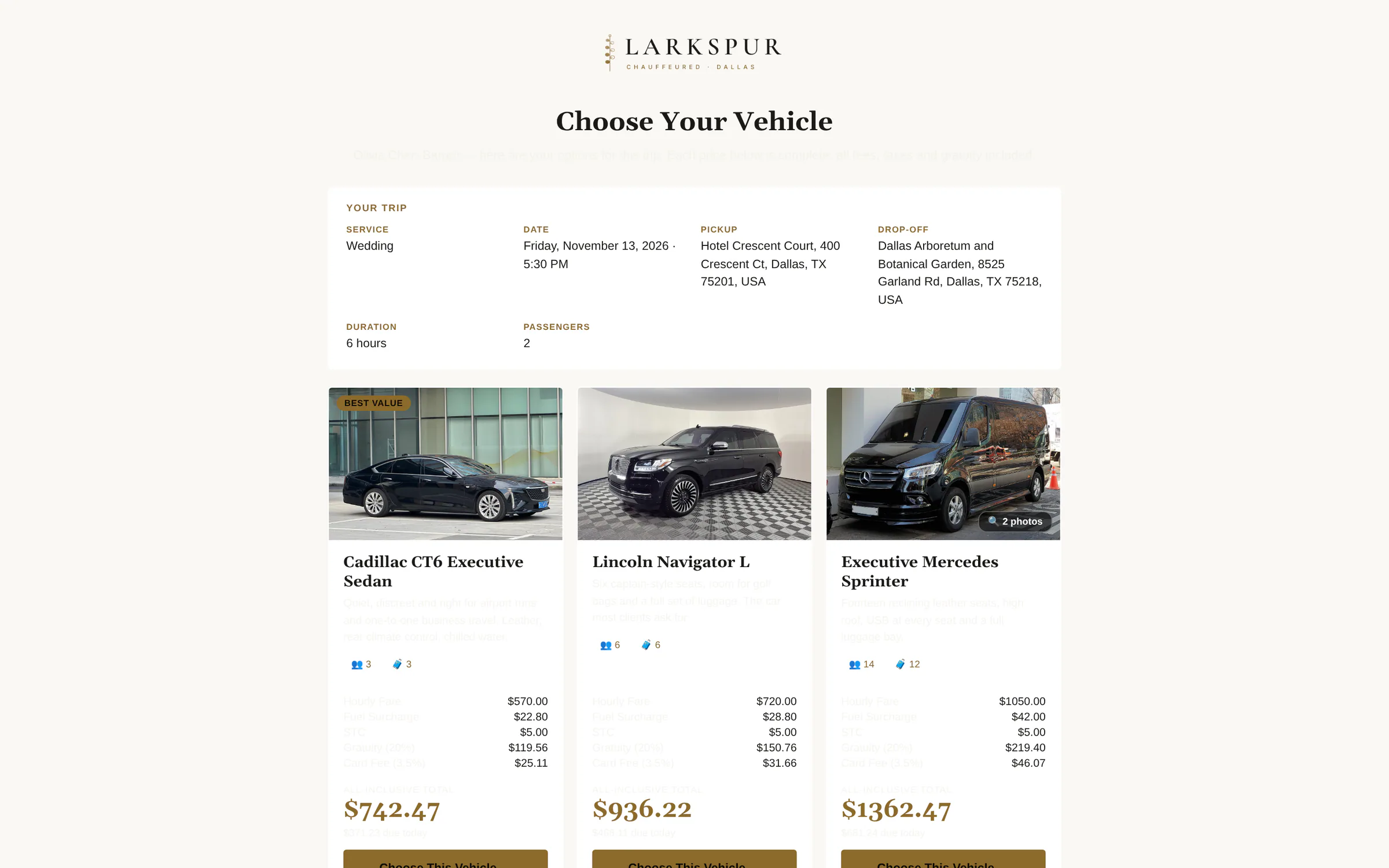
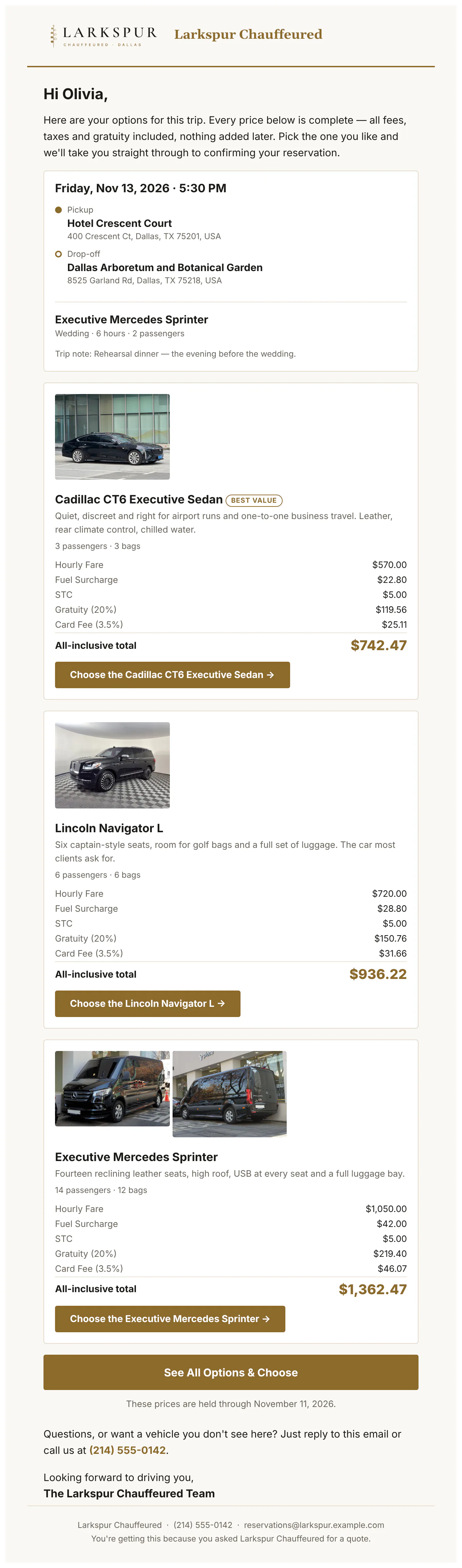
Send two to four vehicles, each priced all-in from your rates and held until a date you set. The client picks one; the booking switches to that car and goes on to signing and payment.
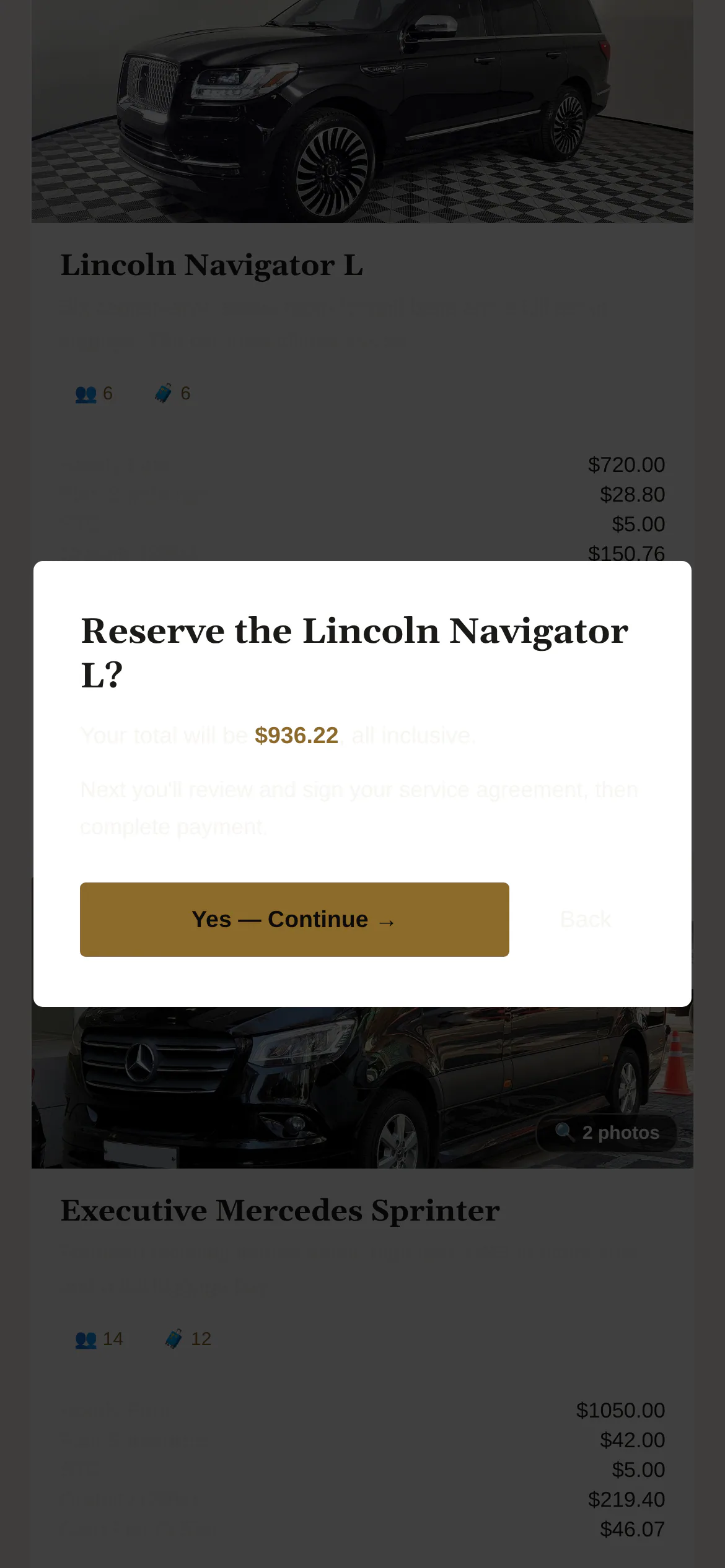
Tap to zoomThe client picks the carYour offer side by side — photos, seats and the all-in price for each — held until the date you set.Tap to zoomEvery option, on a phoneThe whole comparison in one scroll.Tap to zoomOne more tap to reserveThe client confirms their choice; the booking switches to that car and goes straight to signing and payment.
app.zdtbooking.com/adminTap to zoomOffer a choice of carsPick two to four vehicles, each priced all-in from your rates — override any price, set how long they're held — and send one link.app.zdtbooking.com/compareTap to zoomThe client picks the carYour offer side by side — photos, seats and the all-in price for each — held until the date you set.
What lands in their inbox
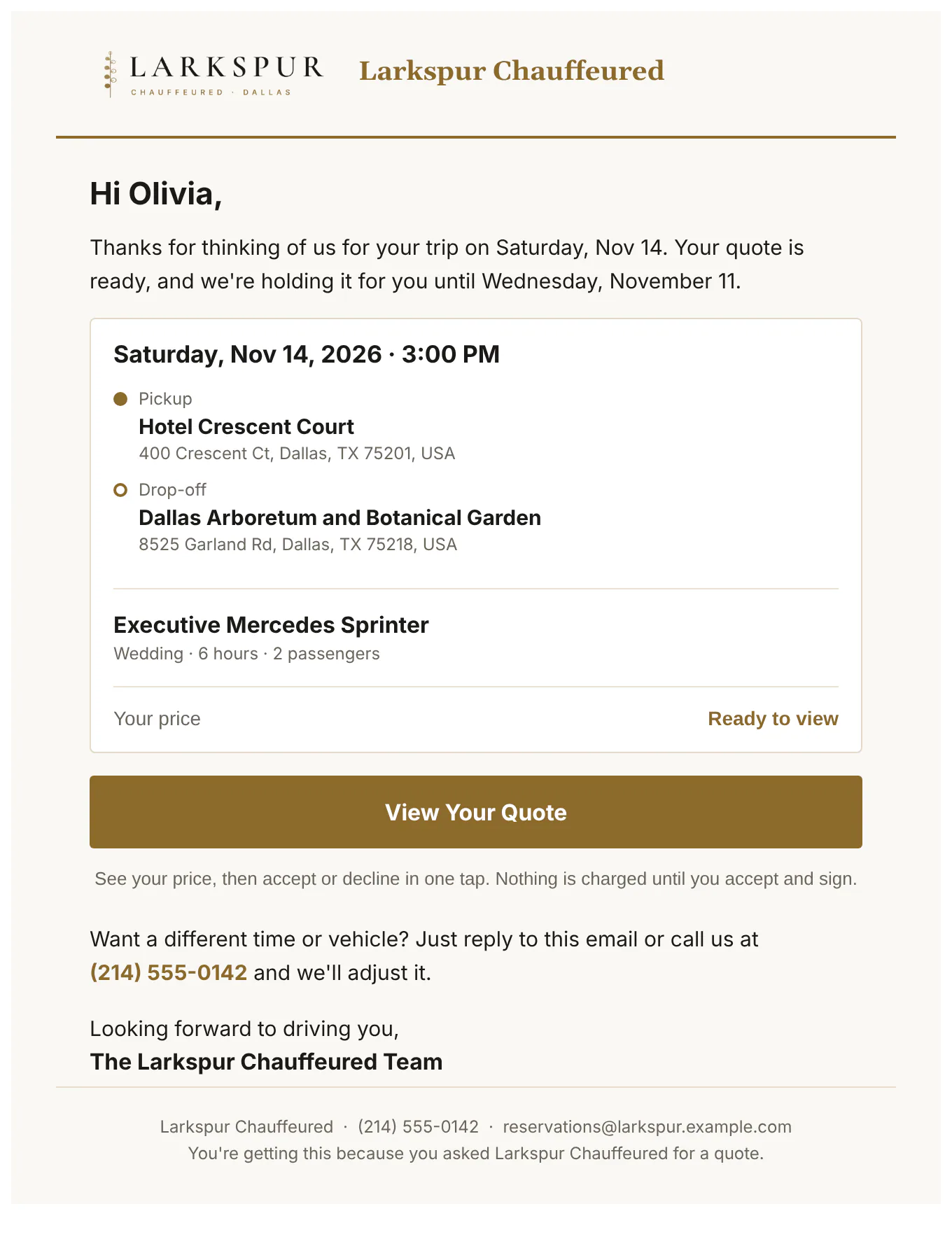
Every email is in your brand and opens in a preview before it goes, where you can Cc anyone and add a personal note. Confirmations, receipts and the signed agreement come as PDFs too.
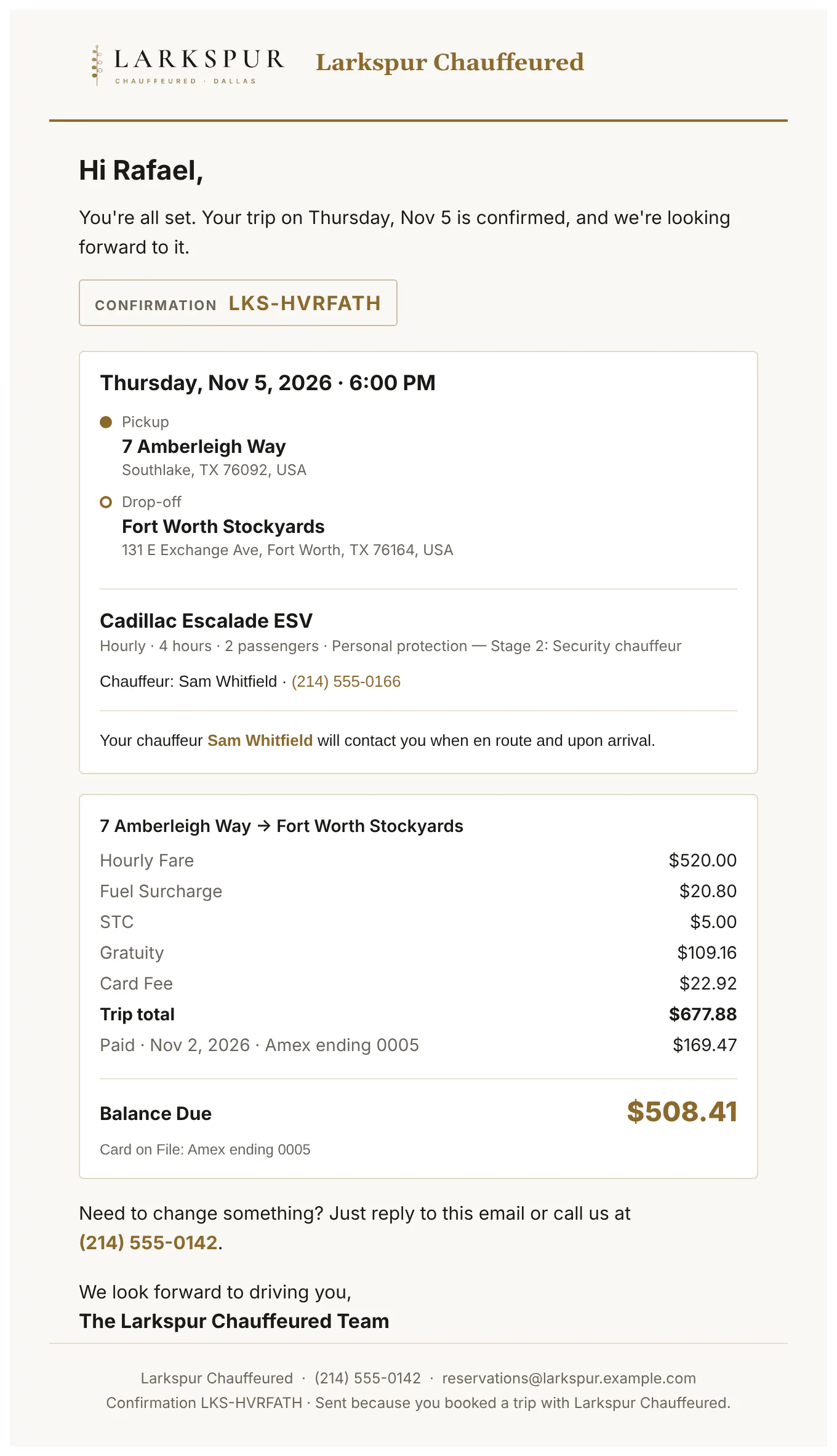
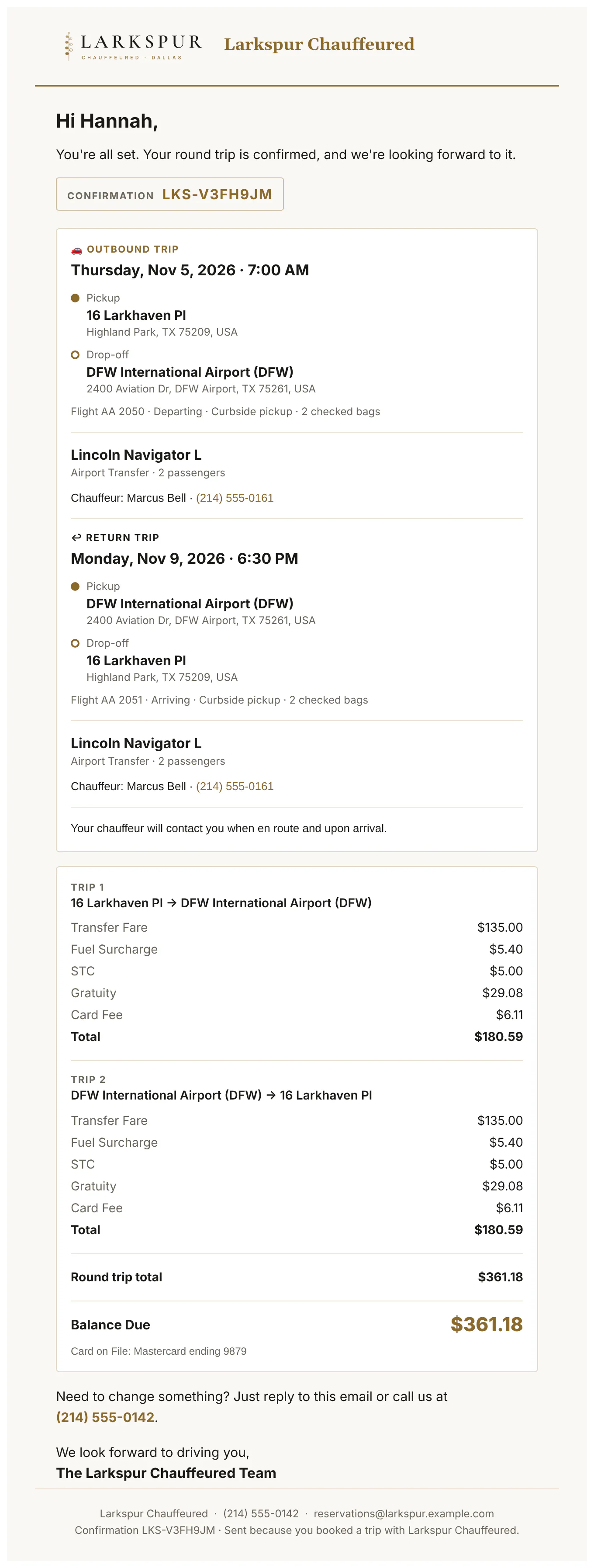
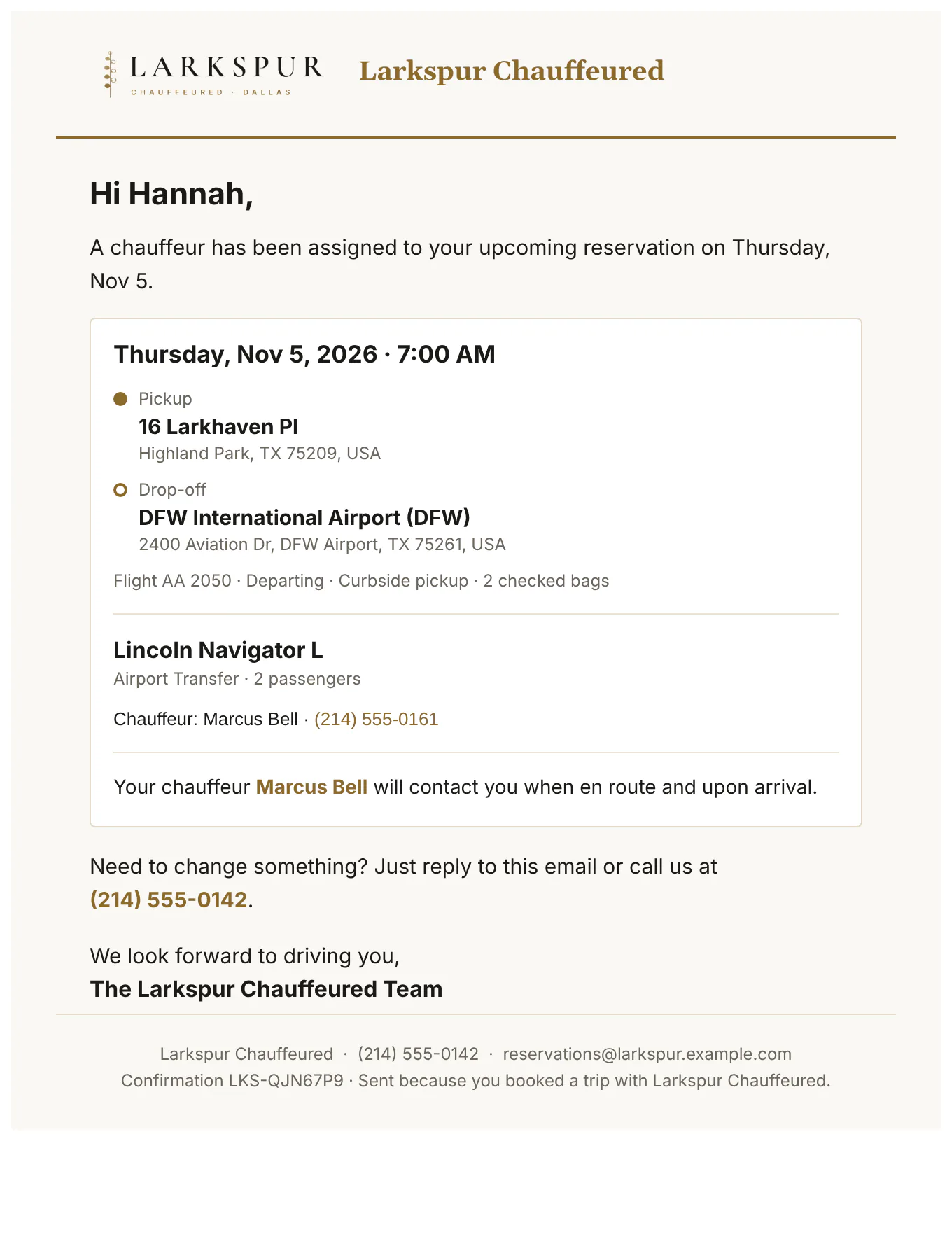
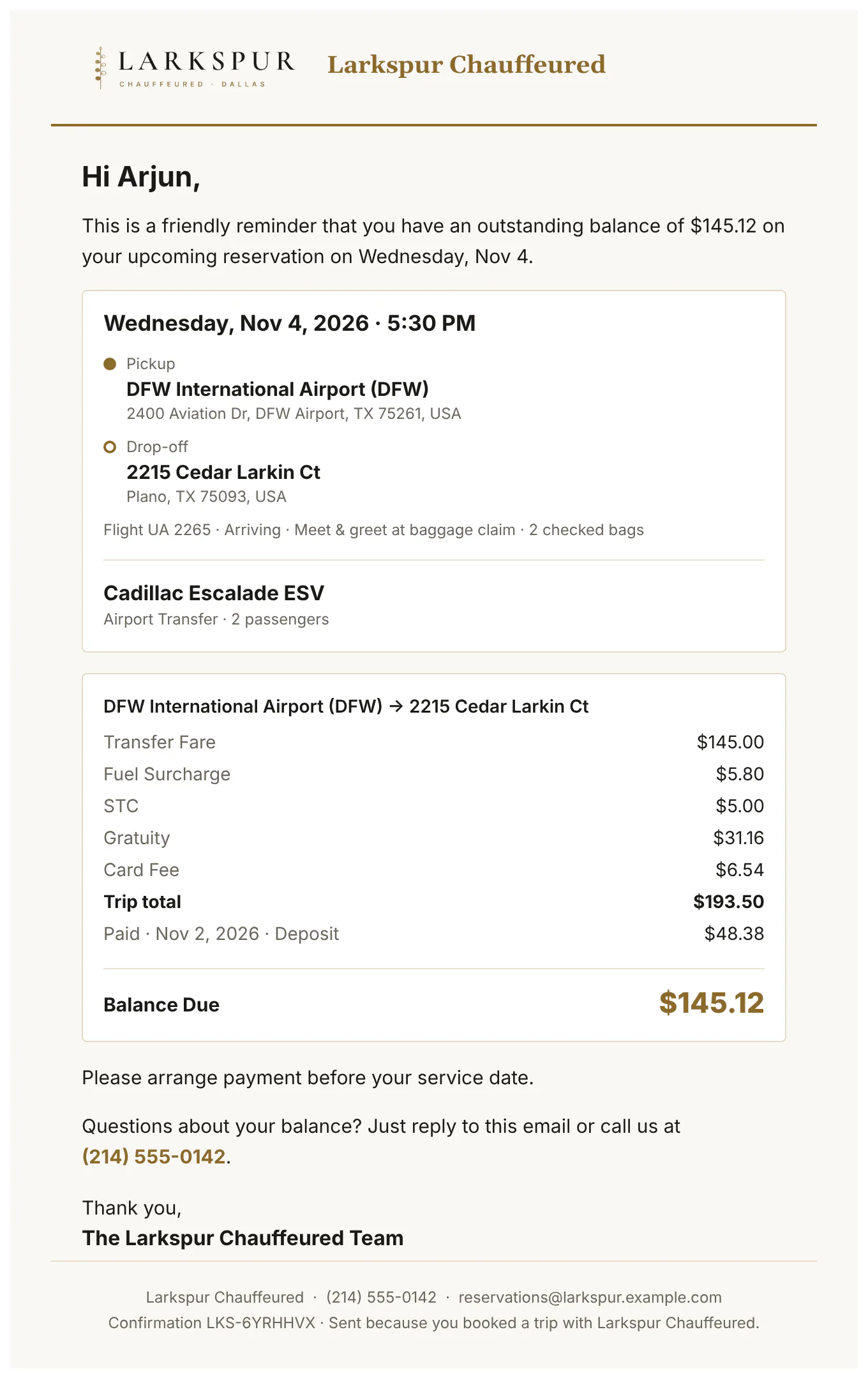
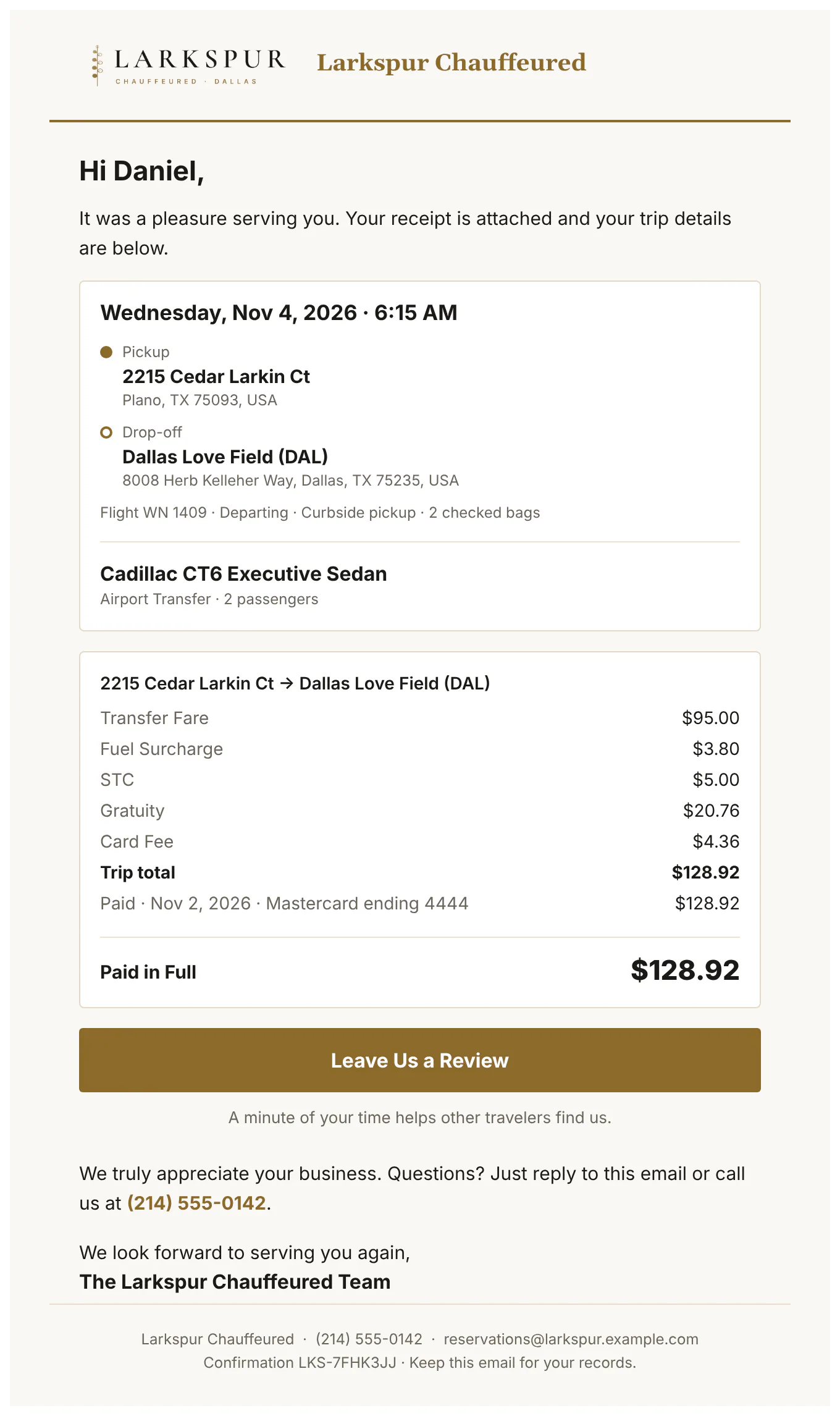
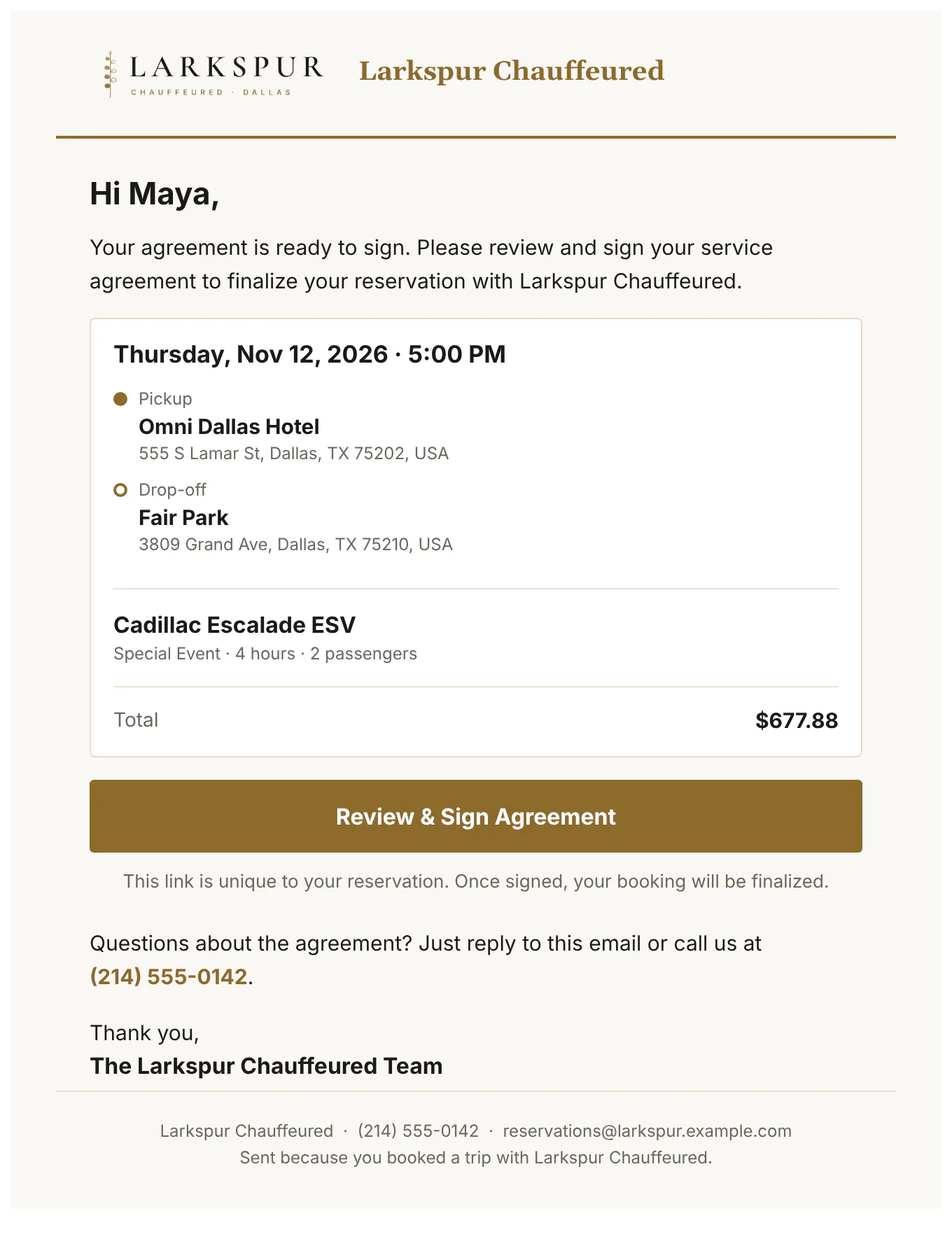
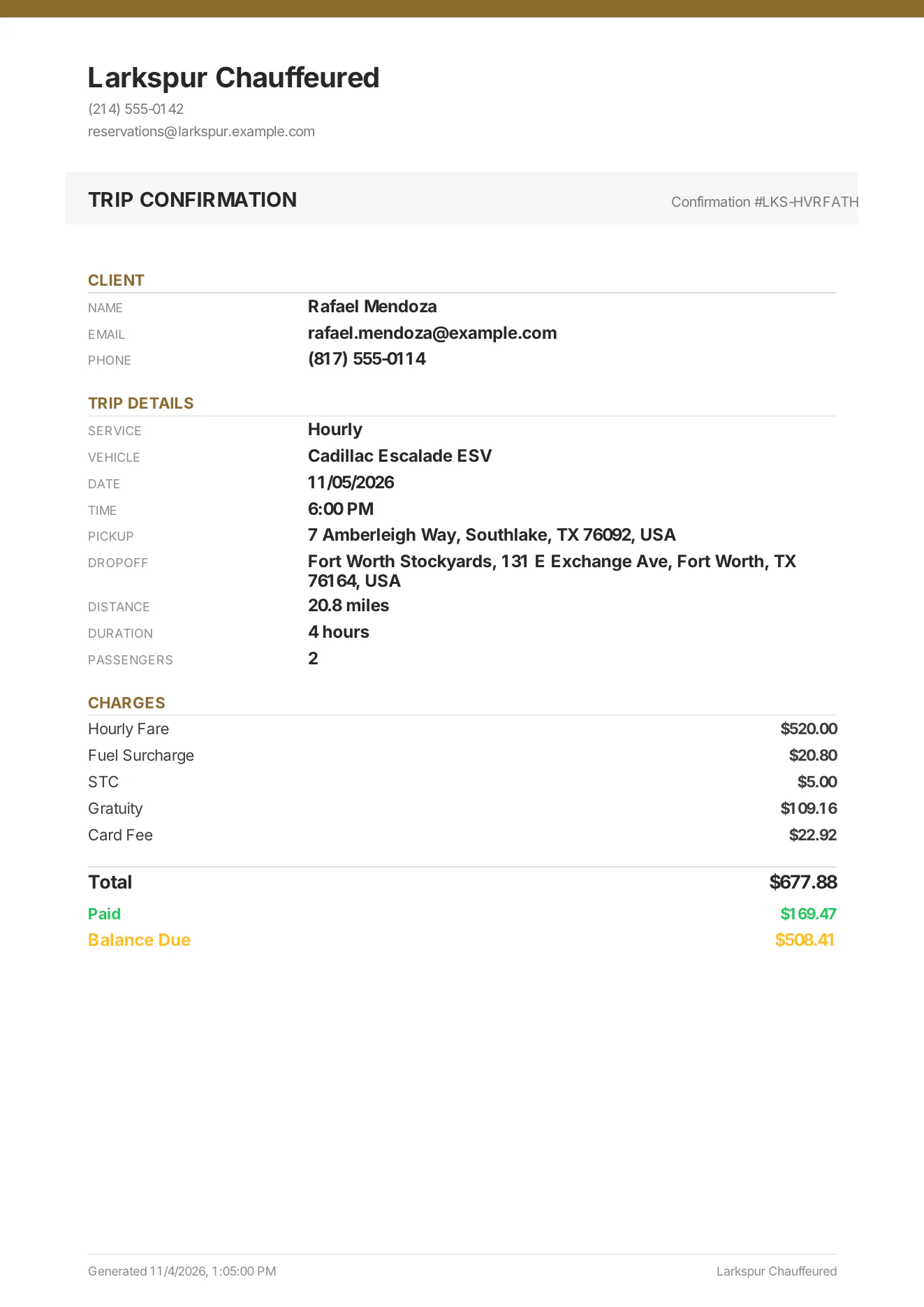
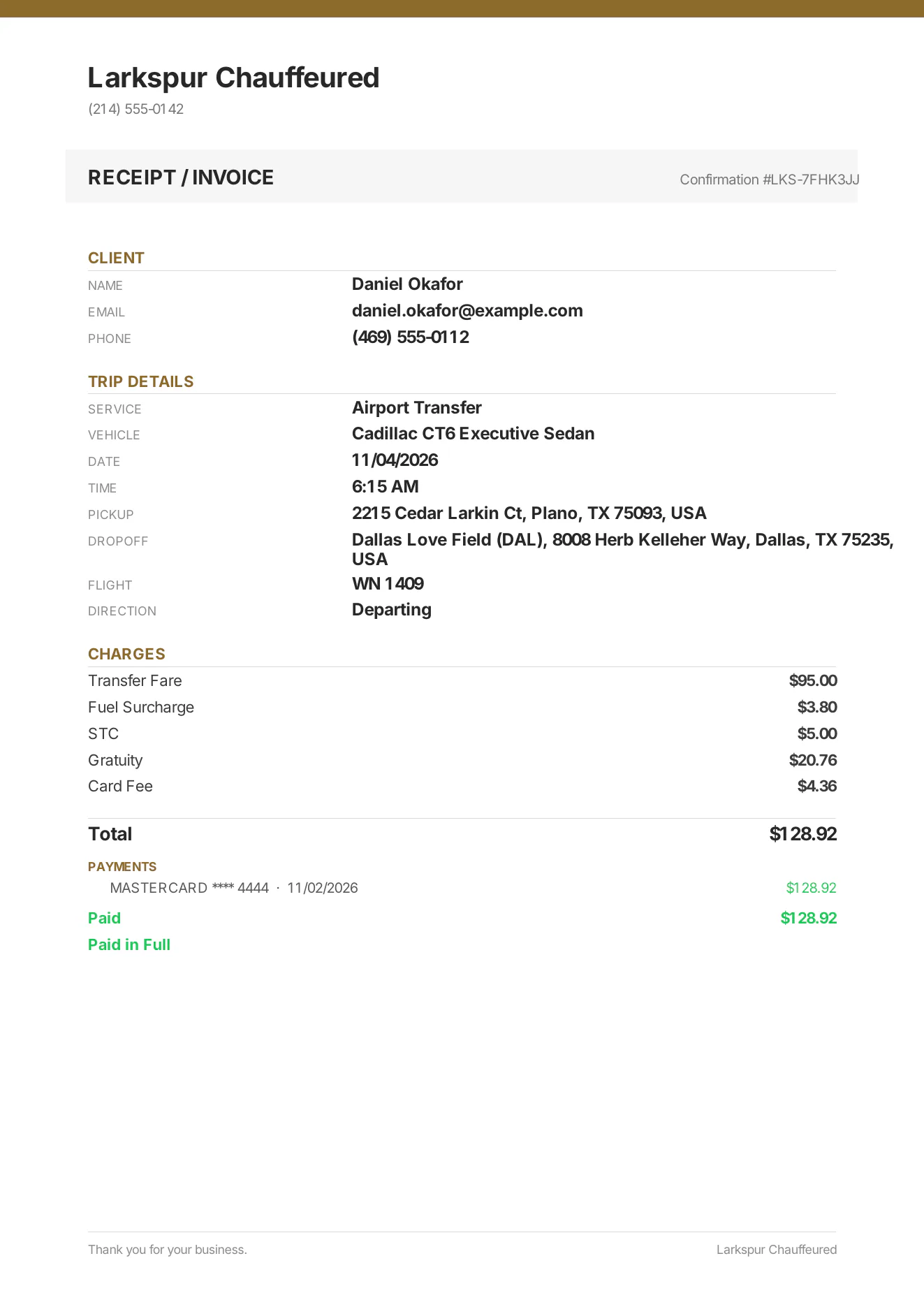
Tap to zoomThe quote emailThe trip, the car and the price, with one button to view and accept the quote.Tap to zoom“Your vehicle options”The comparison email: each car with its photo and all-in price, and one button to choose.Tap to zoom“You're confirmed”Every detail of the ride, the confirmation number, and the money: the route, each charge and the trip total.Tap to zoomRound trips, trip by tripEach leg under its own route with its own charges and total, then the round trip together and the balance due.Tap to zoom“Your chauffeur”The chauffeur's name, photo, car and plate, sent before the ride.Tap to zoomBalance reminderWhat's still owed and a secure link to pay it.Tap to zoomThank you, with the receiptSent after the ride: thanks from the company and the itemised receipt.Tap to zoomSign your agreementA link to read and sign the agreement — and add a card or photo ID if you ask for one.Tap to zoomTrip confirmation PDFA branded one-page confirmation to attach or print — corporate and farm-in clients get their own versions.Tap to zoomReceipt and invoice PDFItemised charges, payments and balance — the same PDF that's attached to the receipt email.Tap to zoomThe signed agreement, as a PDFEvery section as signed, the signature, time, IP address and device — attached to the client's copy automatically.
Quote Request Mode
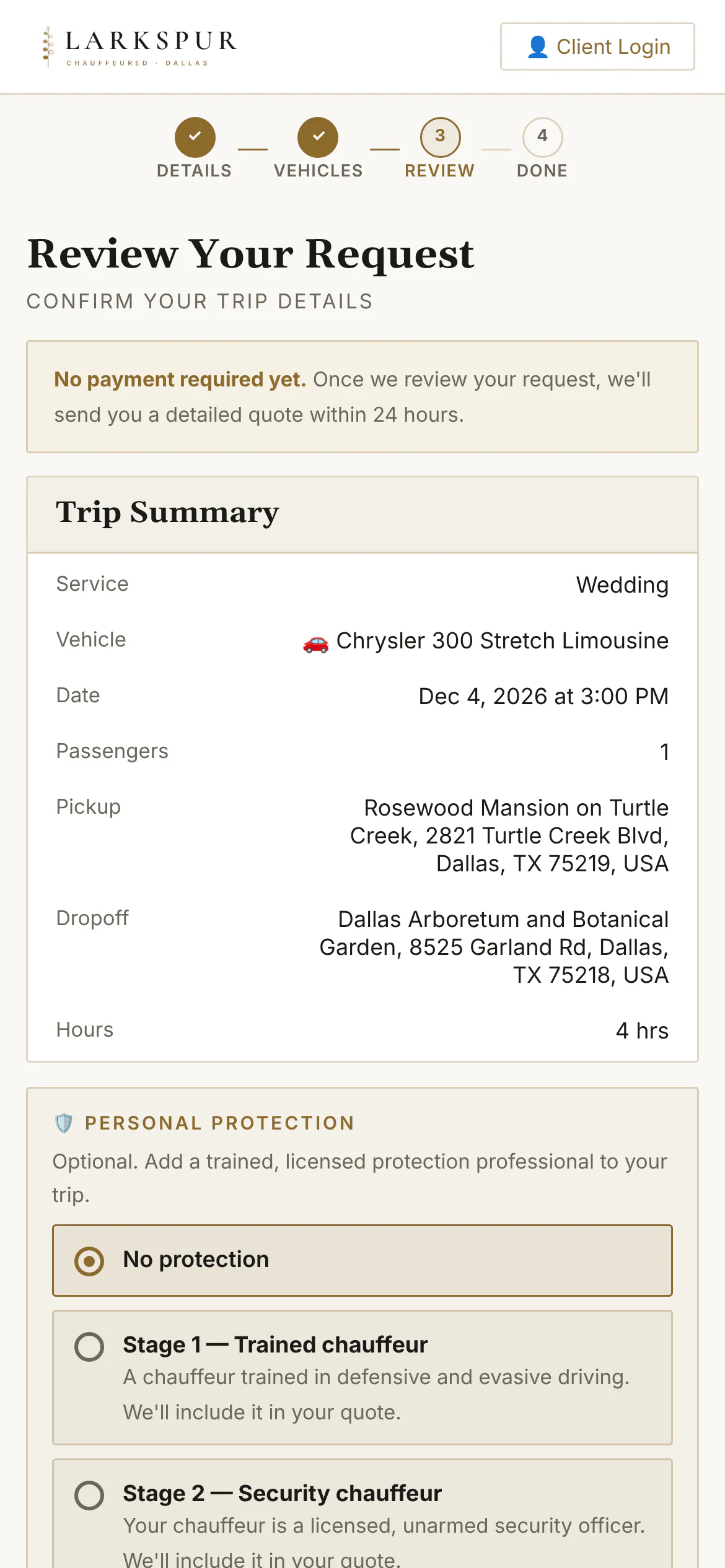
Rather price every job yourself? Customers choose a car and send a request; you price it from your dashboard.
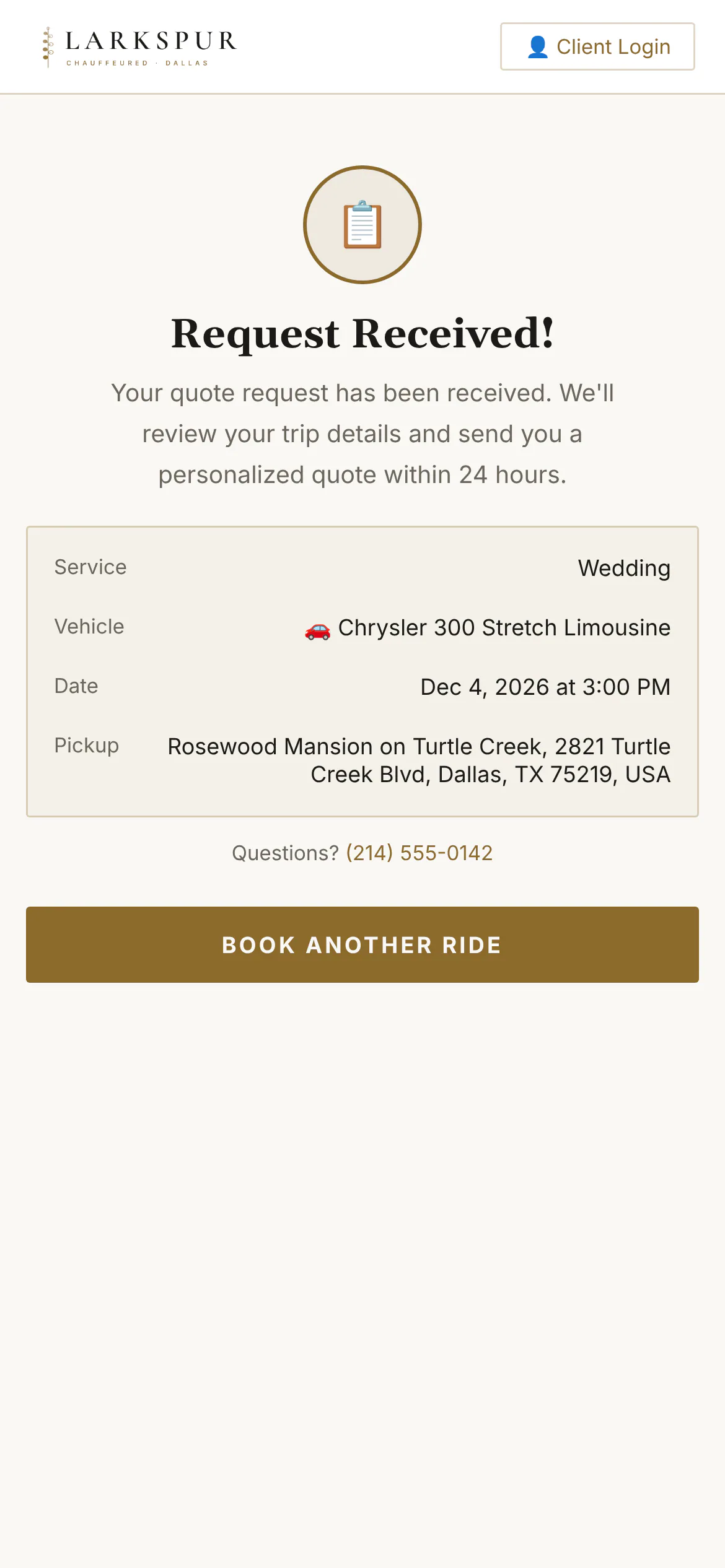
Tap to zoomQuote Request ModePrefer to price every job yourself? Switch on Quote Request Mode: customers choose a car and send a request instead of paying.Tap to zoomReview the requestNo payment yet — the customer reviews the trip and sends it to you.Tap to zoomRequest receivedThe request lands on your dashboard as Quote Requested, ready for you to price it.app.zdtbooking.com/book/larkspurTap to zoomQuote Request ModePrefer to price every job yourself? Switch on Quote Request Mode: customers choose a car and send a request instead of paying.
The client portal Add-on
Clients sign in with an emailed code — no passwords — to see every trip, pay balances, repeat or duplicate a ride, and manage passengers and cards.
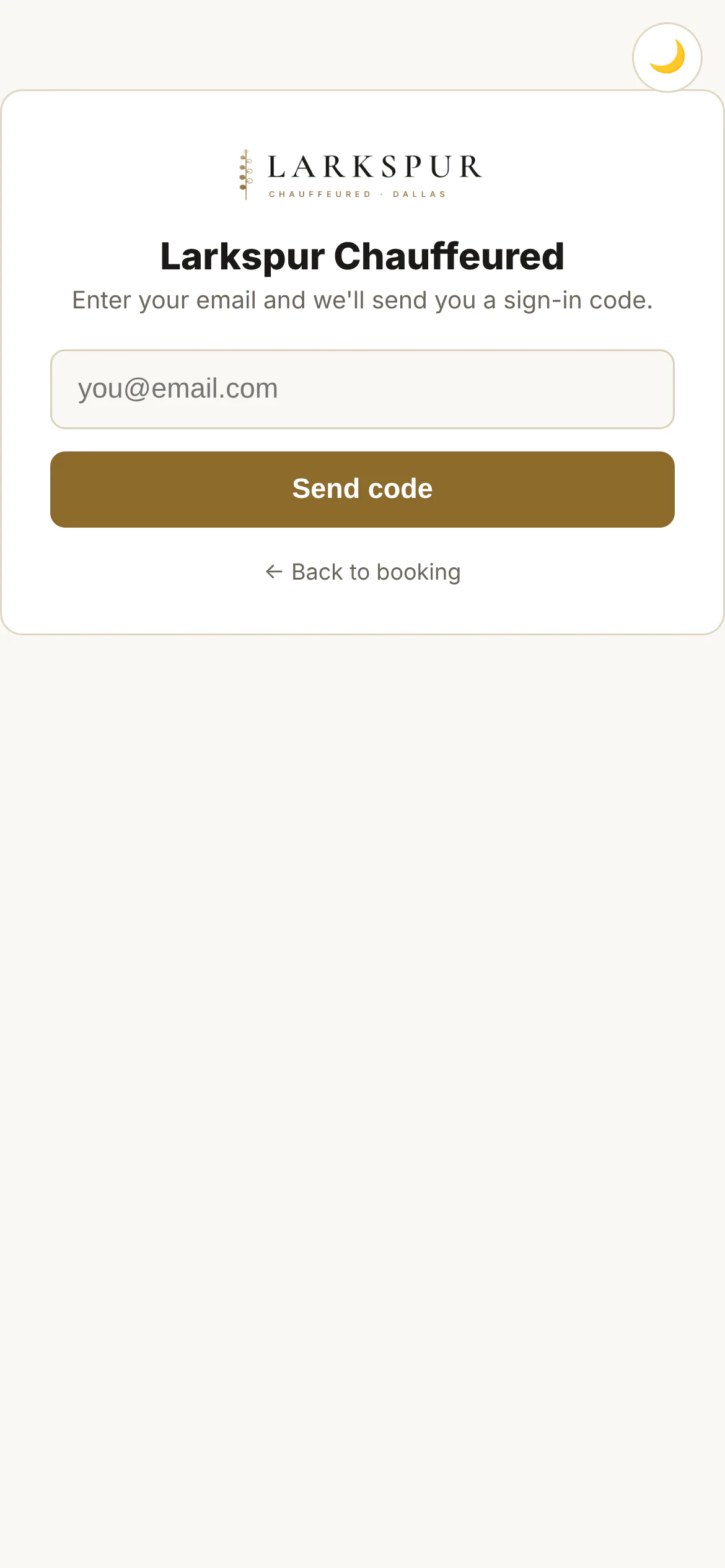
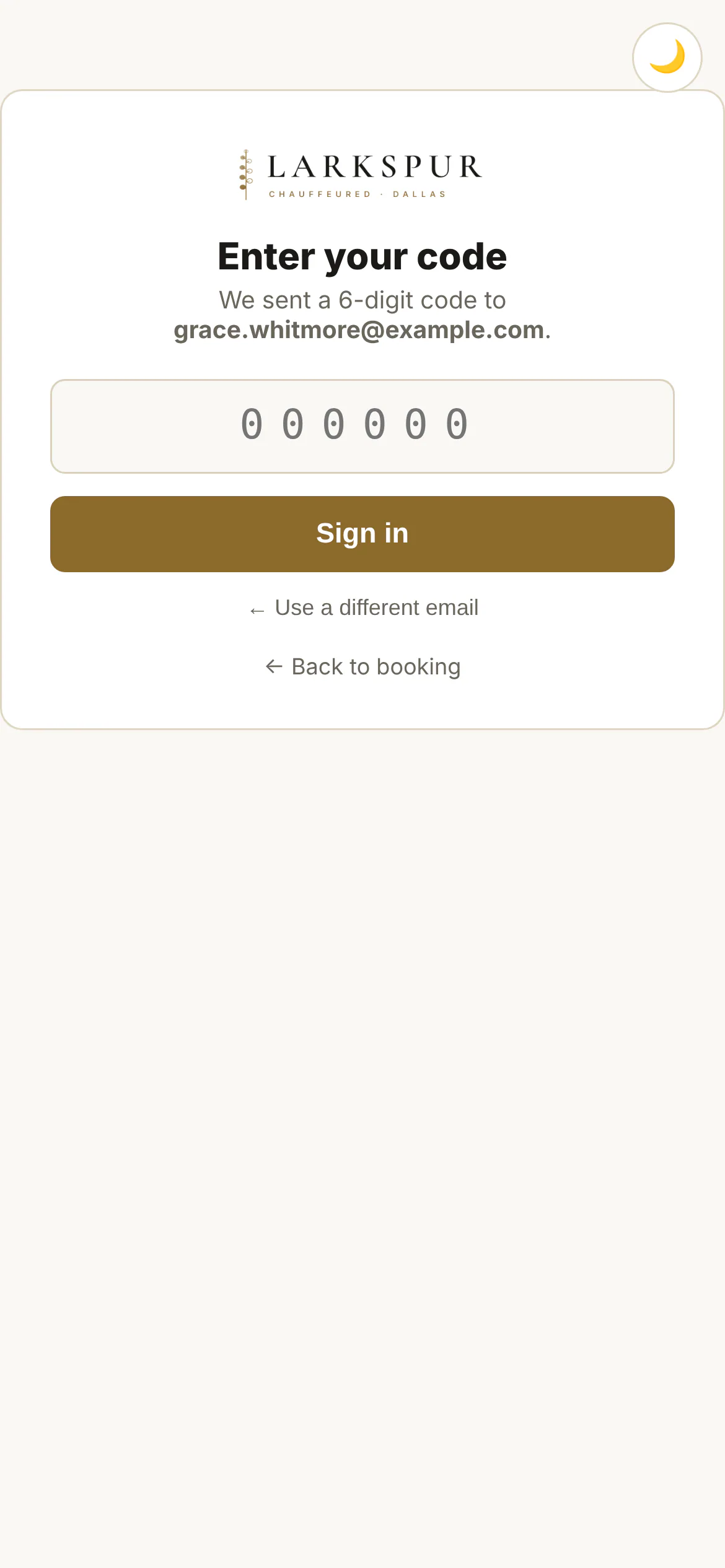
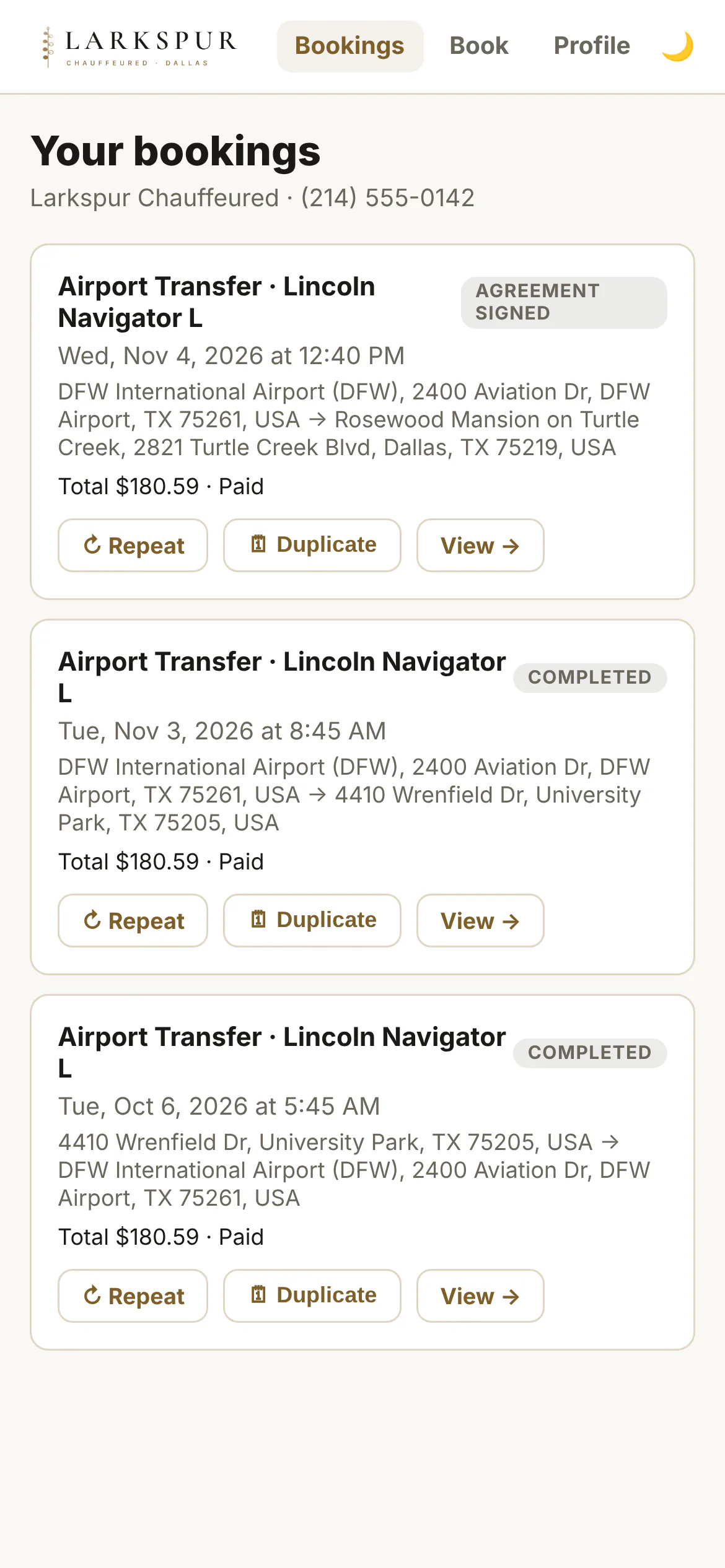
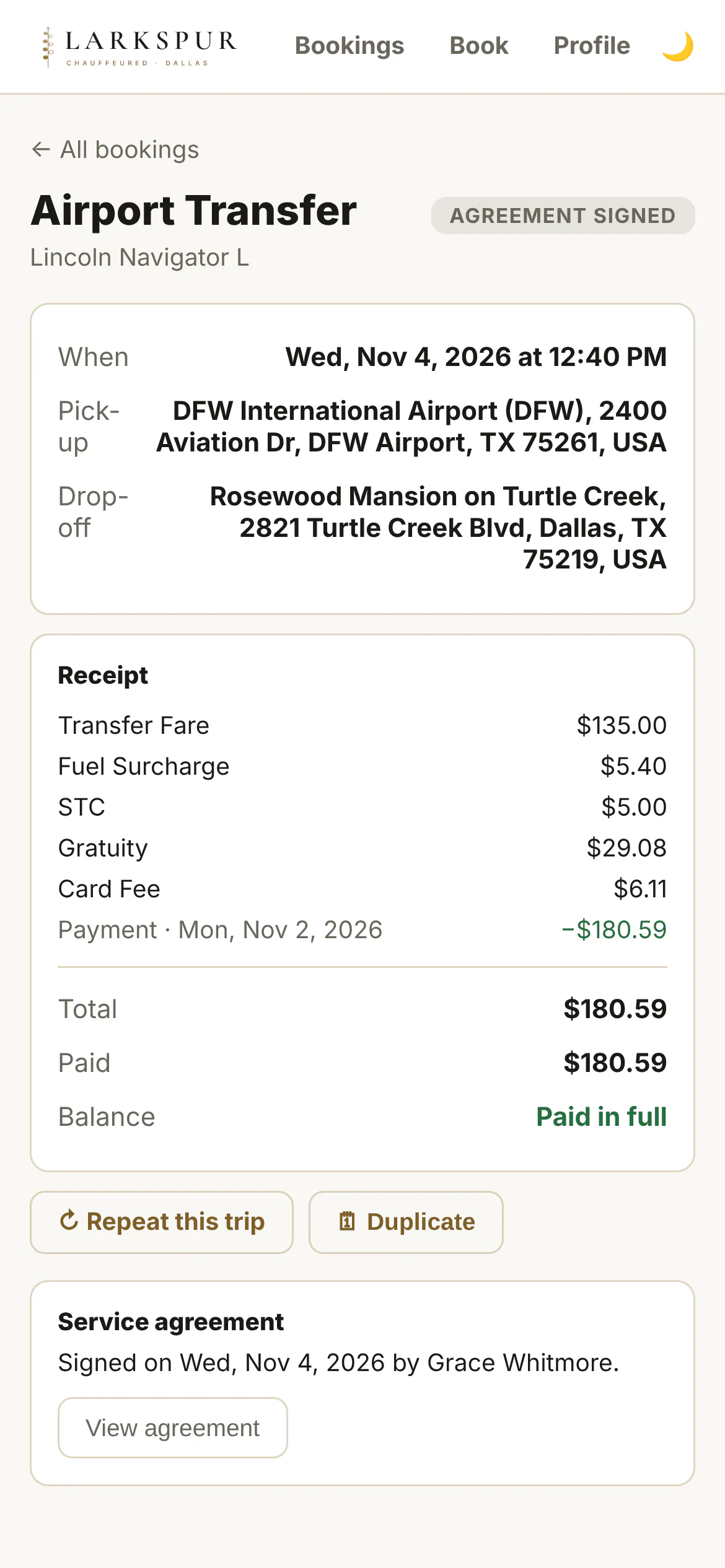
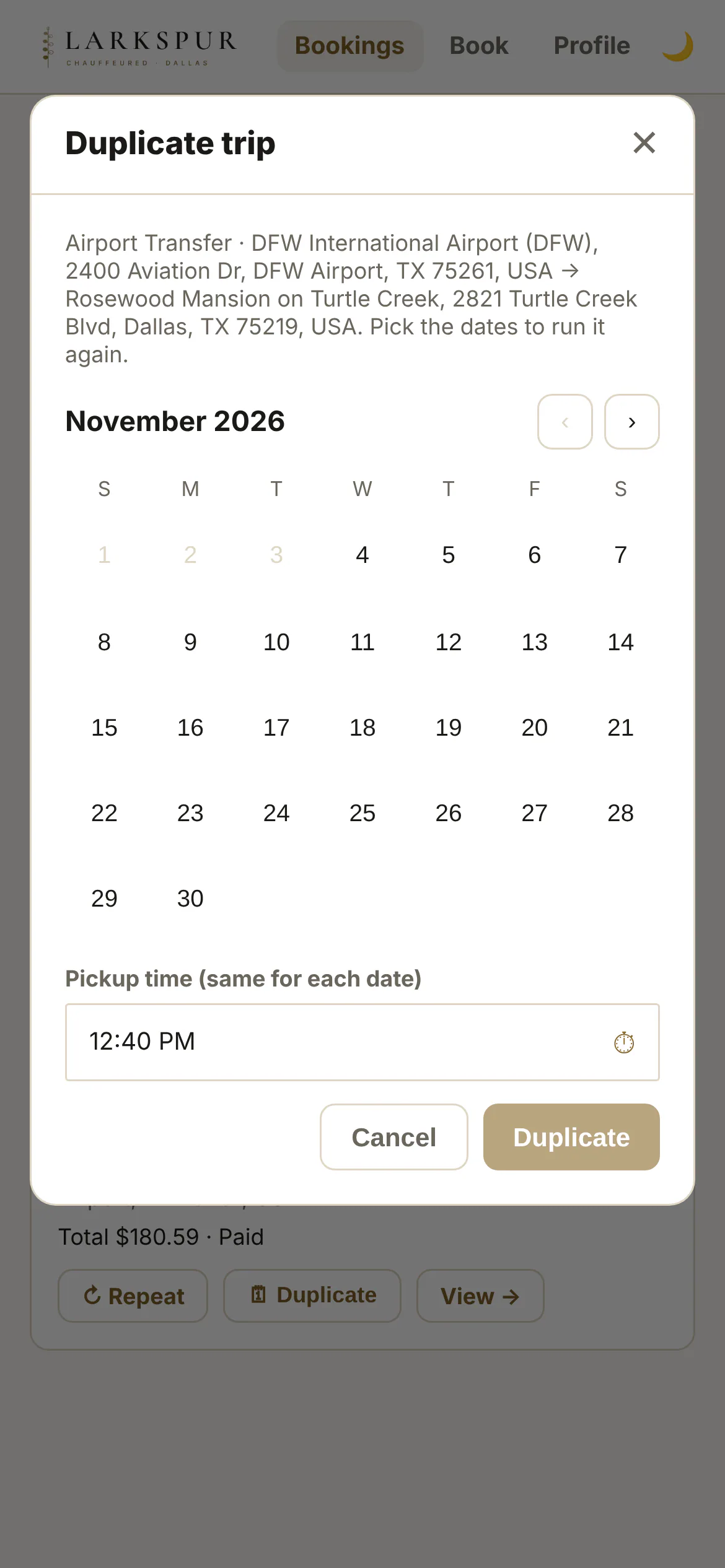
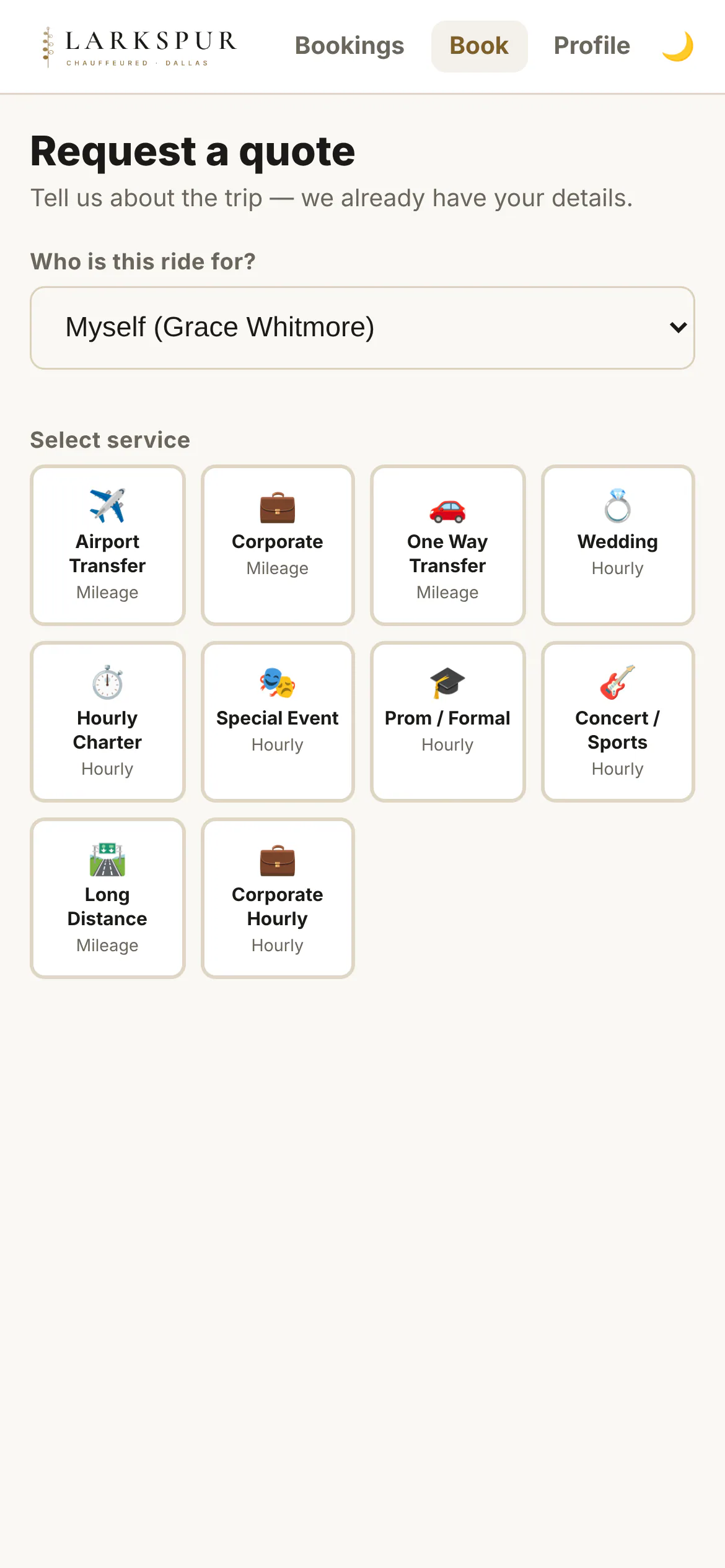
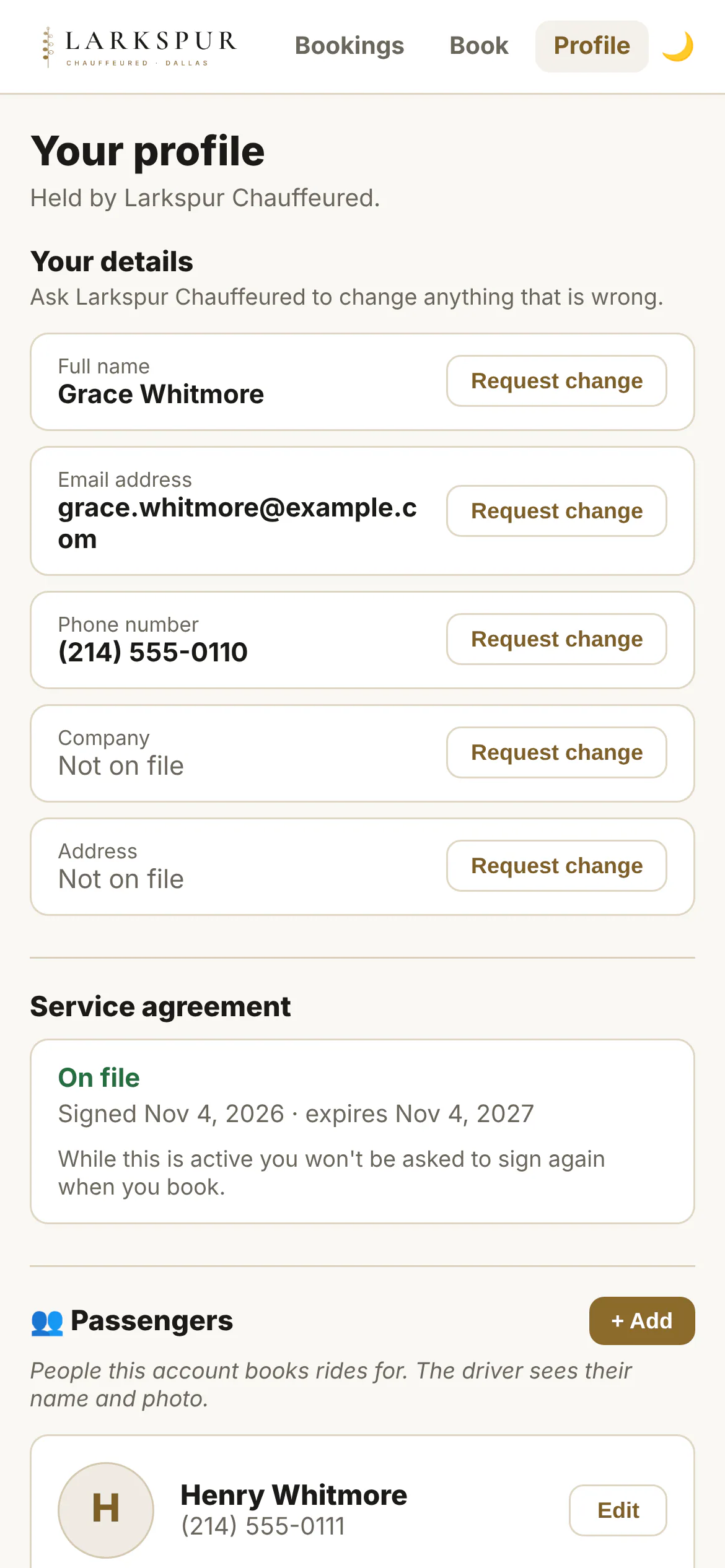
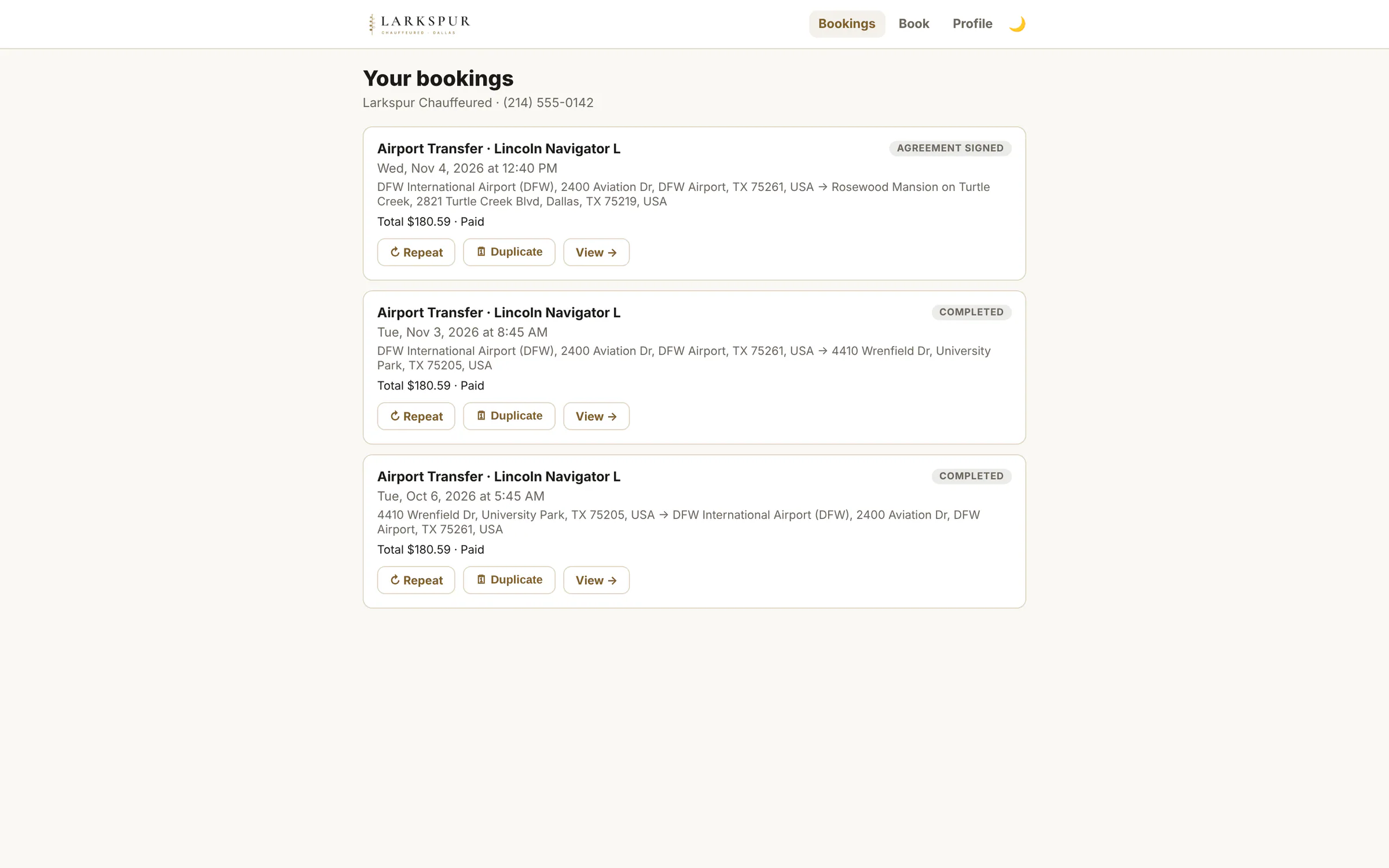
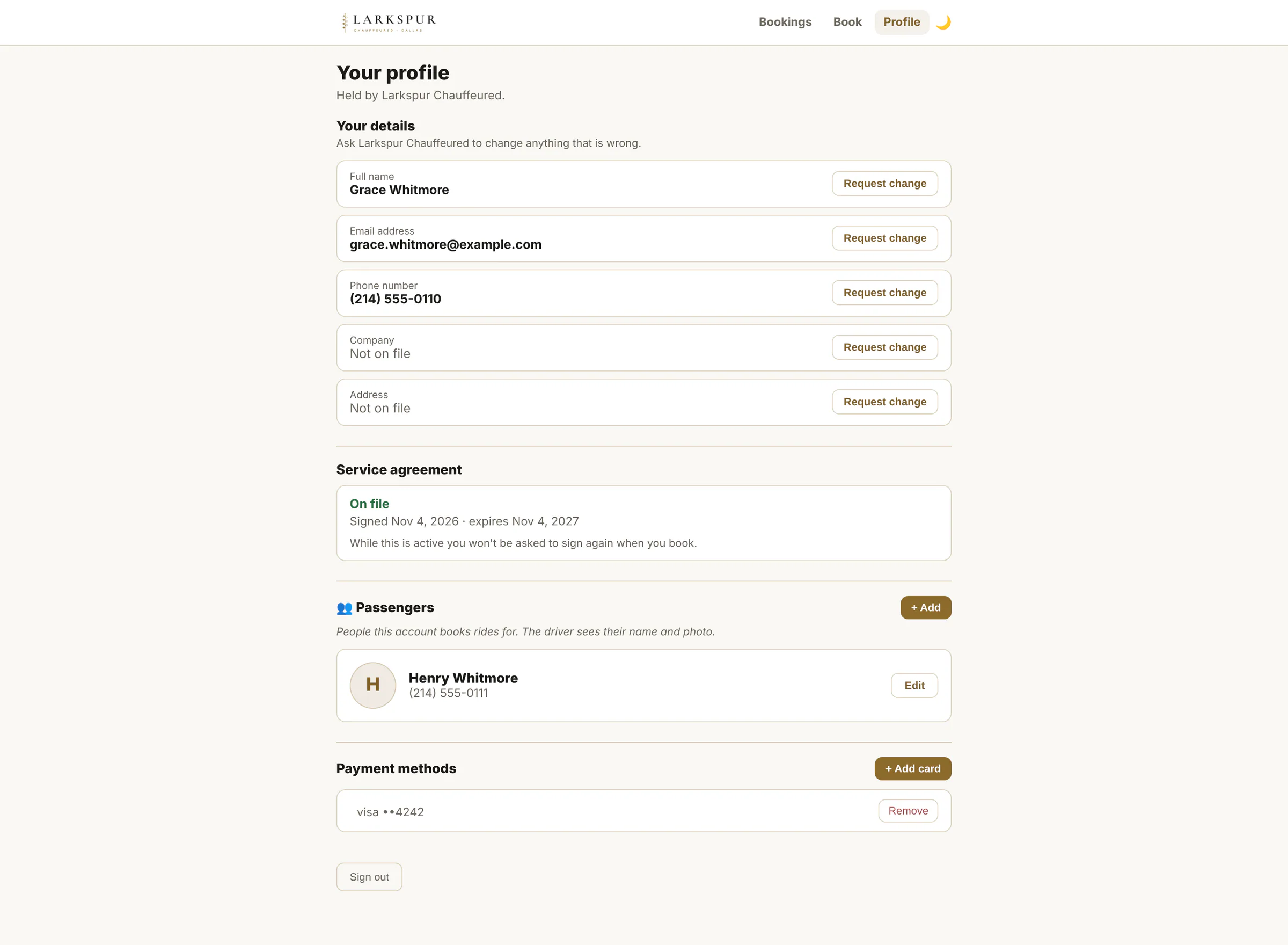
Tap to zoomClient portal sign-inNo passwords: clients sign in with a six-digit code sent to their email.Tap to zoomEnter the codeSign-in codes expire in minutes and lock after repeated wrong tries.Tap to zoomMy tripsEvery upcoming and past trip, with repeat, duplicate and pay buttons.Tap to zoomTrip detail and receiptThe itemised receipt, the signed agreement and a pay button for any balance.Tap to zoomDuplicate a tripRegulars book the same ride again by picking new dates on a calendar.Tap to zoomRequest a quoteSigned-in clients request trips for themselves or their saved passengers.Tap to zoomProfile, passengers and cardsClients manage their own passengers and saved cards; a change to their details comes to you as a request to approve.
app.zdtbooking.com/portalTap to zoomMy tripsEvery upcoming and past trip, with repeat, duplicate and pay buttons.app.zdtbooking.com/portalTap to zoomProfile, passengers and cardsClients manage their own passengers and saved cards; a change to their details comes to you as a request to approve.
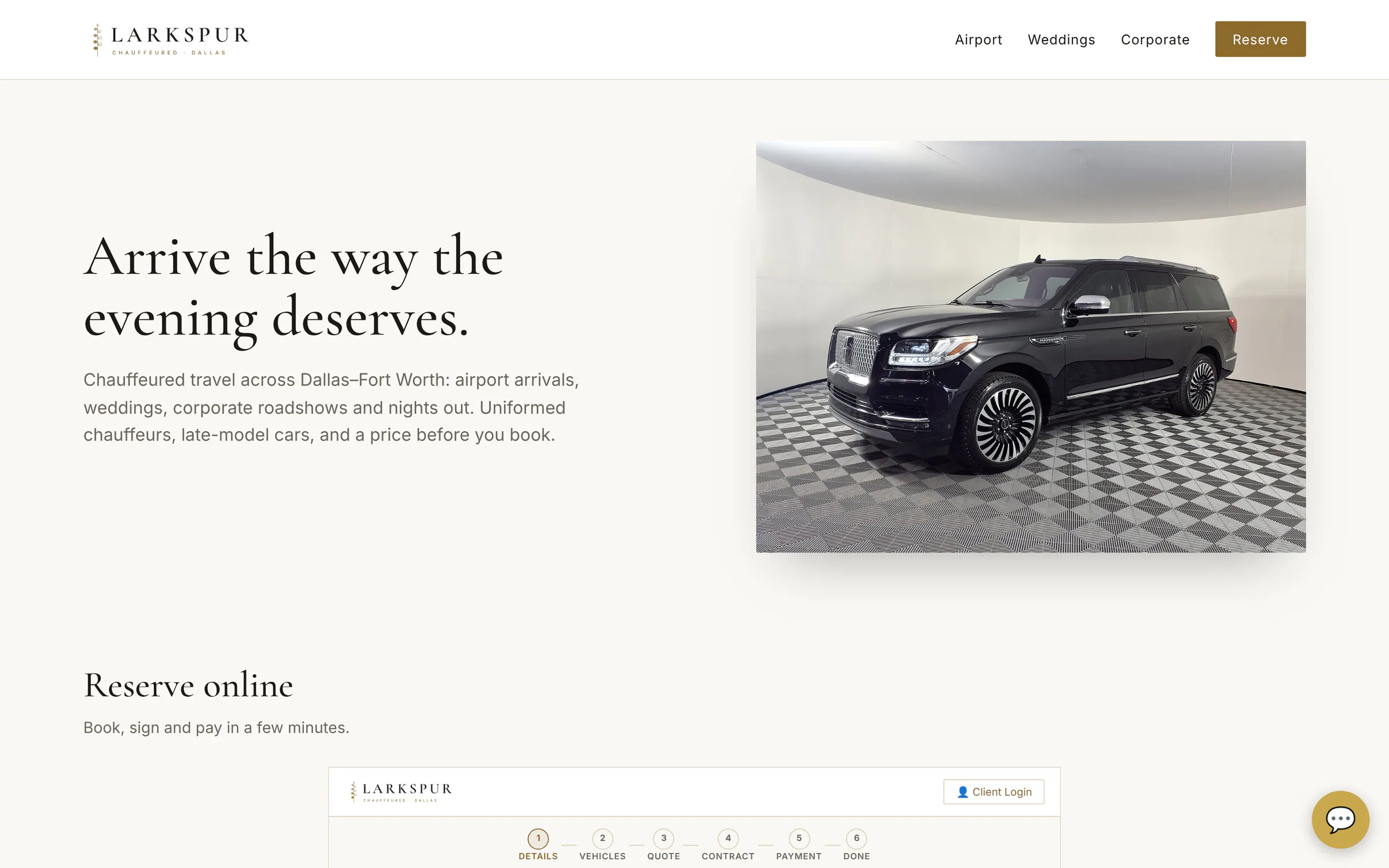
On your own website
Drop the booking page into your site with one line. The AI concierge and Doorstep Mail's forms embed the same way.